LeadCare
®
II User's Guide 2-2
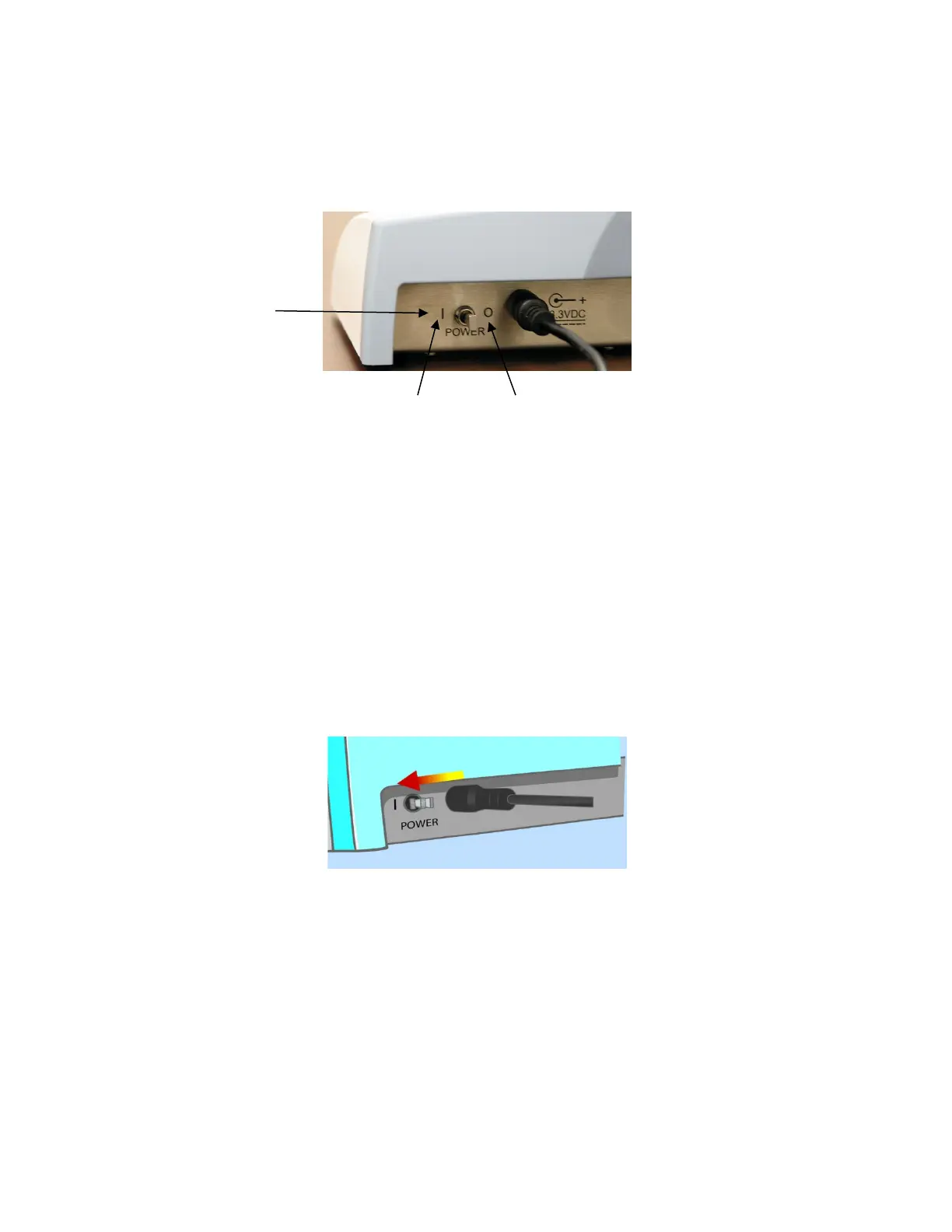
Turning the Analyzer On and Off
The LeadCare
®
II Blood Lead Analyzer power switch is located at the back of
the device as shown in Figure 2-1.
Figure 2-1 Power Switch
If the analyzer is not in use for 15 minutes (battery operation) or 60 minutes
(AC operation), it will go into “sleep” mode. Inserting a sensor or moving the
power switch to the ON position will restart the analyzer.
Turn On the Analyzer
To turn on the analyzer for the first time:
1. Make sure the analyzer is plugged in using the AC adapter, or that batteries
are installed if you are using the analyzer in a remote location.
2. Move the switch on the back of the analyzer to the ON (|) position.
Figure 2-2 Turn Analyzer On


 To Next Page