LeadCare
®
II User's Guide 3-3
B) Mix with Treatment Reagent
1. Remove the cap from the treatment reagent tube and place it top down on
a clean surface.
2. Place the full capillary tube into the treatment reagent. Insert a plunger
into the top of the capillary tube and push down, ensuring the entire
volume of control is dispensed into the treatment reagent.
3. Remove the empty capillary tube and recap the treatment reagent.
4. Invert the treatment reagent tube 8 – 10 times to thoroughly mix the two.
The resulting mixture will be red.
C) Test
1. Insert a fresh sensor into the LeadCare II Analyzer.
2. Ensure the lot number on the display matches the sensor lot you are
using. It must also match the lot number on the control vial.
3. Invert your sample to ensure the sample is well mixed, then remove the
cap.
4. Using a dropper, transfer the sample to the X on the sensor.
5. When the three minute countdown is complete, record your lead result in
micrograms per deciliter (µg/dL).
6. Repeat this process for the Level 2 control.
Testing Controls:
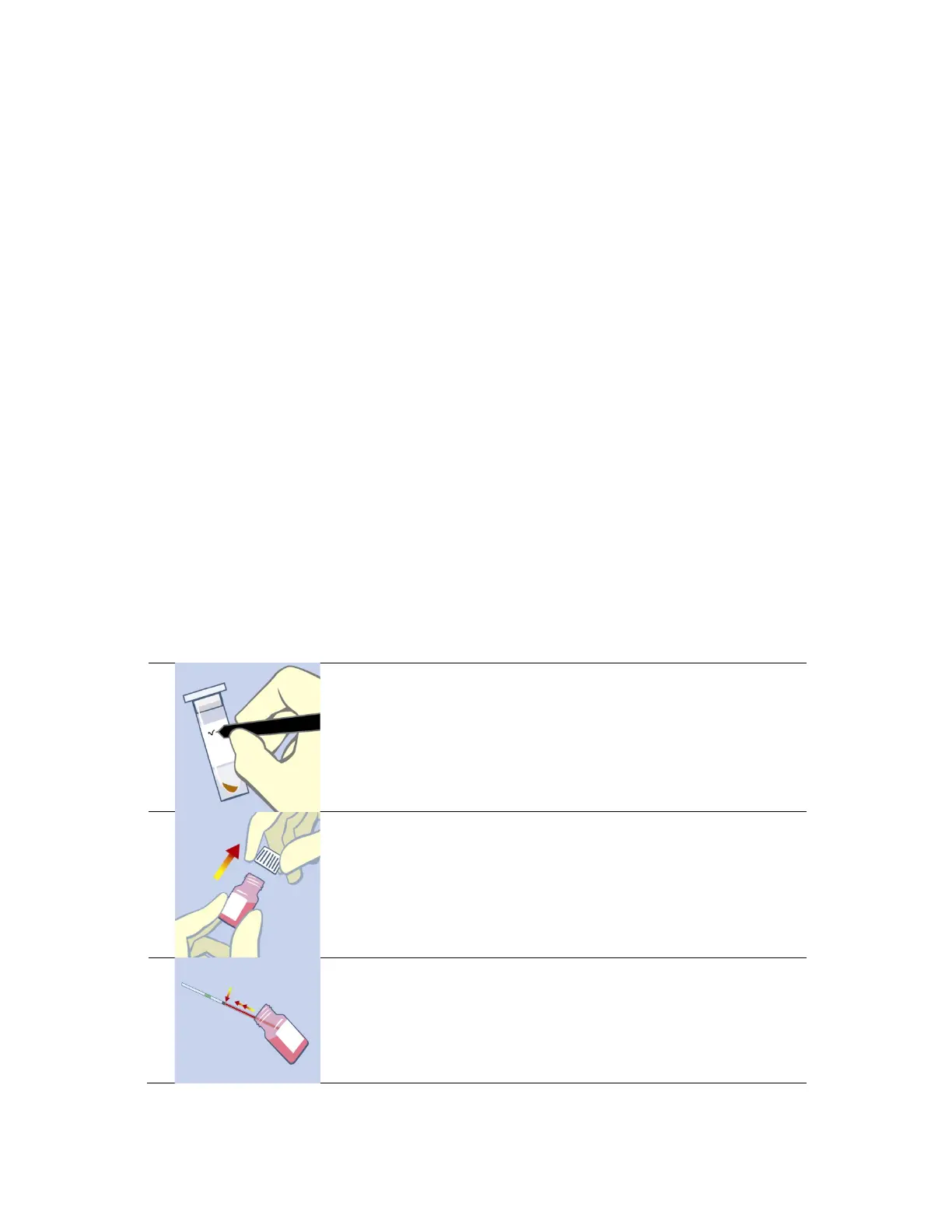
1. Label a fresh treatment reagent tube "Level 1 control".
2. Swirl the control vial gently. Remove the cap from the
control and place it top down on a clean laboratory
wipe. Ensure the lot number on the control vial
matches the sensor lot number you will be testing.
3. Holding the capillary tube almost horizontally with the
green band on top, fill it to the 50 µL black line.
Replace the cap on the control vial.


 To Next Page