MAGICFX
®
ECO2JET
®
- User and Installation Manual 25
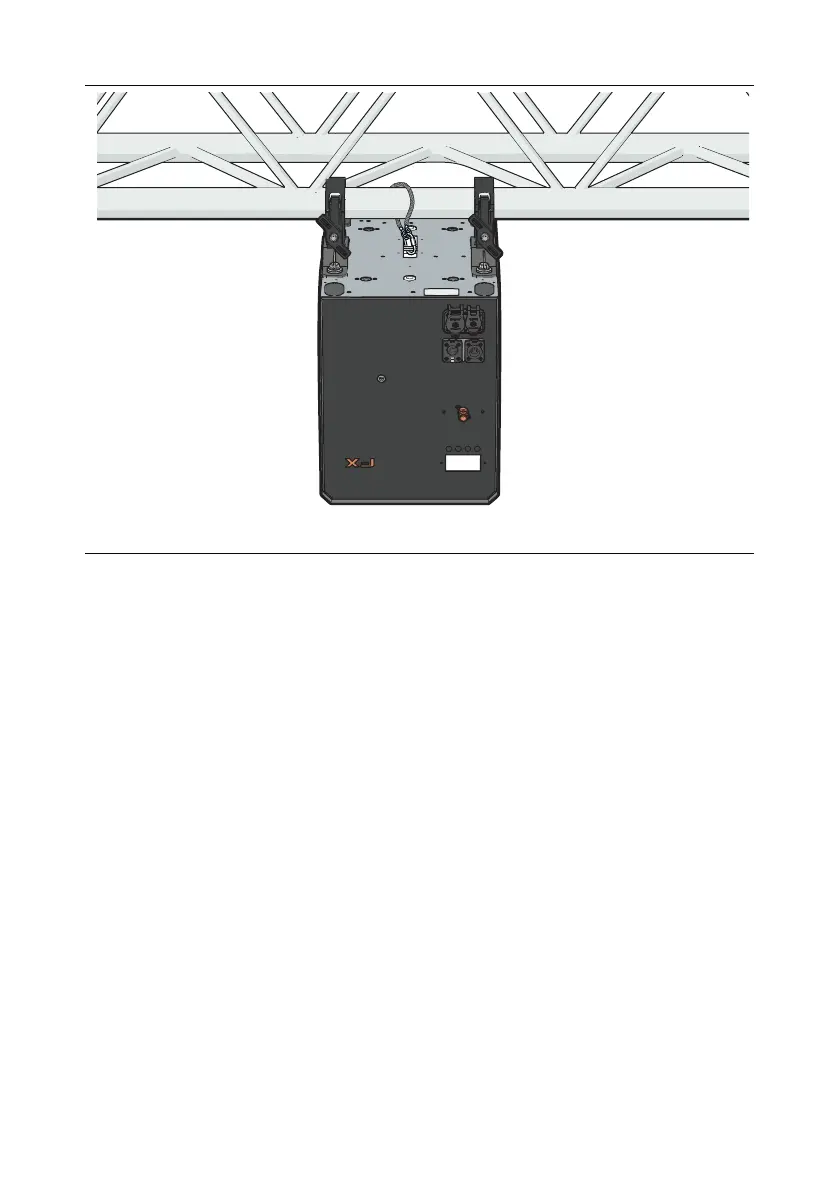
6. By default, the machine is programmed to autoflip the display. However, to
preserve a particular configuration use “flip mode” in the menu. This will allow
to preserve a desired setting without any automatic adjustments.
7. Make sure that the installation complies with all relevant safety requirements,
such as creating a safety zone and a free output zone, see Section 2.6.



 To Next Page