12
5.3. Installing the software
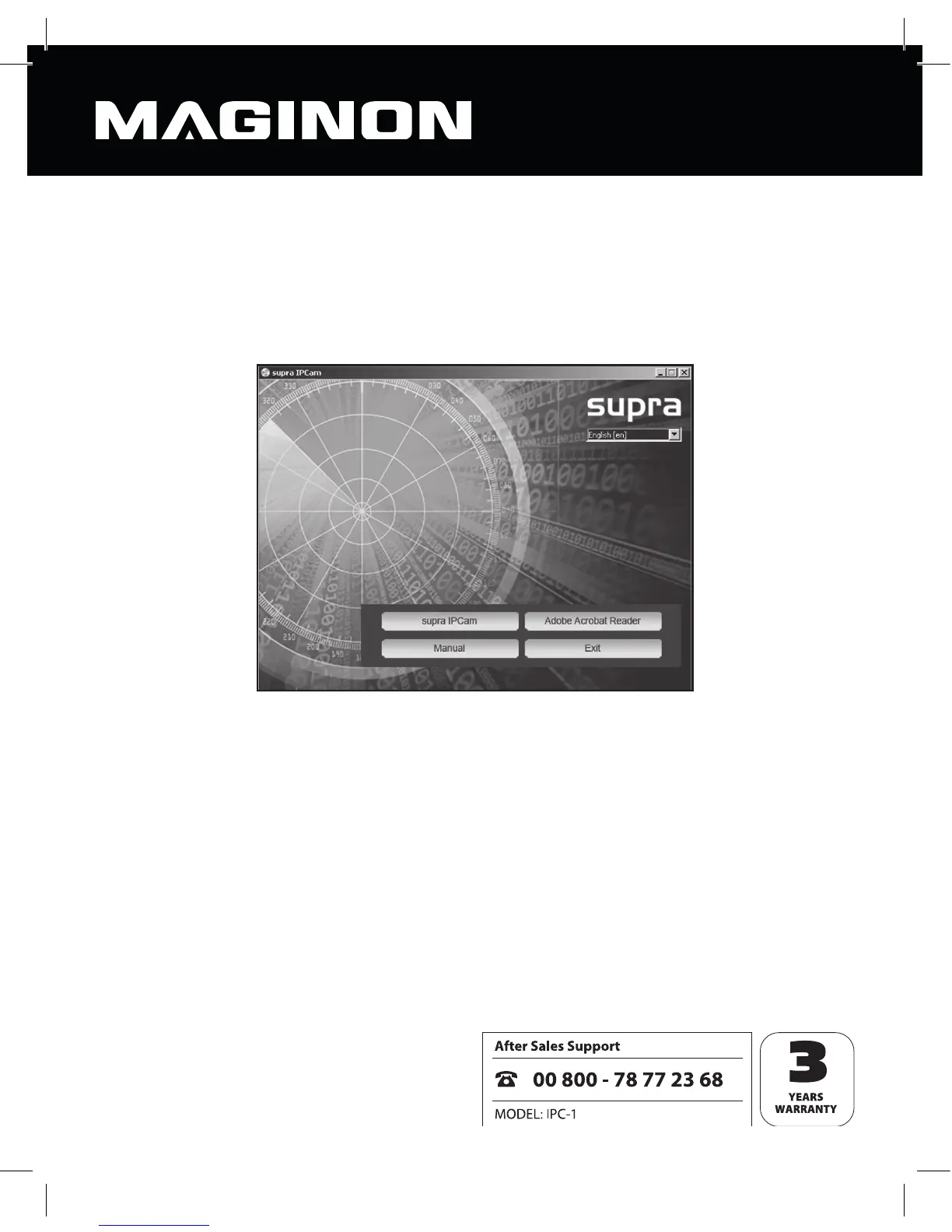
Insert the software CD supplied into your computer’s CD/DVD drive. The selection menu
shown below should then appear.
In the event that the menu does not launch automatically, go to the drive overview on your
computer and click on the CD/DVD drive icon. To launch, double click on the
CDMenu/CDMenu.exe program.
Click on “supra IPCam” to install the supra IPCam Con g program. Follow the on screen
instructions until the software has been fully installed.
When installation is complete, you will nd the program under “All programs” labelled supra
IPCam Con g.
With the option “Manual” in the start menu on the software CD, the user guide can be
opened on the computer screen.
If you don’t have a quali ed program to show PDF documents on your computer, you may
also install the program “Adobe Acrobat Reader”.



 To Next Page