20
6. Settings
The following sections will give you an overview of all possible settings for your IP security
camera. Should problems arise, or settings need to be altered, during installation or use, you
will nd advice here on the relevant options available to you.
Bring up the camera on your Internet browser (see Section 7.1.) and log on via a user
account with administrator’s permissions. The camera has been shipped with the user
account “admin” (no password required).
After logging on, go to “Settings” and choose the settings category you require.
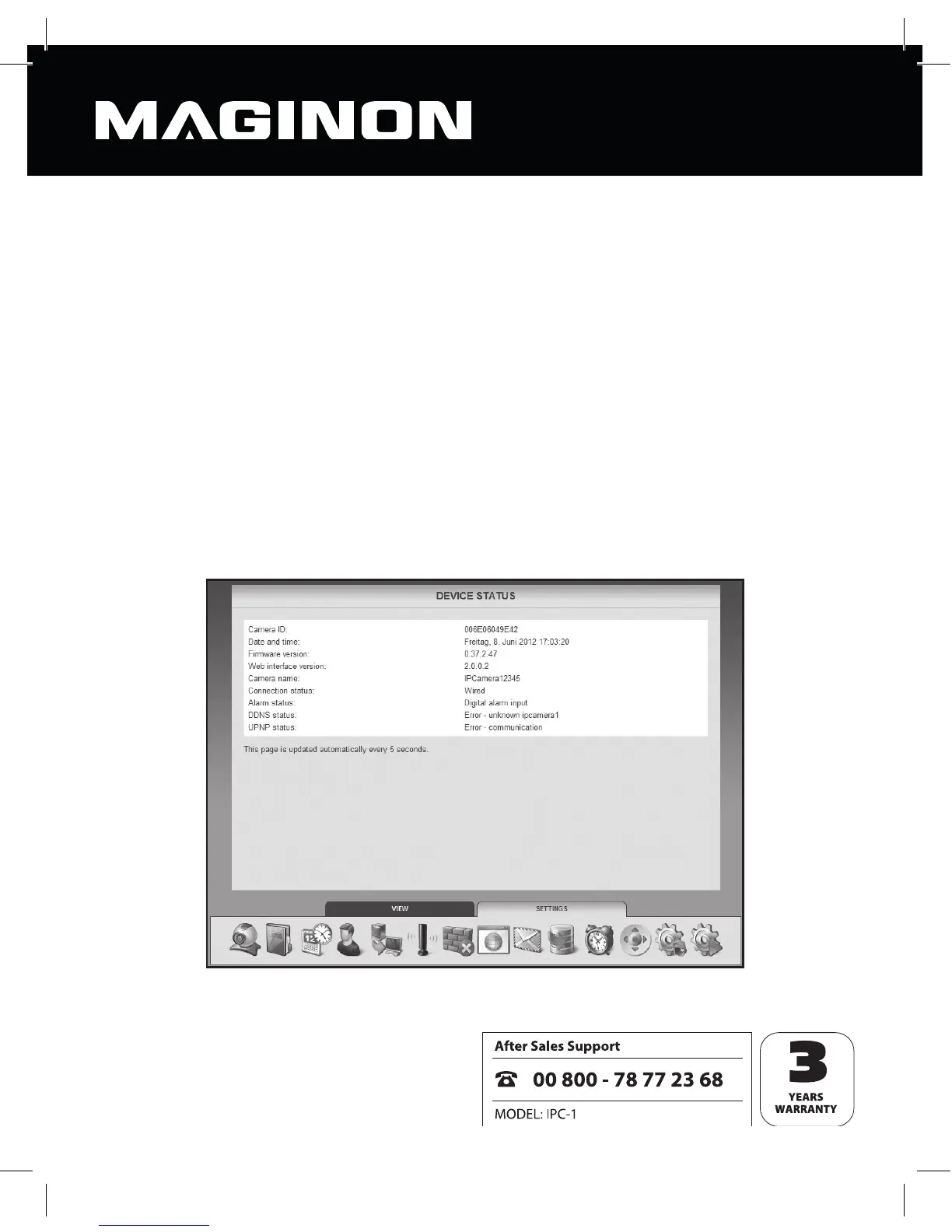
6.1. Equipment status
The equipment status gives you details of current data and settings that apply to the
camera.



 To Next Page