23
6.4. User accounts
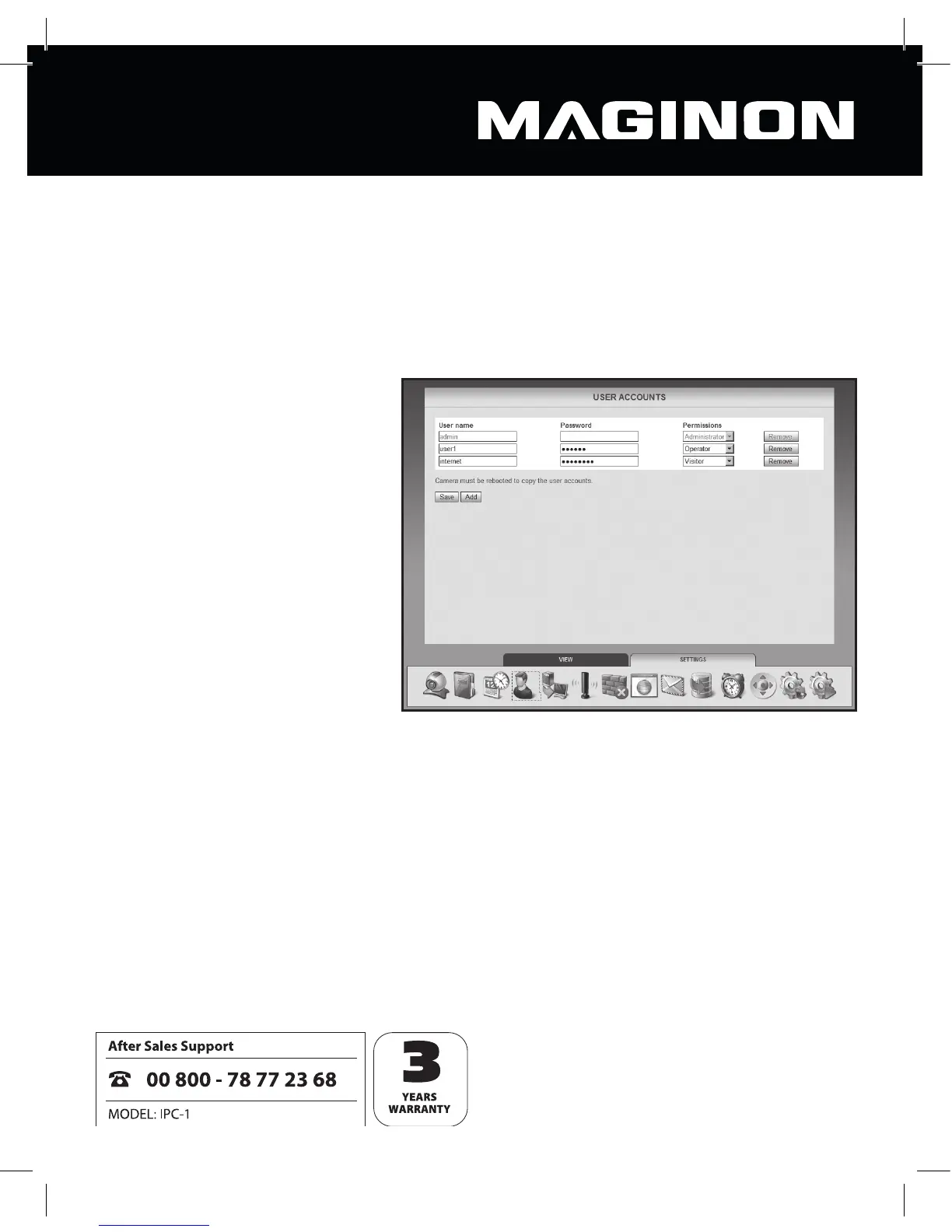
Up to 8 user accounts may be set up for the security camera. These user accounts are then
used to access the security camera.
The security camera is shipped with the user account “admin” (no password required). This
account can neither be deleted nor have its administrator rights changed. It can merely be
given a password.
Click “Add” to create a new user
account. Enter the user name
and (optionally) a password for
the new account. User name and
password may each be up to 12
characters long, and any characters
may be used. The password may
also be left blank.
To delete a user account, click
“Delete” at the end of the line. If a
user account has been deleted
unintentionally but the changes
have not yet been con rmed by
clicking “Save”, you can reset back
to the previous status by bringing
up the “User accounts” once more.
A user account may have any of the following permissions:
Visitor: the user may access the camera picture only, but may not change any settings.
Operator: the user may see the came picture and alter the position of the security camera.
No changes may be made to the settings.
Administrator: the user may make changes to any of the settings.
Click “Save” to accept the amended settings. You will have to reboot the security camera in
order to apply the changes to the user accounts.



 To Next Page