49
Amend camera
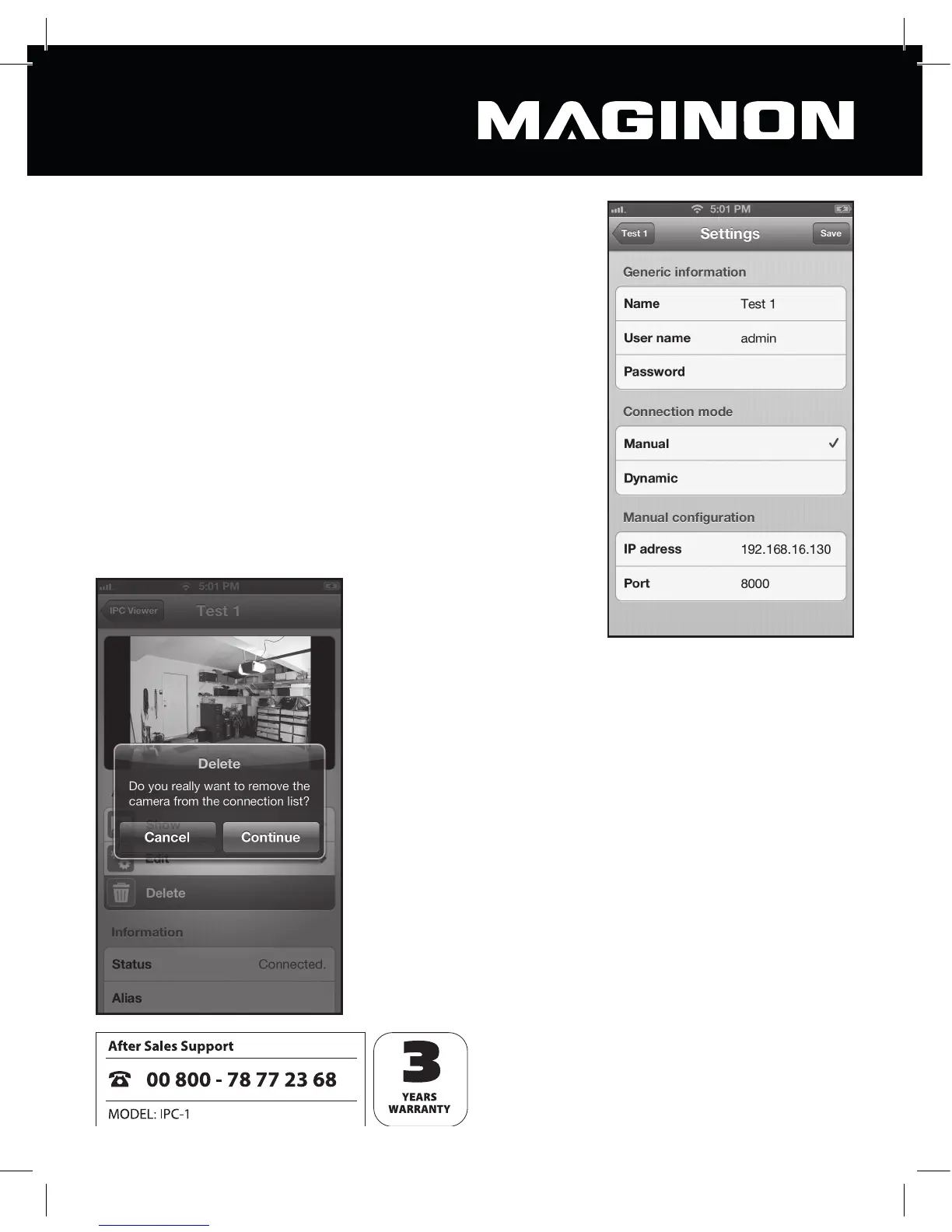
You can amend a camera’s settings at any time by selec-
ting “Amend” in the preview. This takes you to the settings
described in the “Add a new camera” section.
After amending one or more settings, this may be stored
using the “Save” function.
To leave the settings screen without storing the changes,
touch the name of the relevant camera at the top left-hand
side of the screen.
Delete camera
If you wish to remove the selected camera from the list of
available cameras, select “Delete” in the preview.
Answer the security question and click “Continue” to delete
the camera irrevocably.
Select “Cancel” if you do not wish to delete the camera
from the list.



 To Next Page