35
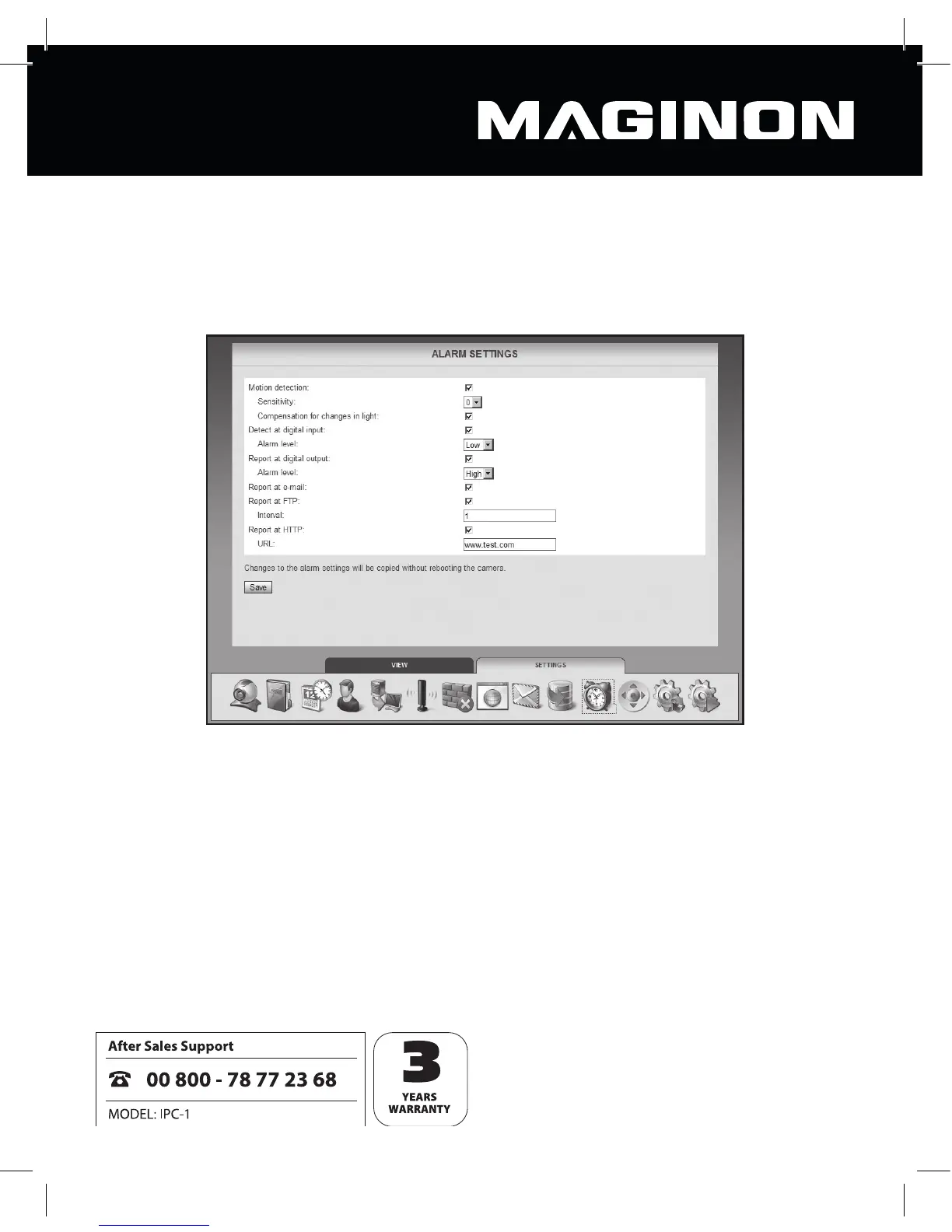
6.11. Alarm settings
The security camera can issue alarm messages in a variety of situations. Specify here the
conditions under which the camera is to issue an alarm message and what should be
undertaken in the event of an alarm.
Motion detection: tick this option to activate movement detection.
Sensitivity: specify a level of sensitivity (0 to 9) for movement detection.
Compensation for changes in light: this option may be selected to prevent movement
detection being impaired by changing light conditions.
Detect at digital input: when this option is activated, an alarm message given by the
alarm connector can be accepted by the security camera.
Alarm level: specifies whether an alarm is triggered when there is no voltage at the alarm
input (low setting) or when there is voltage (high setting).



 To Next Page