28
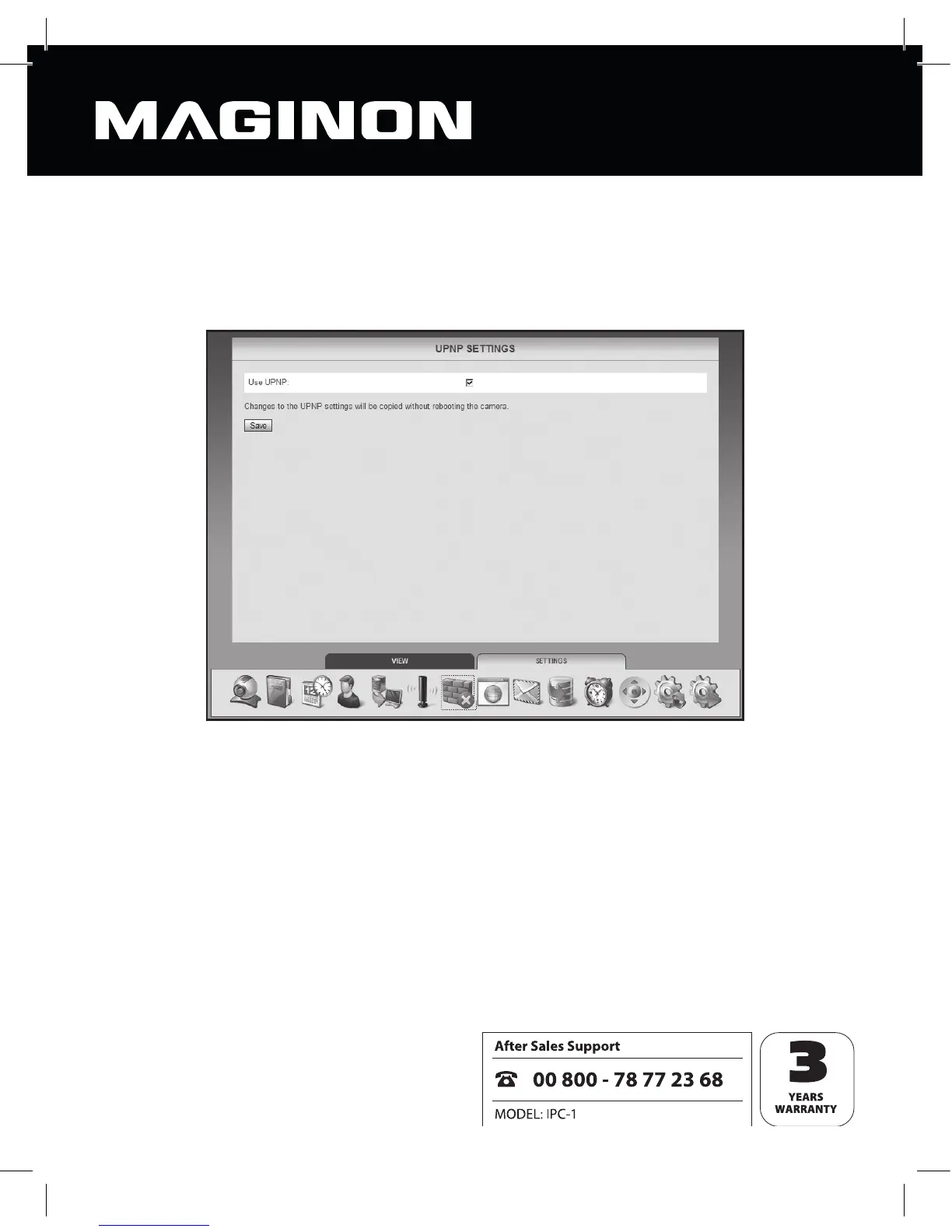
6.7. UPNP settings
Universal Plug & Play (UPnP) allows diff erent manufacturers’ devices to be addressed over
an IPbased network. Where UPnP is supported by the router and activated, the required
rewall settings are made automatically by it.
Mark “Use UPNP” where UPNP is to be used for connecting to the security camera. By
default, “Use UPNP” is activated.
Click “Save” to accept the changed settings. These are accepted without rebooting the
camera.



 To Next Page