13
5.4. Setting up the security camera
Make sure that the security camera is connected to both the router and the power source.
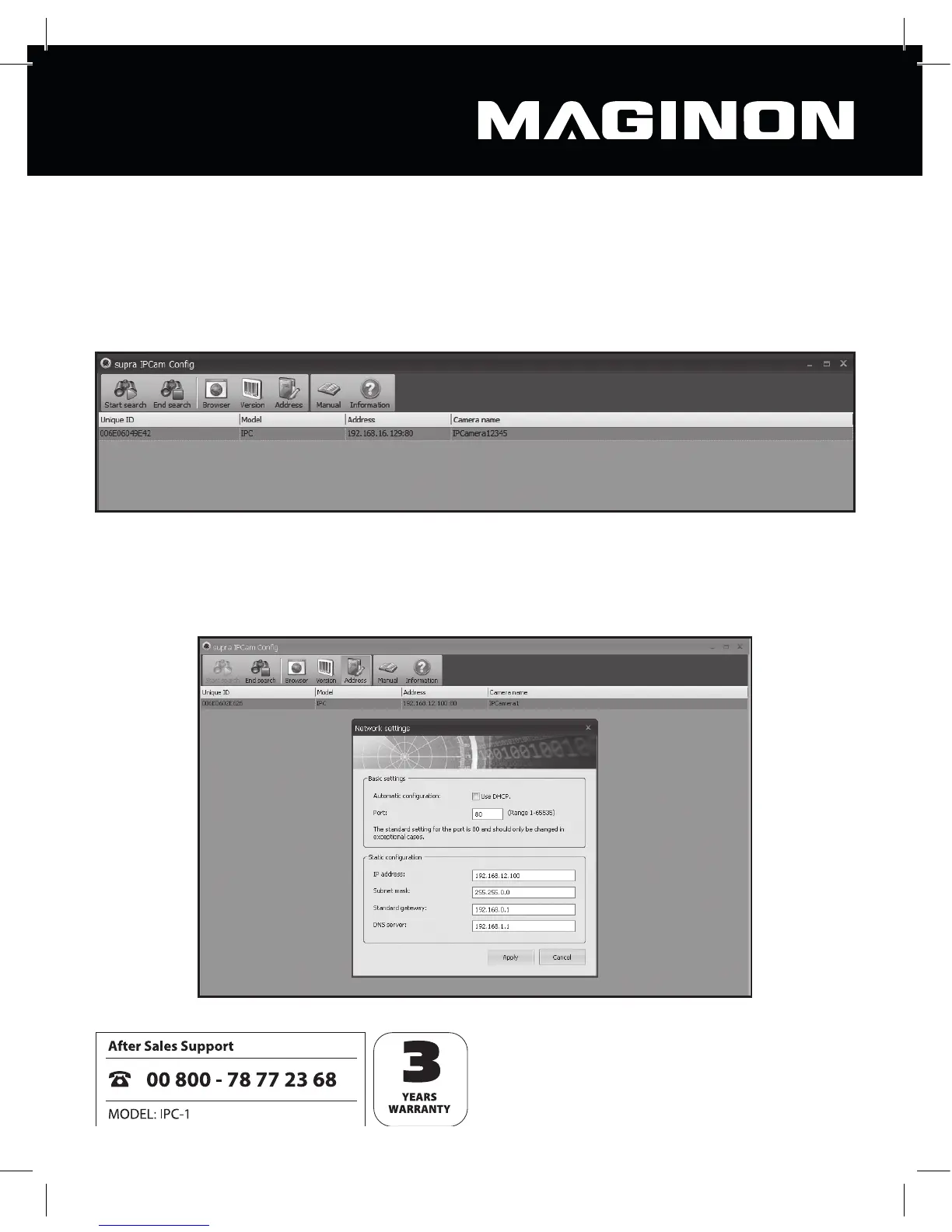
Then open the program supra IPCam Con g.
Within the program, go to “Start search” to display a list of available security cameras.
From the list, select the camera you want to set up or select.
Use the “Address” function to display the chosen camera’s network data.



 To Next Page