33
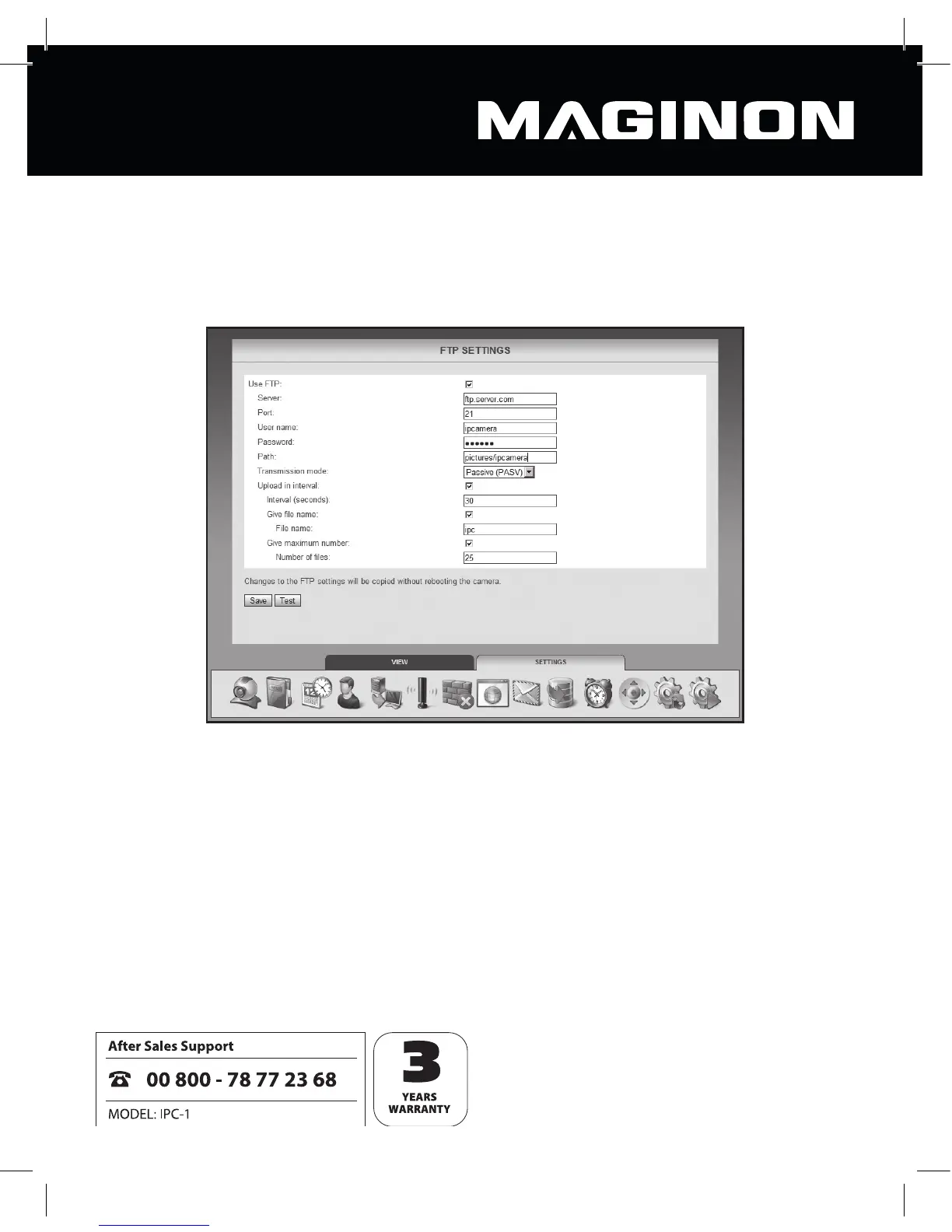
6.10. FTP settings
The security camera off ers you the opportunity to upload images to an FTP server, on either
a one time or a regular basis. Enter here the required access data for an FTP server to be used
for this purpose.
Activate “Use FTP” if images from the security camera are to be uploaded to an FTP server.
Server: enter the address of the FTP server.
Port: enter the port via which the FTP server is to be accessed. The standard value is 21.
User name: enter the name of a user account which has read and write permissions on the
FTP server.
Password: enter the user account’s password.



 To Next Page