26
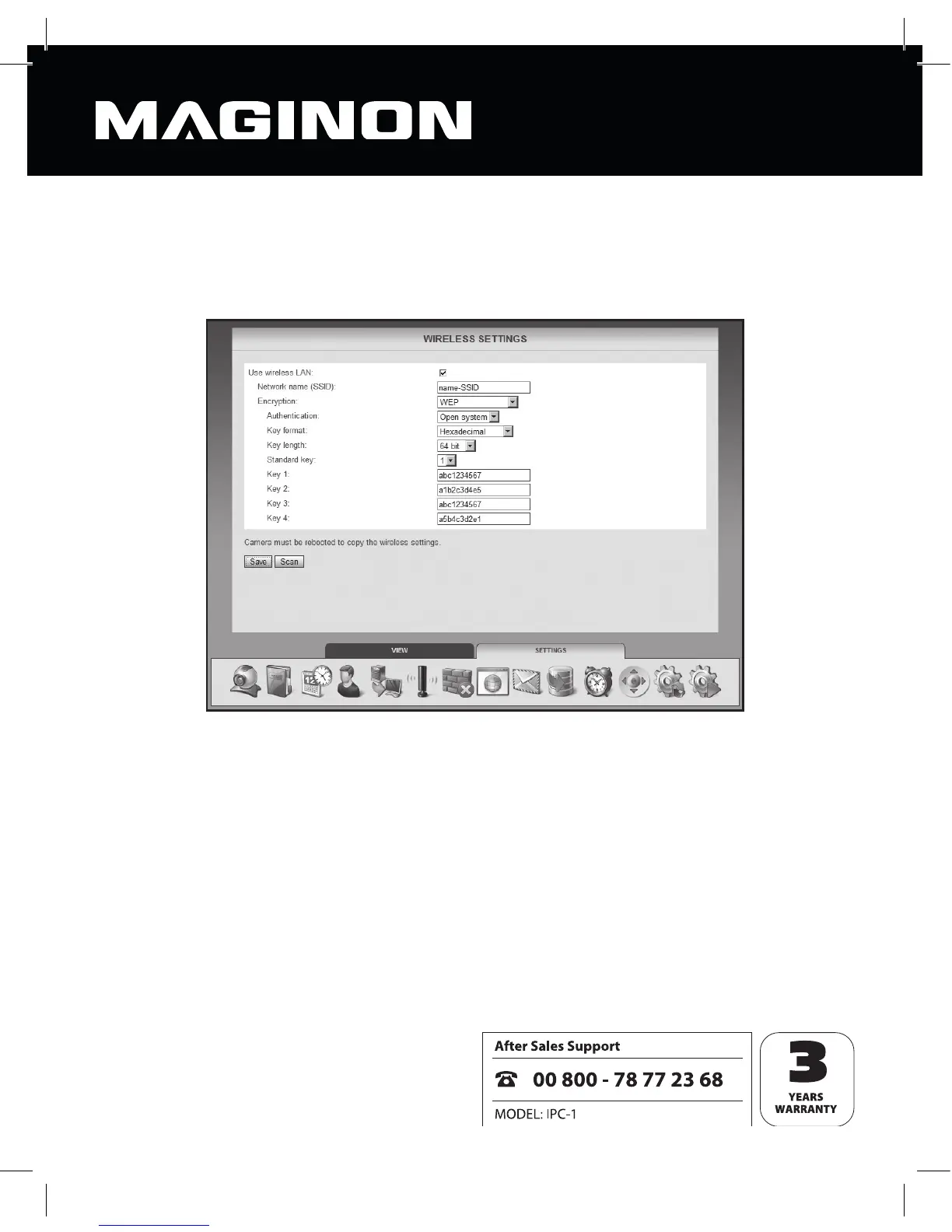
6.6. Wireless settings
In the event that the security camera is to be connected to a network via a wireless LAN
(WiFi) you can enter the relevant settings here.
Use WiFi: tick this box if you wish to connect wirelessly to the network.
All subsequent required data regarding the wireless network is contained within the router
or access point being used to control this network. Bring up the router’s or access point’s
settings on screen and open up the settings for the wireless network. For further information
on accessing this data, please refer to your router’s manual or ask your system administrator.
Network name (SSID): enter the name of the wireless network (also referred to as SSID).



 To Next Page