37
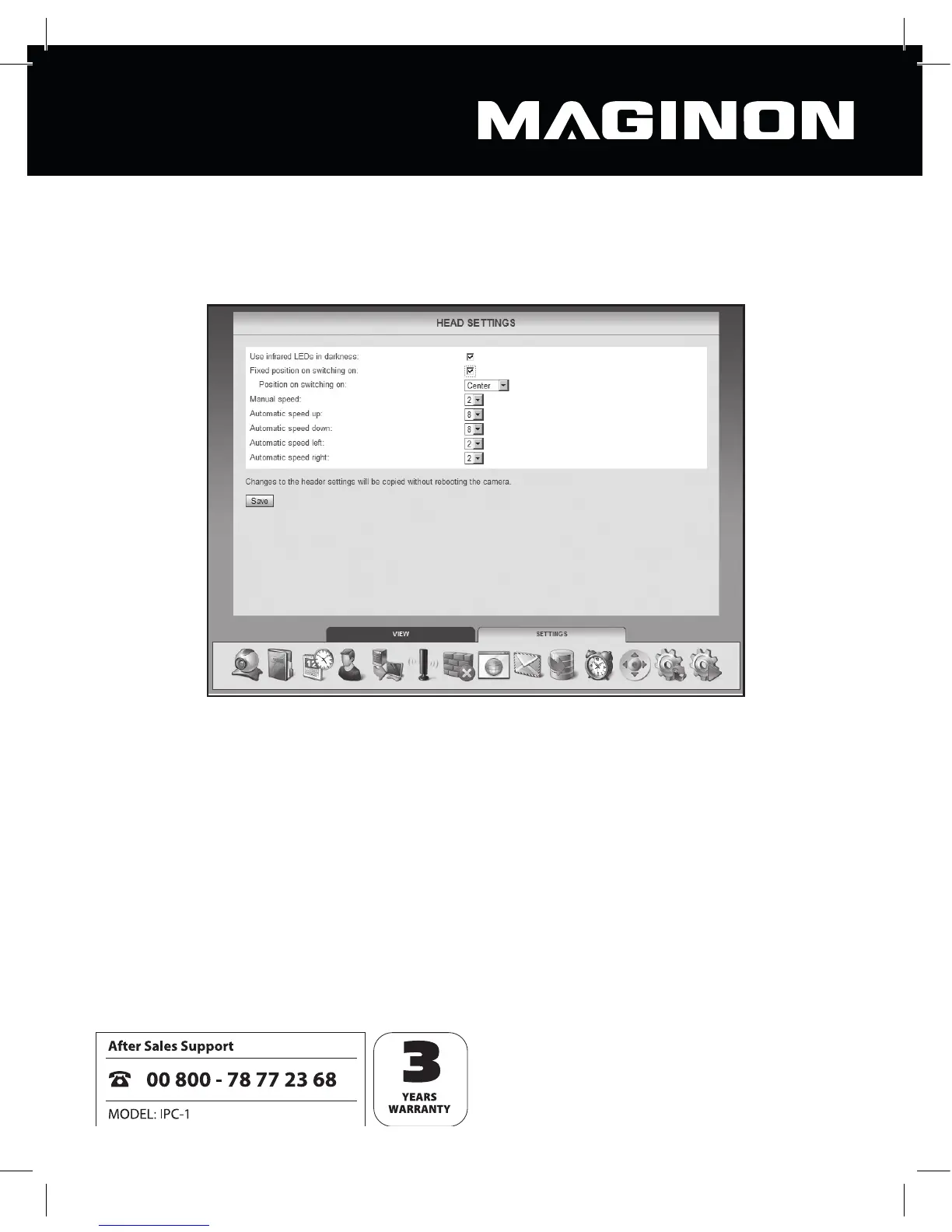
6.12. Head settings
This category can be used to make settings aff ecting the positioning of the camera head.
Use Infrarot LEDs in darkness: if this option is activated, the infrared LEDs will be cut in as
an additional light source in darkness.
Fixed position on switching on: activate this option if the camera head should adopt a
certain position when the security camera is switched on.
Position on switching on: specify which position the camera head should adopt when
switched on. Select Centre if the camera head should be centred or select one of the
positions stored in the camera view (see Section 7.2.2).
Manual speed: specify how fast the camera head should move when controlled manually.
The higher the gure here is, the more slowly the head will move.



 To Next Page