29
6.8. DDNS settings
The security camera can be contacted via the IP address used by the router or server to
connect to the Internet. Because, in many instance, the IP address of the Internet connection
point is constantly changing, it is bene cial for the camera to be able to be reached at the
same address all the time. To this end, you can avail yourself of a DDNS server (DDNS = Dyna-
mic Domain Name Server) for the security camera using a xed address.
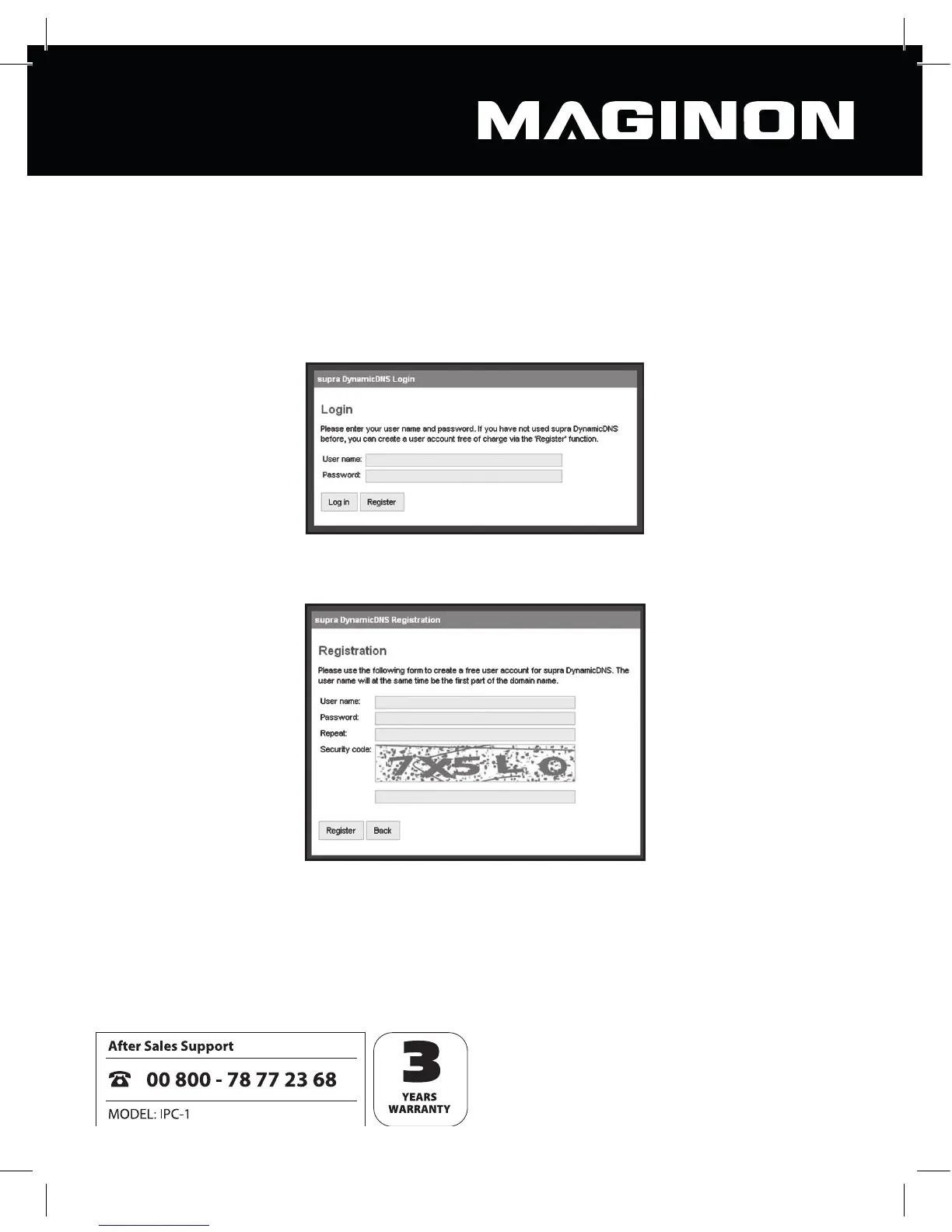
To register a xed Internet address free of charge, point your Internet browser to
http://supracam.net/ and choose “Register”.
Begin by entering a user name. This may consist only of upper and lower case letters,
numbers or a hyphen. The user name is used for the Internet address of the security camera.
For example, if you enter “ipcamera” as the user name, once you’ve registered our camera it
can be reached via the address http://ipcamera.supracam.net as soon as it is connected to
the Internet.



 To Next Page