24
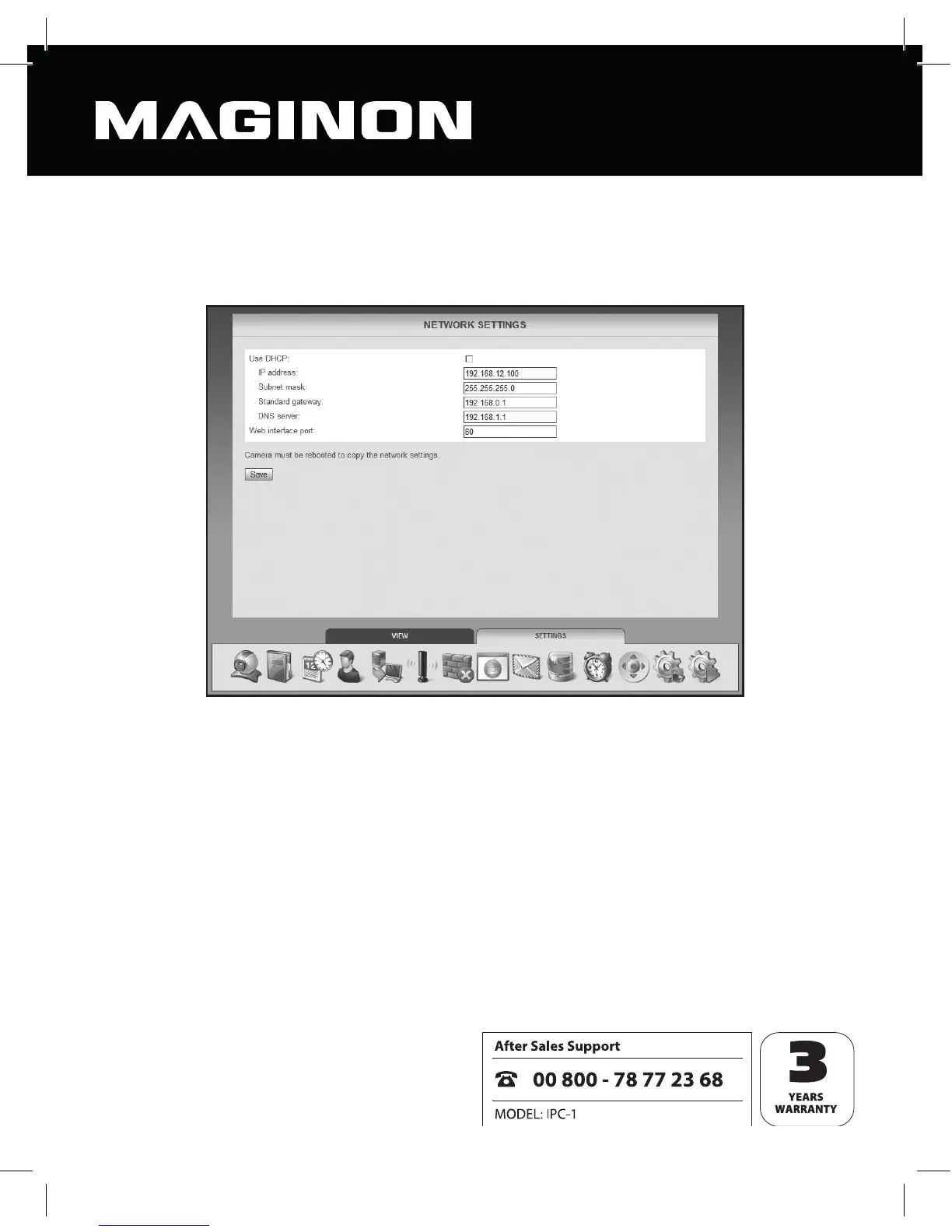
6.5. Network settings
To connect the security camera to an existing network or router, the network settings must
be made.
Use DHCP: if your network allows a new device (client) to be connected automatically, tick
this box. All necessary data will then be drawn directly from the server or router.
Web interface port: connections within a network are handled via so called ports allowing
the server and each device (client) attached to it to work via diff erent ports sharing a
common network address.
The default value for the security camera is set to 80. If required, this value may be changed
within the range of 1-65535.
Changing the port may be necessary, for example, if the router’s rewall does not support
diff erent internal and external ports.



 To Next Page