21
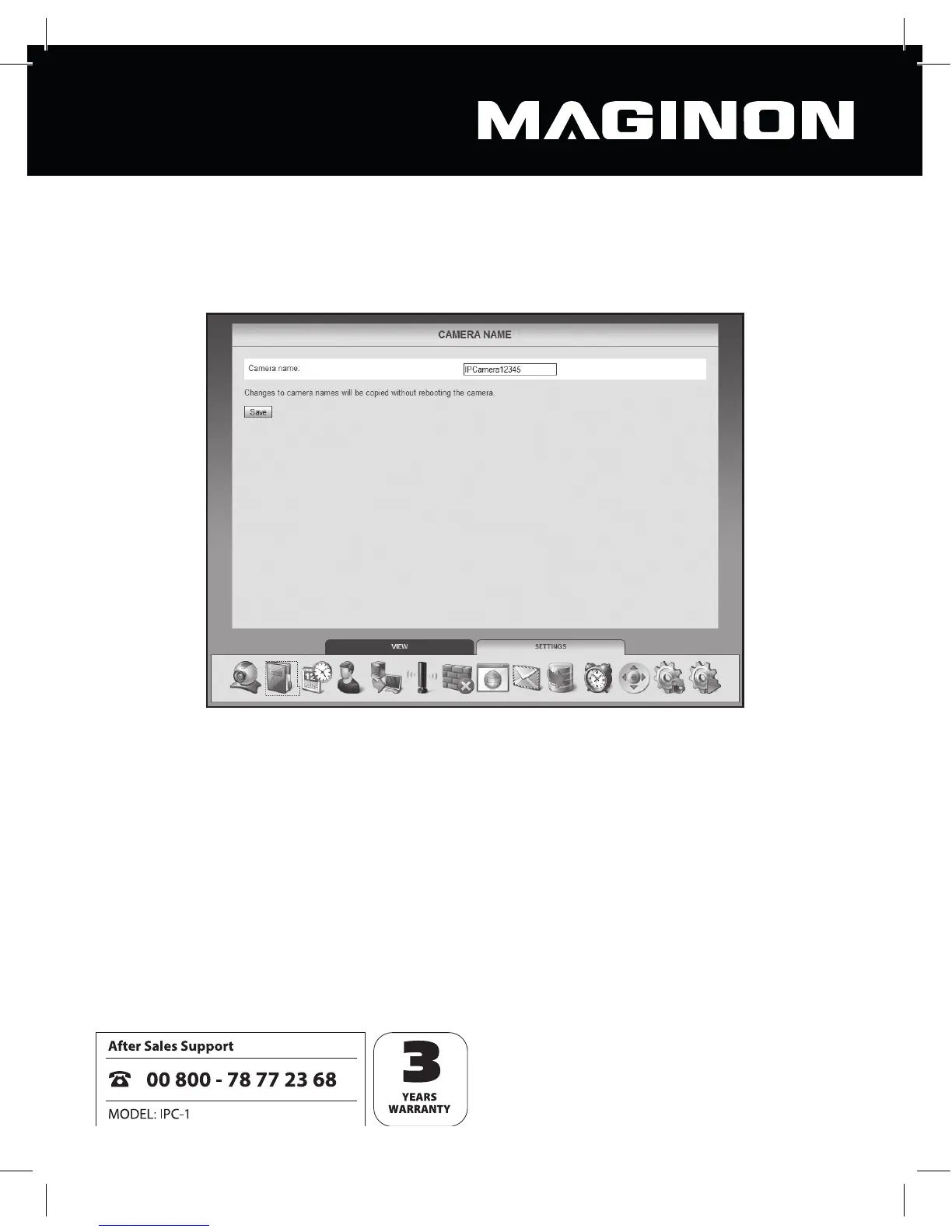
6.2. Camera name
You can give the camera a name, for example in order to locate it more easily on the network
or as a unique identi er where more than one camera is being used.
Enter the camera’s chosen name in the text eld, then click “Save”. The camera name may
consist of any characters and may be up to 20 characters long.
The new camera name is accepted without the need to reboot the camera.



 To Next Page