41
The centre (red) button may be used to move the camera to the centre. Press and hold the
button until the camera head stays in a middle position. This can take up to 30 seconds,
depending on the initial position.
For further information on the camera head’s speed of movement, please refer to Section
6.12.
By pressing the “Patrol horizontally” or “Patrol vertically” buttons you will cause the camera
to pan automatically in a vertical or horizontal direction. This movement can be terminated
again using the relevant button.
In addition, the digital alarm control output can be enabled and disabled here.
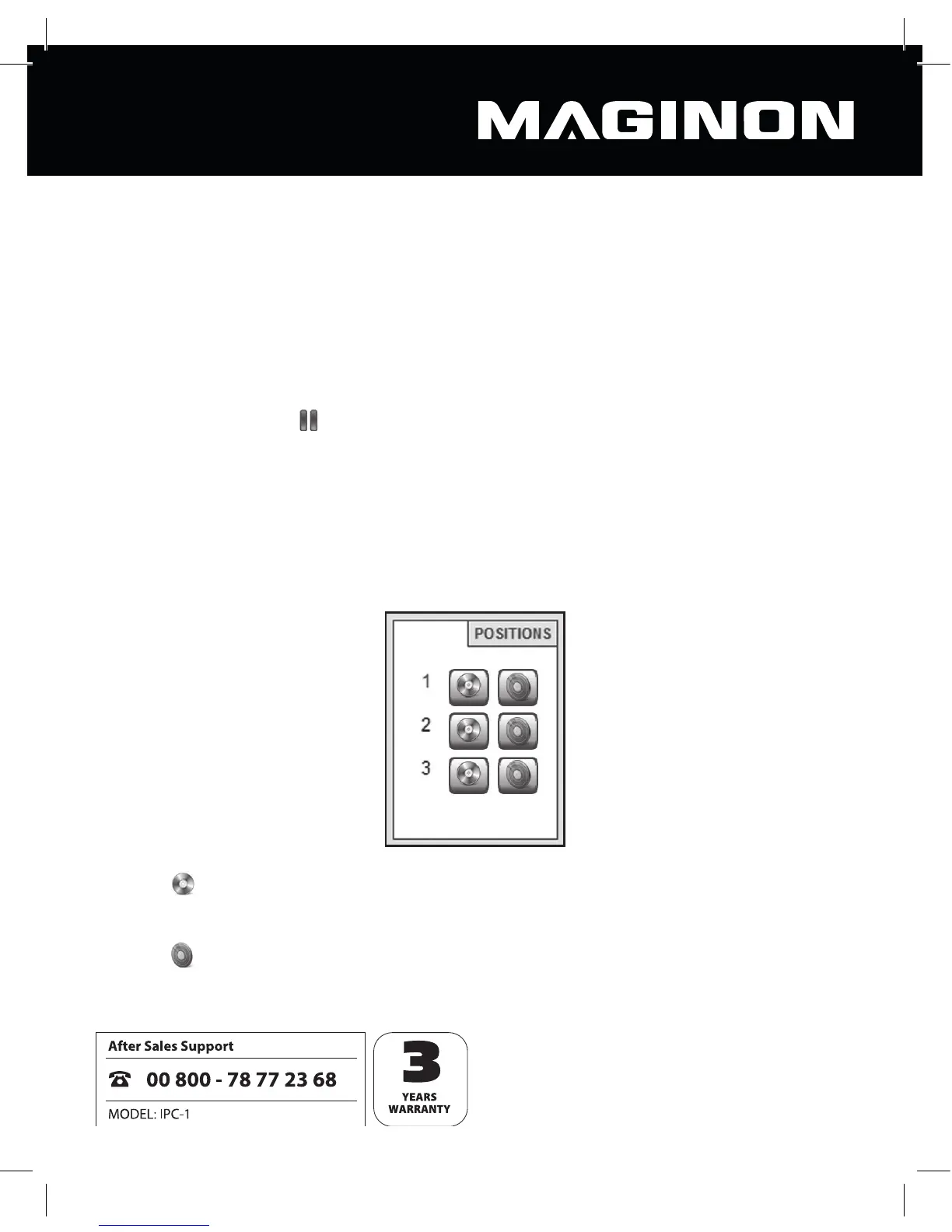
7.2.2. Storing positions
Under “Positions” you are able to store up to 3 xed positions for the camera head and then
recall these directly.
Click the
buttons pertaining to 1, 2 or 3 in order to store the current camera position to
this number. This deletes the last position stored under this number.
Click the
buttons pertaining to 1, 2 or 3 in order to move the camera head to the positi-
on stored under this number.



 To Next Page