40
60 Series 2WD/4WD, Model - 8560
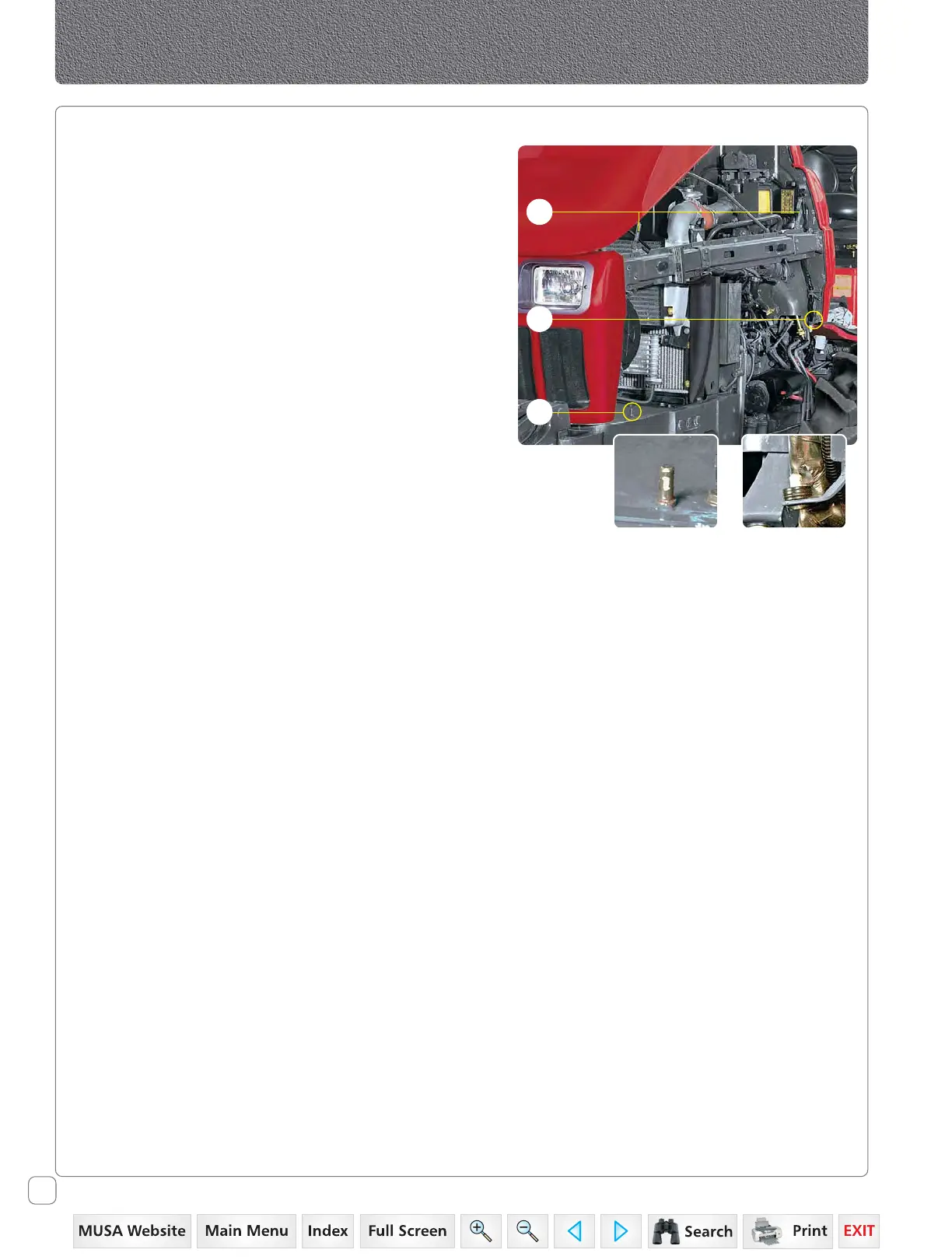
Opening Side Panels
1. Open the hood.
2. Turn the locks (F) to free the side panel.
3. Lift the panel gently out of the locating rear pin (G).
4. Lift the panel gently out of the locating front pin (H).
Closing the Side Panels
1. Locate the bottom holes in panel around the locating
pin (H) and then in (G).
2. Gently press the panel against tractor.
3. Turn the lock (F) until the panel is locked.
Controls
Front Pin Rear Pin
H
G
F


 To Next Page
 Loading...