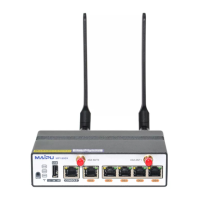
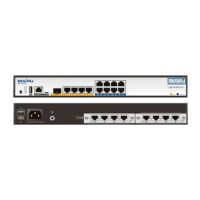
MP7500 Router Installation Manual Version 1.0
Installation Preparation
To avoid the harms on persons and equipments caused by various
accidents, comply with the following:
• Keep the router far away from humid places and heat
• Ensure that router is well grounded
• Wear anti-static wrists during installation and maintenance
• Do not install, move and dismantle routers and modules during
power on to avoid damages on persons and equipments
• Do not hot swap interface modules and interface cards of routers
• Do not hot swap cables
• Connect the interface cables of routers correctly, especially do not
connect phone lines (including ISDN lines) to serial ports
• Pay attention to the laser use security (for example, do not keep
eyes open at the optical emitting mouth of LASER or the fiber
connecter
• Use Uninterrupted Power Supply (UPS)
• Router AC power supply is soft start control switch, which does not
cut the main return circuit of AC power supply. During installation,
the external control switch of main return circuit needs to be
connected so as to cut down power supply fast in case of accidents.
Environment Requirements
MP7500 series routers must be used indoor. To guarantee stable use of
routers and prolong the life, the application scenario must meet the
following requirements.
Maipu Confidential & Proprietary Information Page 42 of 62



 To Next Page