5. Menu Operation
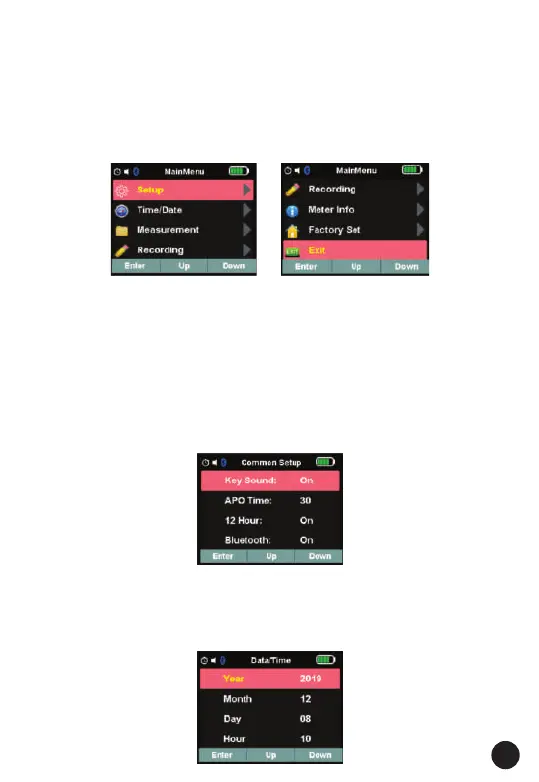
• Press Menu button to open the Menus, As show below
• Press soft key Up / Down to select menu item or change the value of
current focus item.
• Press soft key Enter to enter the submenu or set focus on the current
selected item.
• Press ESC button to return to the previous menu.
5.1. Settings Details
• Press soft key Up/Down to select setup item at main menu, and Press
soft key Enter to enter.
• Four options are available: Key Sound, Bluetooth, 12 Hour and APO
Time.
1.Key Sound: Use Up/Down button to set beep on or off.
2.Bluetooth: Use Up/Down button to turn Bluetooth on or off.
3.12 Hour: Use Up/Down button to set Time 12 Hour on or 24 Hour.
4.APO Time: Use Up/Down button to set Auto Power Off Time
15,30,45,60,and off.
5.2. Data/Time Details
• Press soft key Up/Down to select Data/Time item at main menu, and
Press soft key Enter to enter.
• In this menu, year, month, day, hour, minute can be set.
17



 To Next Page