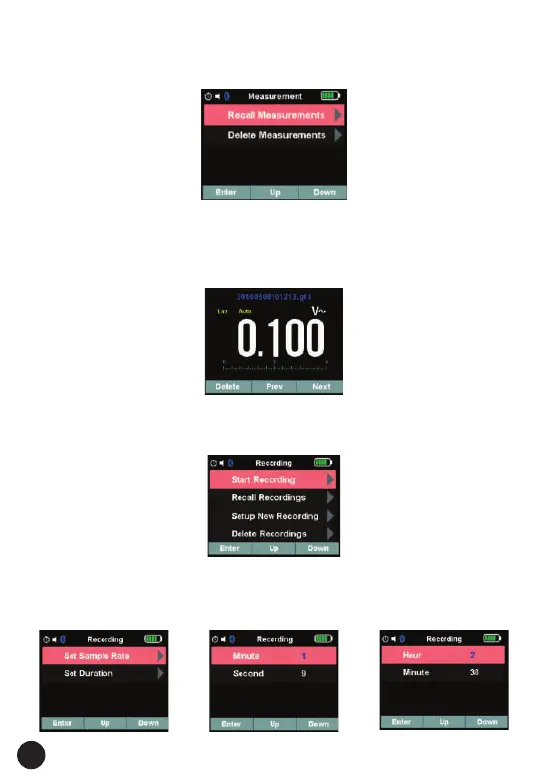
• This recalls all the measurements saved when the hold button was used
and the readings were saved, refer to 4.15 (Hold Mode)
• Recall Measurement Item can Recall store measurement in Memory.
• Delete Measurements item will Delete all data in Memory.
• Recall measurement fig is below:
18
5.3. Measurement Details
• Press soft key Up/Down to select Measurement item at Measurement
menu, and Press soft key Enter to enter the menu.
5.4. Recording Details
1. Press soft key Up/Down to select Recording item at main menu, and
press soft key Enter to enter Recording Function. Recording Menu is
below:
2. In Recording Menu. Press soft key Up/Down to select Setup New
Recording Item, and press soft key Enter to enter set Duration and
sample time. fig is below:



 To Next Page