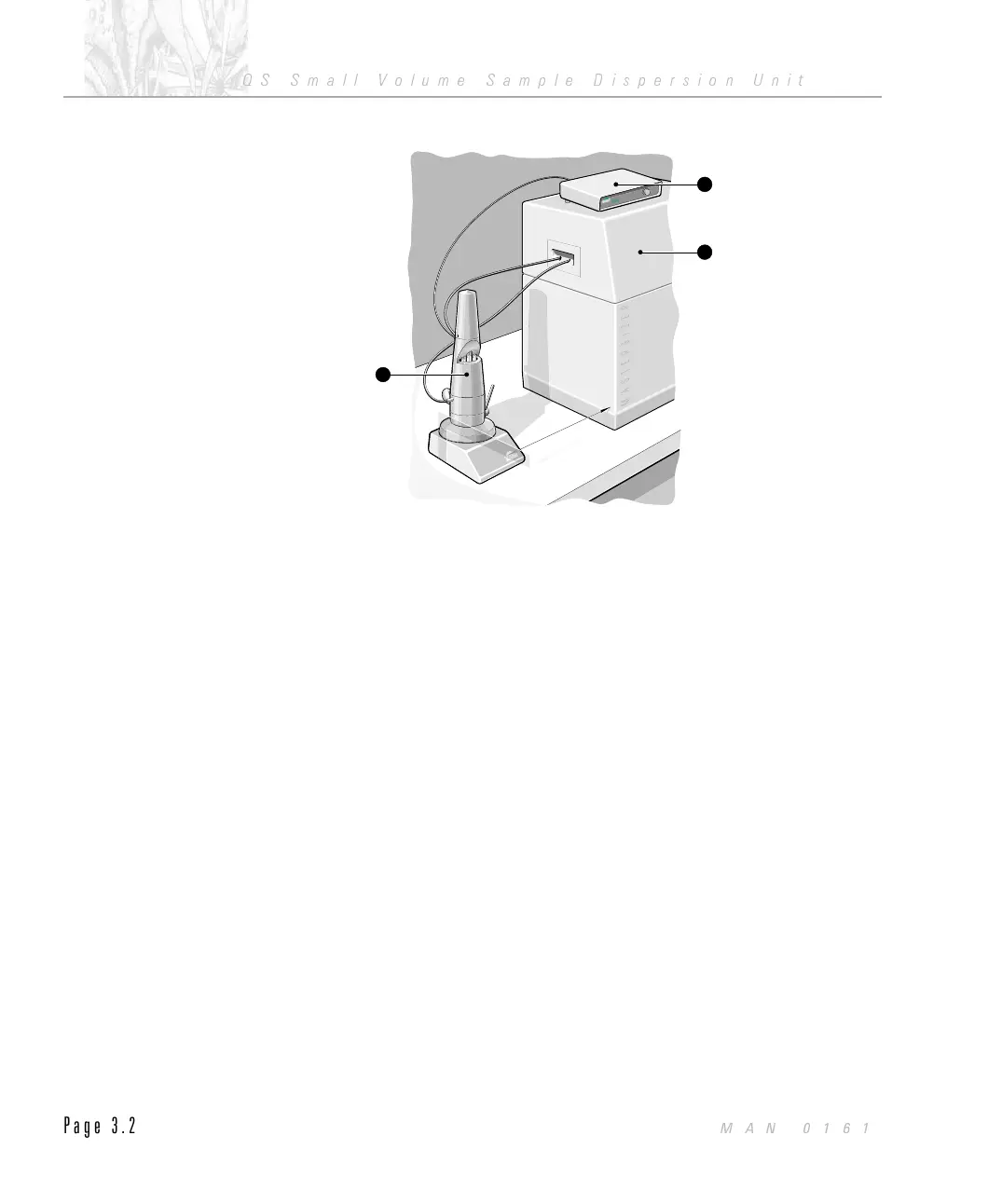
The Controller Unit is designed to be placed on top of the Optical Unit.
Unpacking the Accessory
Depending on your order, your Accessory will usually be supplied in association
with a Mastersizer system. Refer to section B of the Installation Guide for details
on how to unpack your system.
Once you have identified the carton containing your Accessory, unpack the carton.
$
To unpack the carton:
.
Check for signs of damage to the carton.
.
Contact the freight carrier immediately if you find any damage.
.
Look at the markings on the exterior of the carton and ensure it is placed
upright.
.
Cut through the plastic bonding straps.
.
Carefully cut the plastic packing tape along the fold lines.
.
Open the wings of the carton remove the braided PVC drain tubing and
then the top foam insert.
2
300mm
Small Volume Sample Dispersion Unit
INSTRUMENTS
Small Volume Sample Dispersion Unit
INSTRUMENTS
Small Volume Sample Dispersion Unit
INSTRUMENTS
Small Volume Sample Dispersion Unit
INSTRUMENTS
1
DispersionUnit Controller
IN
S
T
RU
M
E
N
T
S
DispersionUnit Controller
IN
S
T
RU
M
E
N
T
S
Stirrer
S
peed
RPM
1
ILL 3044
CHAPTER 3
QS Small Volume Sample Dispersion Unit
Page 3.2
MAN 0161



 To Next Page