.
After a short delay, check the pump speed display on the front panel is illu-
minated.
Installation check
$
To check that the Accessory is installed and works correctly:
.
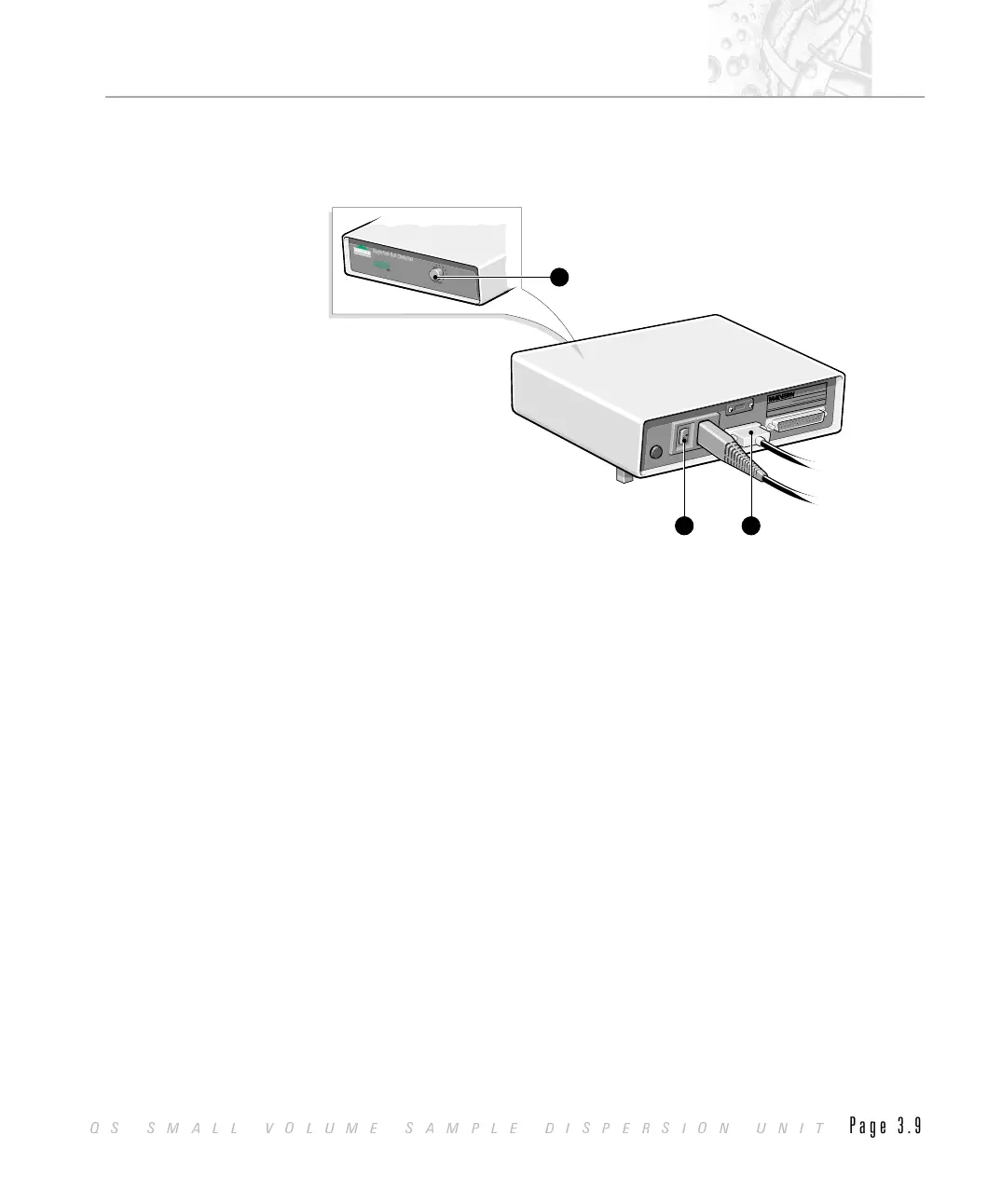
Check that the drain control À is in the closed position (fully clockwise
when viewed from the right).
.
Using a beaker, fill the tank Á with water to within 1 cm of the top (ap-
proximately 70 ml).
.
Advance the front panel speed control  until you can see liquid returning
along the upper tubes back to the Dispersion Unit. The rpm reading
should change.
Dispersion Unit Controller
INSTRUMENTS
Dispersion Unit Controller
INSTRUMENTS
RPM
StirrerSpeed
M
a
lv
e
r
nIn
s
tru
m
e
n
ts
L
im
i
t
e
d
S
p
r
in
g
L
a
n
e
S
o
u
th
,
M
a
lv
e
r
n
Wo
r
c
e
s
te
r
s
h
ir
e
W
R
1
4
1
A
Q
.
U
.K
.
MANUFACTURED:
MODEL:
Month
Year
Ser
i
al
N
o.
Complies with 21cfr 1040.10 and 1040.11
M
a
lv
e
r
nIn
s
tru
m
e
n
ts
L
im
i
t
e
d
S
p
r
in
g
L
a
n
e
S
o
u
th
,
M
a
lv
e
r
n
Wo
r
c
e
s
te
r
s
h
ir
e
W
R
1
4
1
A
Q
.
U
.K
.
MANUFACTURED:
MODEL:
Month
Year
Ser
i
al
N
o.
Complies with 21cfr 1040.10 and 1040.11
1 3
2
ILL3062
CHAPTER 3
QS SMALL VOLUME SAMPLE DISPERSION UNIT
Page 3.9



 To Next Page