Mastersizer Micro and Microplus
(
Note:
.
It is assumed your Accessory is located as described in the Site
Requirements section above.
$
To connect your Accessory to the Mastersizer Micro or Microplus:
.
Open the cell drawer.
.
Ensure that the cell has fully drained.
.
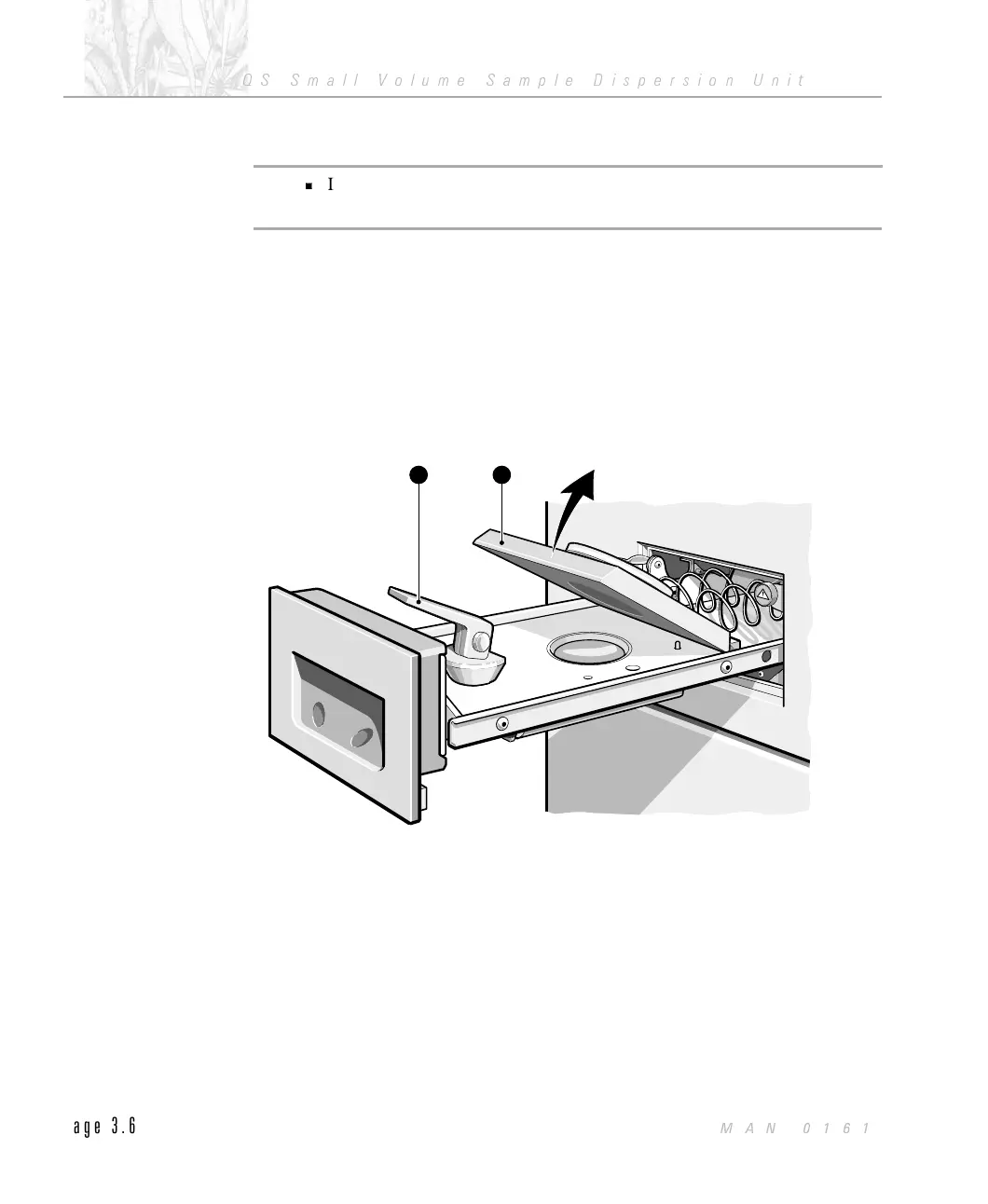
Remove the cell top À by lifting and rotating the locking lever Á, as illus-
trated below.
.
Fit the small volume cell top and lock in position with the locking lever. Re-
fer to the Installation Guide (MAN 0105) for detailed information.
12
ILL 2215
CHAPTER 3
QS Small Volume Sample Dispersion Unit
Page 3.6
MAN 0161



 To Next Page