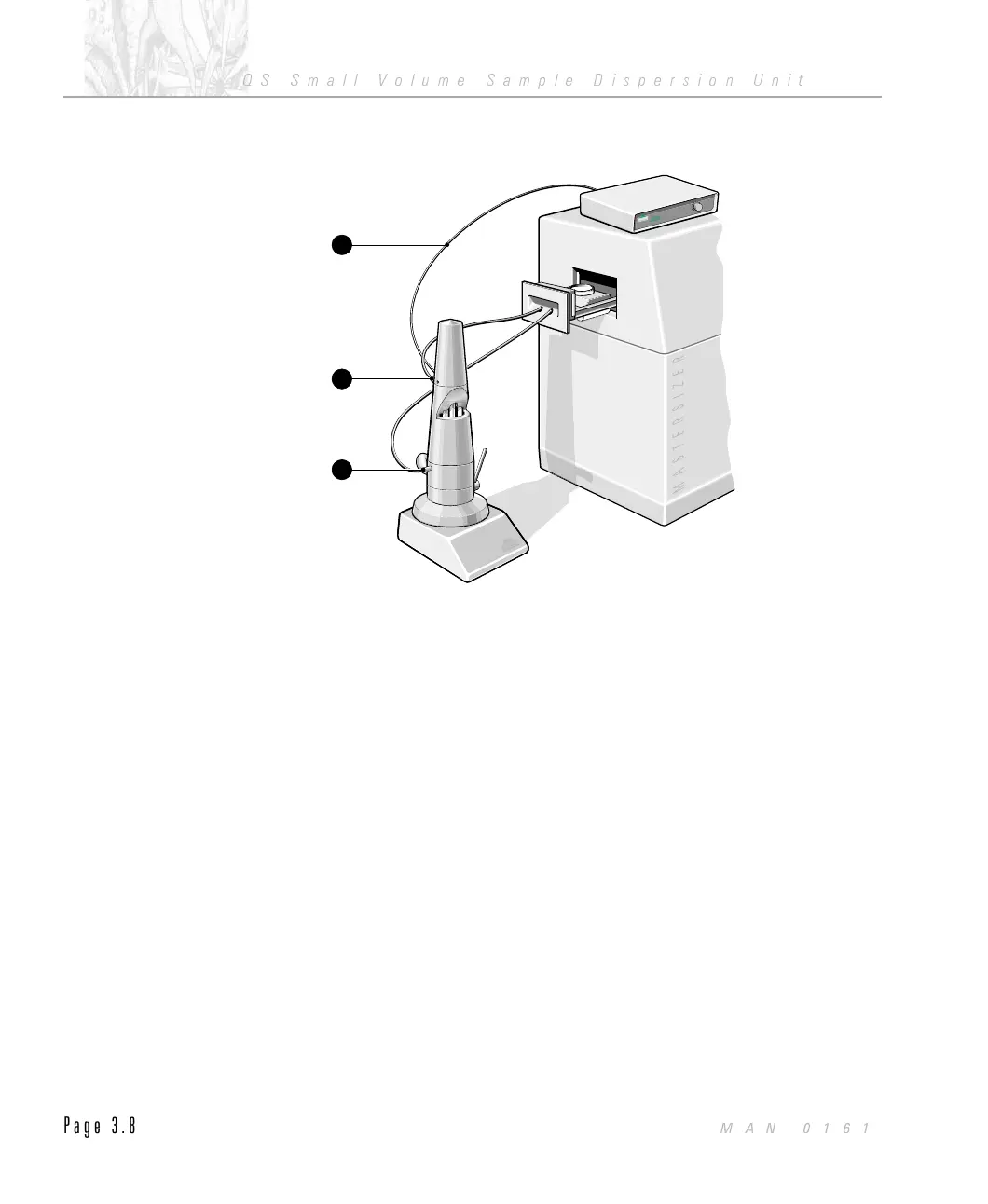
.
Similarly, connect the sample return à to the outlet Ä on the Mastersizer
with sample tubing, via the associated hole in the front of the drawer Å.
.
Attach the Dispersion Unit cable on the Dispersion Unit Æ to the 15 way
D type connector on the Controller Unit.
.
Connect the mains power cable into the power socket at the rear of the
Controller Unit.
Power up the Accessory
Before powering up your Accessory, read chapter 2 - Health and Safety, in this
manual.
$
To power up your Accessory:
.
Check the on/off (1/0) switch À at the rear of the Controller Unit is in the
off (0) position and that the front panel speed control Á is fully anti clock-
wise, refer to the illustration below.
.
Check that the motor connector  to the rear of the Controller Unit is
connected.
.
Connect the mains power plug into the mains supply and switch on.
.
Switch the on/off (1/0) switch À at the rear of the Controller Unit to the
on (1) position.
Dispersion Unit Controller
I
N
ST
RUM
EN
TS
Dispersion Unit Controller
I
N
ST
RUM
EN
TS
StirrerSpeed
RPM
Small Volume Sample Dispersion Unit
INSTRUMENTS
Small Volume Sample Dispersion Unit
INSTRUMENTS
7
4
1
ILL 3043
CHAPTER 3
QS Small Volume Sample Dispersion Unit
Page 3.8
MAN 0161



 To Next Page