19
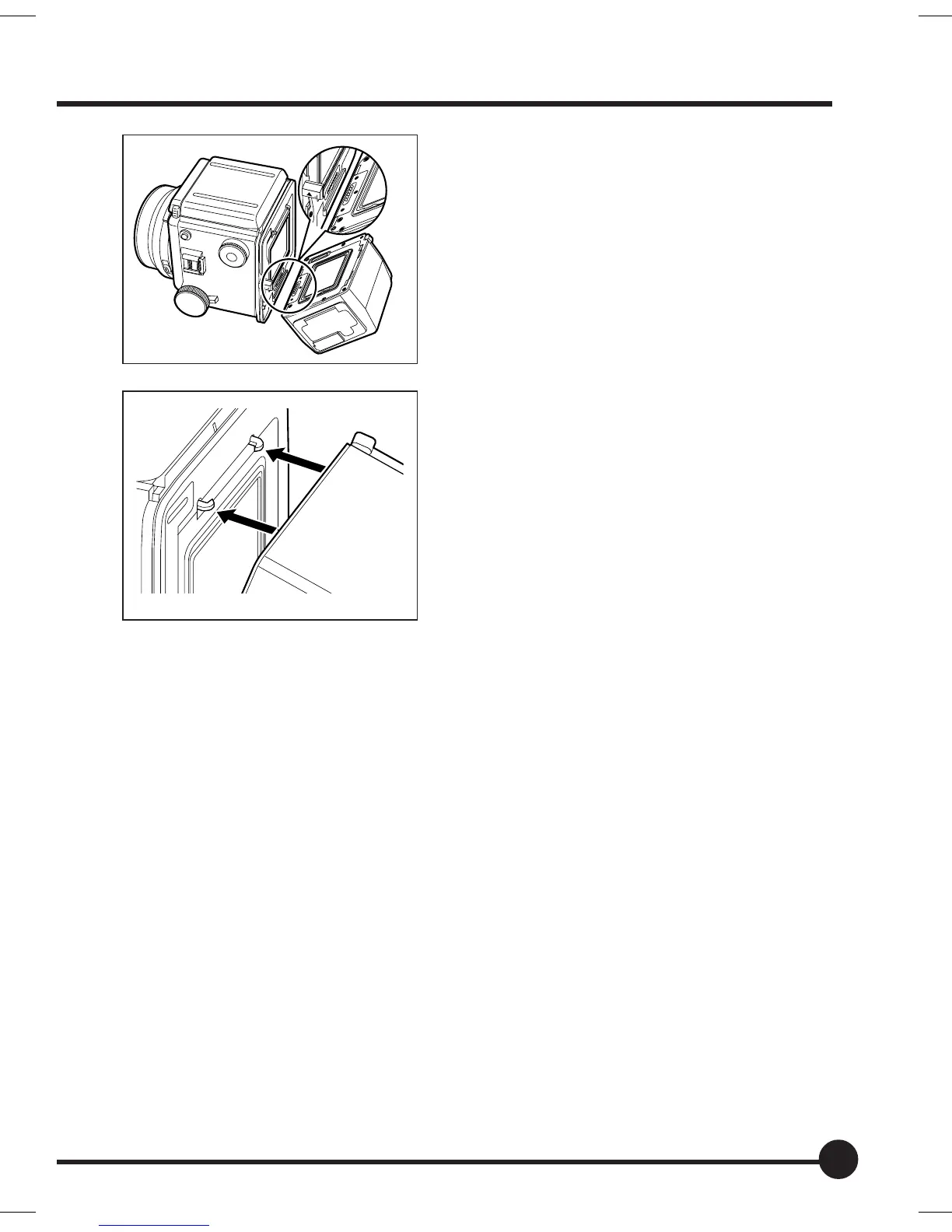
5. Align the attachment fitting groove on
the bottom of the Mamiya ZD Back
with the attachment fitting on the bot-
tom of the adapter.
6. Press the Mamiya ZD Back onto the
camera, and then insert the attach-
ment fitting groove at the top into the
attachment fitting on the top of the
adapter to secure it in place.
01_ZD back_E_p011-020 07/3/9, 20:3719



 To Next Page