45
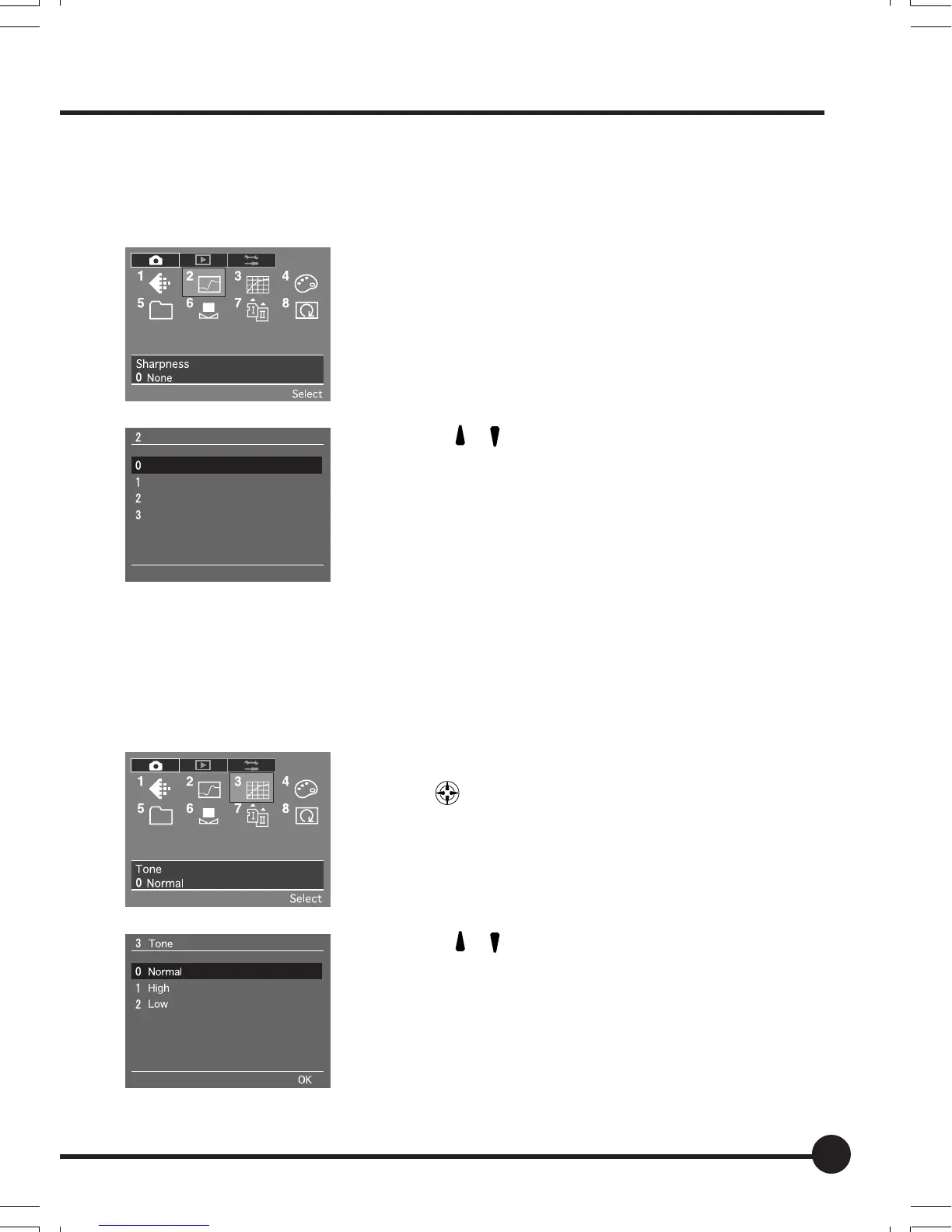
Sharpness
You can adjust the sharpness to obtain sharply defined images.
The default setting is None.
1. Press the MENU button. Press the toggle keys
to select [2 Sharpness] in the recording menu
and press the OK button.
2. Press [
] [ ] on the toggle key to select the
desired sharpness.
3. Press the OK button to set.
Tone
You can adjust the tone of images. Select Low to reduce the contrast and High
to increase the contrast.
The default setting is Normal.
1. Press the MENU button. Press the toggle
keys
to select [3 Tone] in the recording
menu and press the OK button.
2. Press [
] [ ] on the toggle key to select the
desired tone.
3. Press the OK button to set.
Sharpness
None
Minimum
Medium
Maximum
OK
Setting the Sharpness, Tone and Saturation
03_ZD back_E_p031-052 07/3/9, 20:3945



 To Next Page