85
Taking Photographs with the Use of the Software
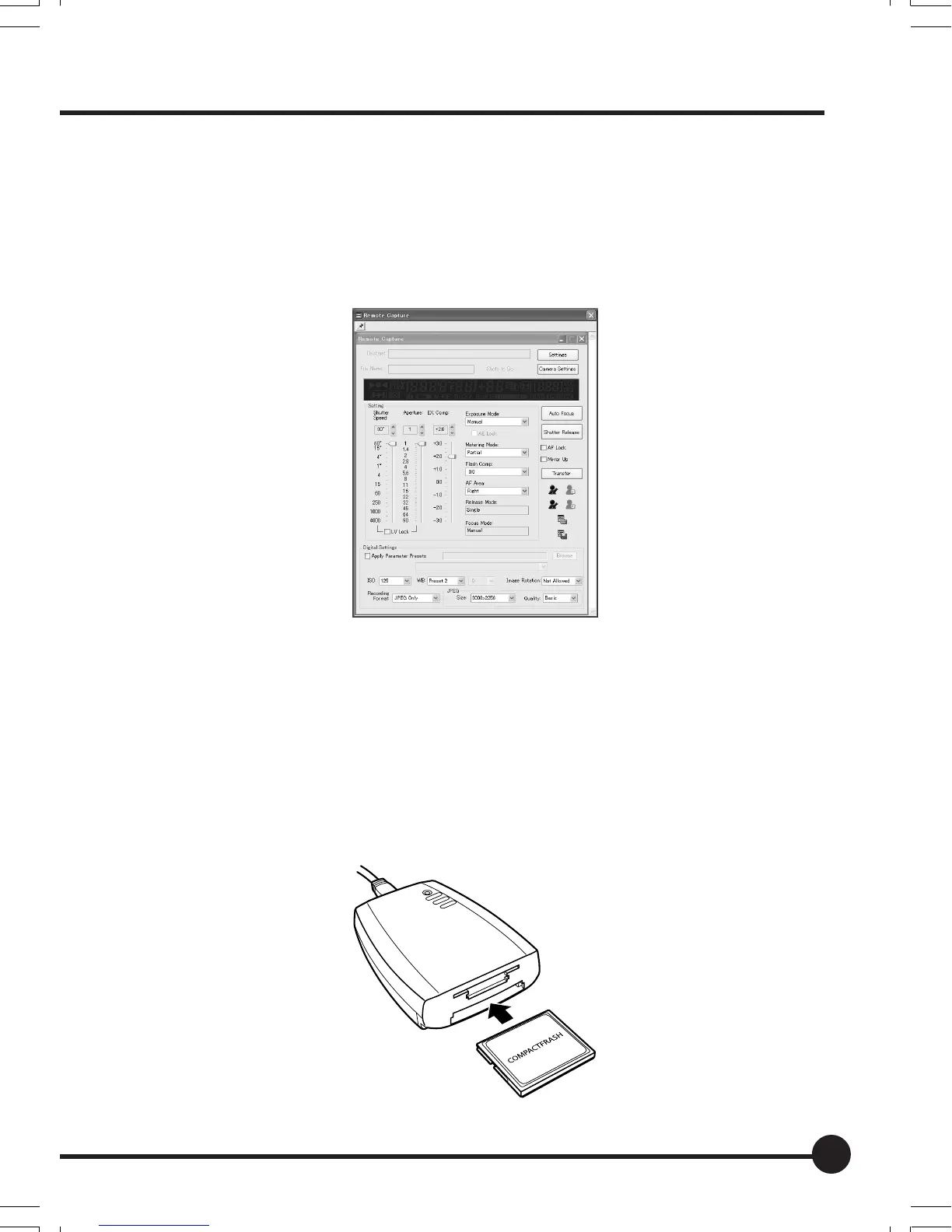
By connecting the camera to a personal computer onto which Mamiya Digital
PhotoStudio has been installed enables the camera to be controlled and pho-
tographs taken with software. Refer to the instruction manual provided with the
Mamiya Digital PhotoStudio for further details.
Transferring Image Data
There are two methods available for transferring image data to the PC: using a
card reader (sold separately) and using Mamiya Digital PhotoStudio.
Transferring images from a card reader
Remove the memory card from this unit. Connect the card reader(Optional) to
the PC, insert the memory card into the card reader and transfer the images.
Connecting to the PC
07_ZD back_E_p083-088 07/3/9, 20:4385



 To Next Page