54
Playing Back Images
This section explains the various methods of viewing images on the LCD monitor
of this unit.
Playing Back Frames
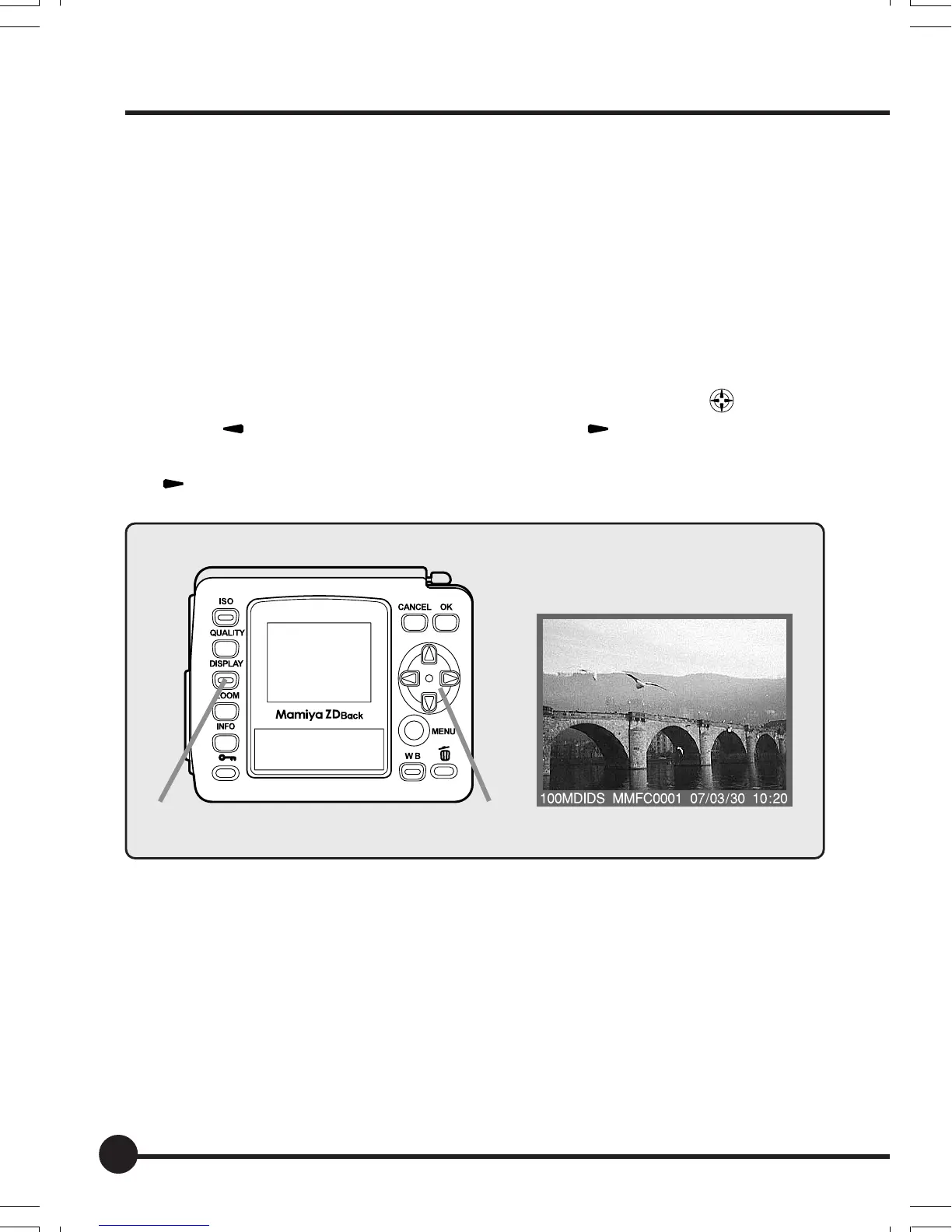
Displays the images frame by frame on the LCD monitor.
1. Press the Display button.
The most recently recorded image will be displayed on the LCD monitor.
2. Select the image you wish to display with the toggle key .
Press [ ] to display the previous image, and [ ] to display the next im-
age. When the most recently taken photograph is displayed, pressing the
[
] key on the toggle key will display the first photograph taken.
LCD monitor display
1
2
04_ZD back_E_p053-060 07/3/9, 20:4054



 To Next Page