30
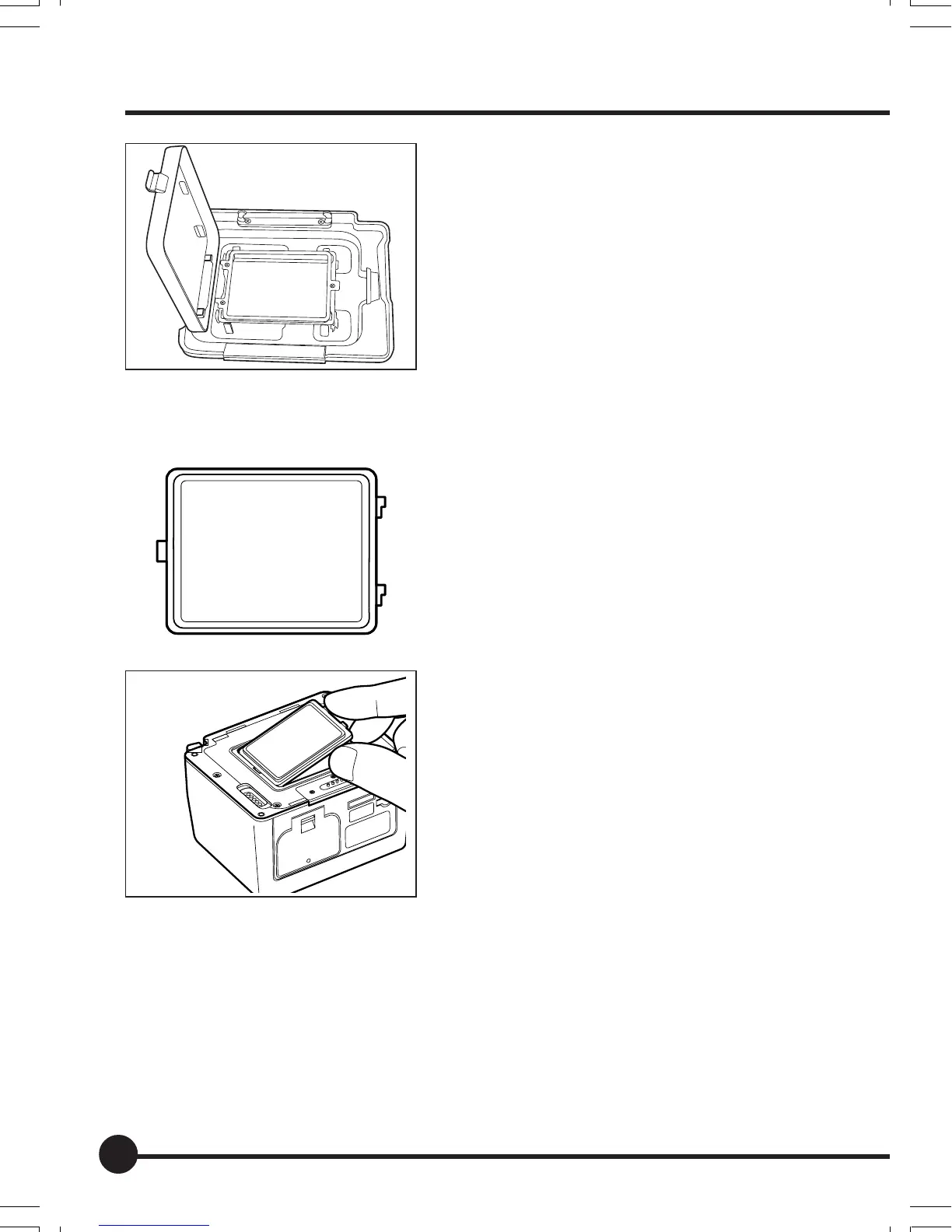
3. Store the IR Cut Filter YB401 for
Mamiya ZD Back in the filter storage
case of the Mamiya ZD Back cap
KE403.
Attaching the IR Cut Filter YB401 for Mamiya ZD Back
1. Invert the filter so that the side en-
graved “IR CUT FILTER” is facing
back.
2. Align the notch on the filter attach-
ment with the protruding part of the
filter and press it into place.
The IR Cut Filter YB401 for Mamiya ZD
Back is now attached.
IR Cut Filter YB401 (Standard)/Low-pass Filter YC401 (Option)
02_ZDback_E_p021-030 07/3/9, 20:3830



 To Next Page