34
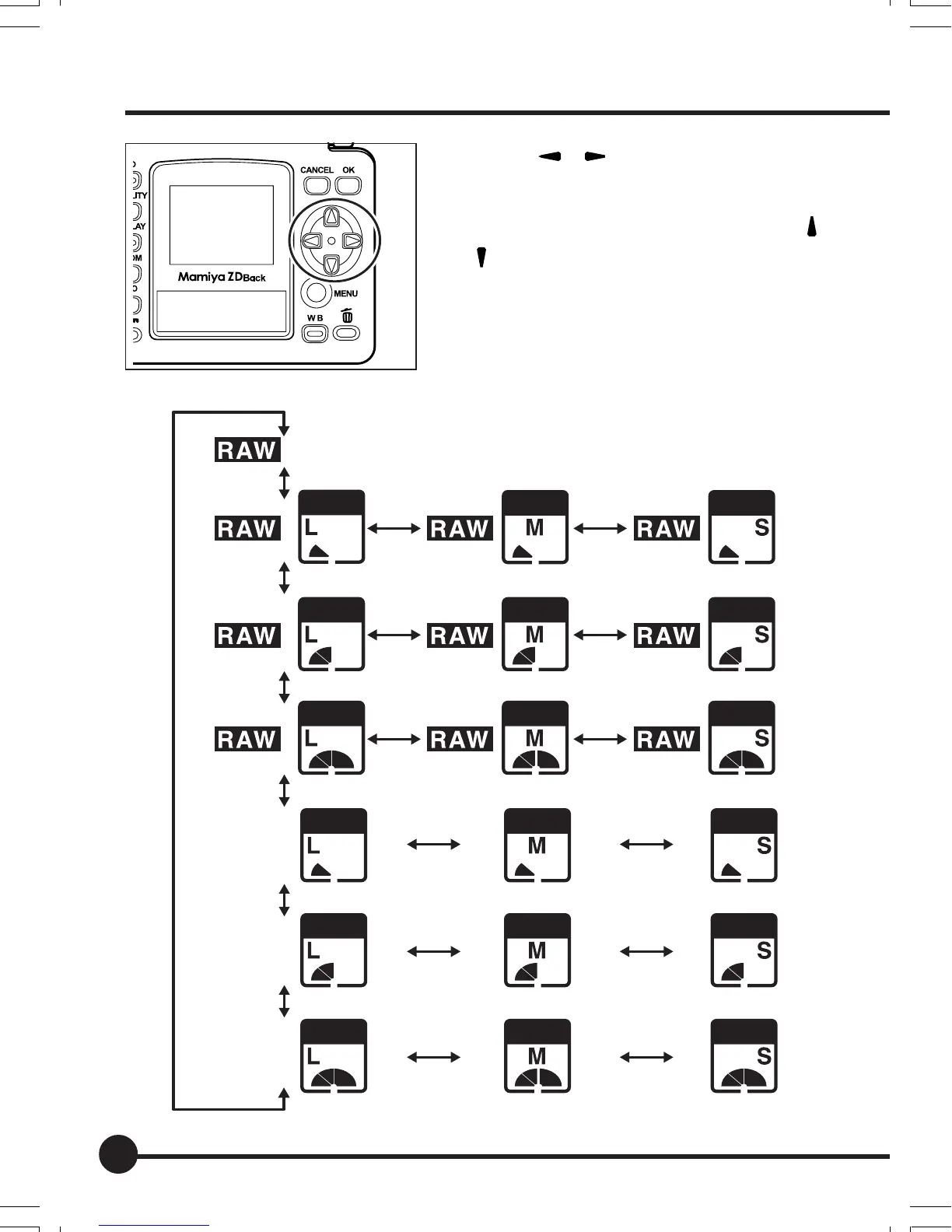
2. Press [ ] [ ] on the toggle key to
select the quality.
3. If you selected JPEG format, press [
]
[
] on the toggle key to select L, M or
S.
4. Press the QUALITY button to set.
JPEG
JPEG
JPEG
JPEG
JPEG
JPEG
JPEG
JPEG
JPEG
JPEG
JPEG
JPEG
JPEG
JPEG
JPEG
JPEG
JPEG
JPEG
Image-Related Settings
03_ZD back_E_p031-052 07/3/9, 20:3934



 To Next Page