ENGLISH
8
@3 . /RDS button
In DVD mode
• Press this button for slow forward playback
chapter.
In TUNER mode
• This button is unavailable.
@4 , /T.CLR button
In DVD mode
•
Press this button for slow backward playback
chapter.
In TUNER mode
• In Preset mode, press this button to clear preset
memory.
@5 3 (Play) /BAND button
In DVD mode
• In DVD or CD mode, press this button to start
playback.
In TUNER mode
• Press this button to select FM or AM.
@6 TUNE MODE button
• In TUNER mode, press this button to select
between the Tuning mode and Preset mode.
@7 7 (Stop) /FM MODE button
In DVD mode
• Press this button to stop playback.
In TUNER mode
•
In Tuning mode, press this button to select stereo
or monoral mode, while listening to FM broadcasts.
@8 8 (Pause) /MEMORY button
In DVD mode
• In DVD or CD mode, press this button to pause
playback.
In TUNER mode
•
Press this button to memory the preset channels.
•
Press this button to scan the preset channels
automatically for 2 seconds or more.
@9
AUDIO
button
•
In DVD mode, press this button to select an audio.
#0
S.TITLE
button
•
In DVD mode, press this button to select a subtitle
language.
#1
ANGLE button
•
If the playing DVD disc contains multi-angle video,
press this button to change the angle.
#2
ZOOM button
•
Press this button to enlarge picture. (This function
may be disabled depending on discs.)
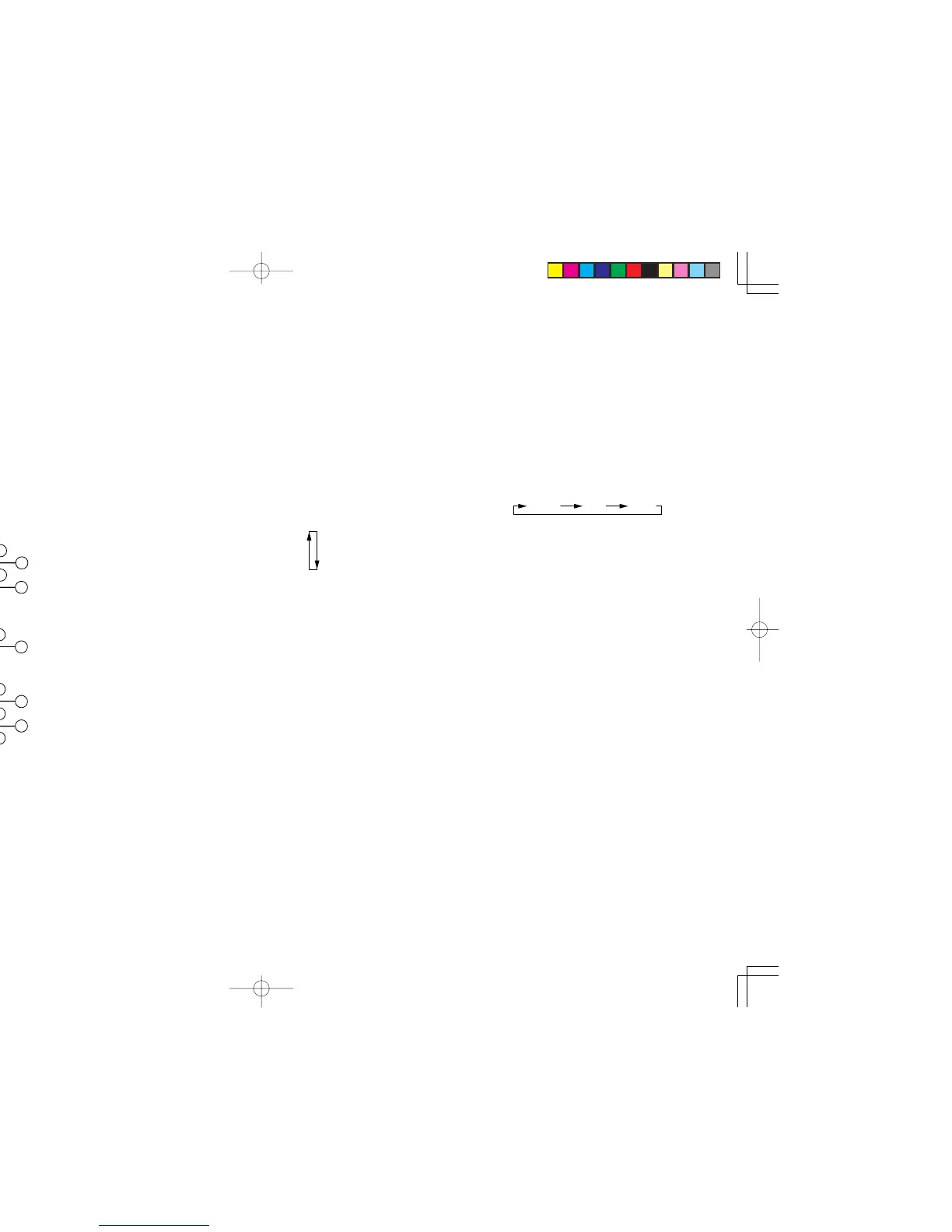
#3 REPEAT 1/ALL button
• In DVD mode, press for repeat play during
playback. Each time the button is pressed, the
mode changes in the following sequence:
1-chapter(track) repeat
Title(all track) repeat
Off
#4 PRG (Program) button
•
In DVD mode, press this button to program tracks
for program play in stop mode. (VCD/CD)
#5 NTSC/PAL button
• Press this button to select for the picture format
PAL, NTSC, or MULTI to mach your TV.
#6 T.TONE button
• This button is used to output the test tone.
Note:
The maximum test tone level is depending on the
volume level.
#7 SPK SET button
• Press this button to select for speaker size,
speaker distance, speaker level by pressing the
cursor buttons.
#8 RANDOM button
• Press for random play to play the tracks in a
random sequence. (VCD/CD/MP3/WMA/JPEG)
#9 CLR (Clear) button
• Press this button to cancel a programmed track.
(VCD/CD)
$0 NIGHT button
•
Pressing this button prevents the Dolby Digital
signal from playback at a loud voice. This function
reduces the voice by 1/3 to 1/4 at maximum.
Thus, it eliminates the occurrence of an abruptly
loud voice at night.
The Night Mode is effective the Dolby Digital only
when the signal is entered through the DVD,
VCR, DSS, digital input jack and it compresses
the dynamic range.
$1 TONE button
• Press this button to select for the tone (BASS
or TREBLE). To adjust the tone level by
pressing the volume buttons.
$2 REPEAT A-B button
•
In DVD mode, used to set the starting and stopping
points of a passage for repeated playback.
ENTERENTER
MENUMENU
TOP MENUTOP MENUDVD-SET UPDVD-SET UP
RETURNRETURN
DISPLAYDISPLAY
MUTEMUTE
VOLUMEVOLUME
DIMMERDIMMERSURROUNDSURROUND
00
998877
665544
332211
TV-CHTV-CH
TV-VOLTV-VOL
TV-INPUTTV-INPUTA/DA/DDSSDSSVCRVCR
TV POWERTV POWERTVTVTUNERTUNERDVDDVD
SLEEPSLEEPSTANDBY/ONSTANDBY/ON
RC2500ERRC2500ER
NIGHTNIGHTTONETONE
T.TONET.TONE SPK SETSPK SET
1/ALL1/ALL A-BA-B RANDOMRANDOM CLRCLRPRGPRG
ZOOMZOOMANGLEANGLEAUDIOAUDIOS.TITLES.TITLE
T.CLRT.CLR RDSRDS FM MODEFM MODE MEMORYMEMORY
TUNE PRESETTUNE PRESET BANDBAND TUNE MODETUNE MODE
REPEATREPEAT
NTSC/PALNTSC/PAL
30
23
29
32
31
24 28
27
25
2622
21
34
33 38
39
40
37
36
35
42
41
@1 ¢ button
• This button is used to skip to next chapter / track
on DVD/CD discs or increase the number on the
TUNER preset memory .
@2 4 button
• This button is used to skip to previous chapter /
track on DVD/CD discs or decrease the number
on the TUNER preset memory .
ER2500UDFU01eng1/4 04.8.26, 4:29 PMPage 8 AdobePageMaker6.5J/PPC



 To Next Page