ENGLISH
18
SPEAKER LEVEL
This mode is useful to adjust the relative volume level
between speakers during playback DVD. It is also
possible to adjust the volume level of subwoofer.
If the balance has already been set using the test
tone function, you don't have to change the setting
of speakers (FL, C, FR, SR, SL, BS, SW).
NIGHT
1. During playback DVD, press the SPK SET
button.
• "SP SIZE" appears on the front display.
2. Press the cursor button twice.
• "CH LEVEL" appears on the front display.
3. Press the cursor button.
• "FL LEVEL"(Level of Front Left) appears on
the front display.
•
If the balance has already been set using the
test tone function, you don't have to change
the setting of speakers (FL, C, FR, SR, SL,
BS, SW). If you want to change the level of
subwoofer, press the cursor button
repeatedly until "SW LEVEL" appears on the
display.
4. Press the cursor button to adjust.
• "FL 0" appears on the front display.
5. Press the cursor / buttons to change the
volume level setting.
• The volume level can be adjusted in 1 dB
steps from -10 dB to +10 dB.
6. Press the cursor
button to set next speaker
volume level setting (C LEVEL).
• Repeat step 4. to 6. to set other speaker
volume level settings.
• When all the settings have been finished,
press the SPK SET button or the ENTER
button (or leave the unit for 10 seconds) to
exit the speaker setup mode.
Note:
• "Back Surr" will be displayed in DTS Neo:6,
DOLBY PRO LOGIC
II x, Dolby Digital EX, DTS
ES, Hall, Theater and Live mode.
DEFAULT SETTING
(EXCEPT THE DVD SETUP MENU)
If this default setting is performed, all the settings
except the DVD setup menu are reset to the factory
defaults.
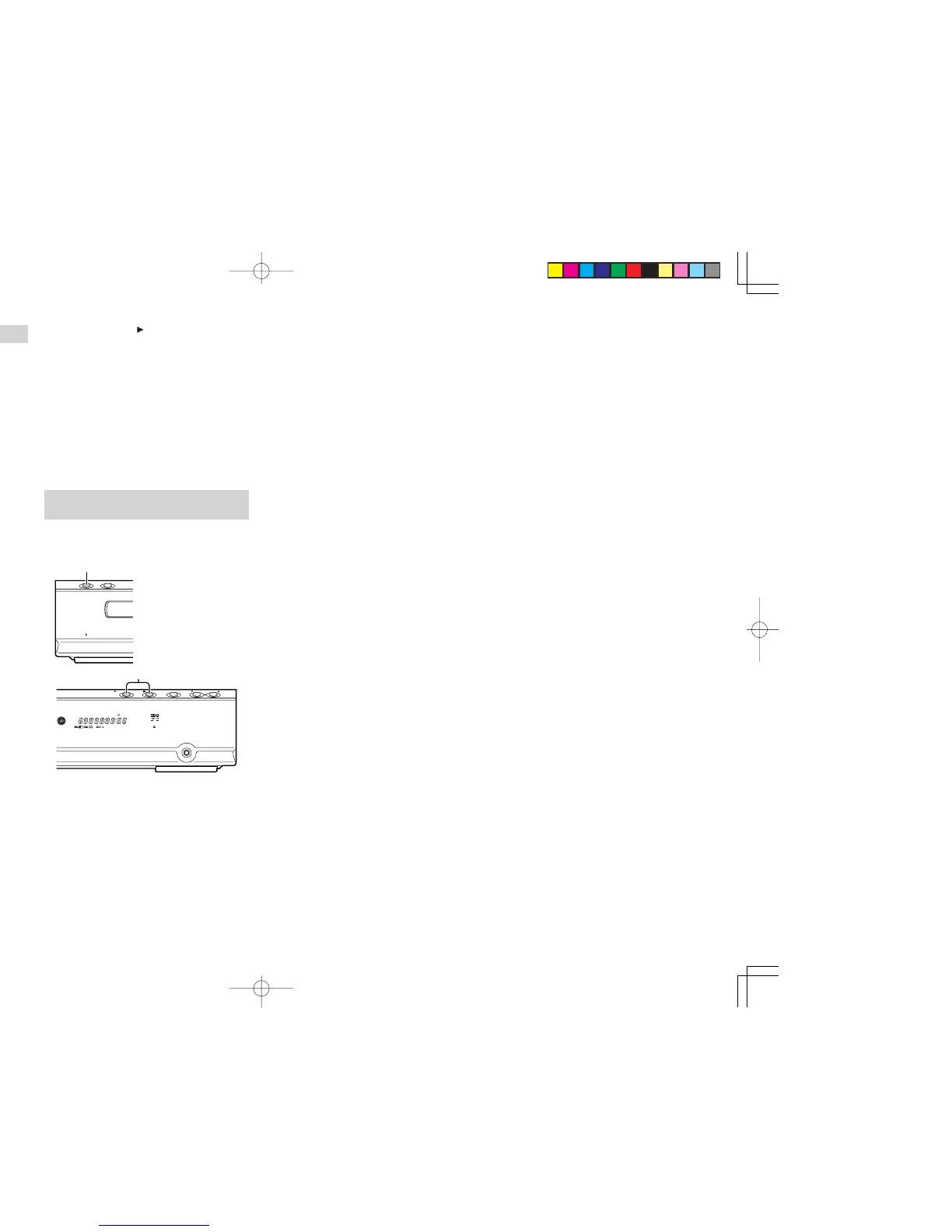
1. Press the POWER ON/STANDBY button on
the main unit to turn the power OFF.
2. Press the continuously with 2
(PLAY),
9
(STOP) and
2
(PLAY)
buttons on the main unit.
• All the settings are reset.
ER2500UDFU01eng2/4 04.8.26, 4:31 PMPage 18 AdobePageMaker6.5J/PPC



 To Next Page