27
ENGLISH
VARIOUS PLAYING
FUNCTIONS
SLOW PLAY
RETURN
DISPLAY
MUTE
VOLUME
DIMMERSURROUND
0
987
654
321
TV-CH
TV-VOL
TV-INPUTA/DDSSVCR
TV POWERTVTUNERDVD
SLEEPSTANDBY/ON
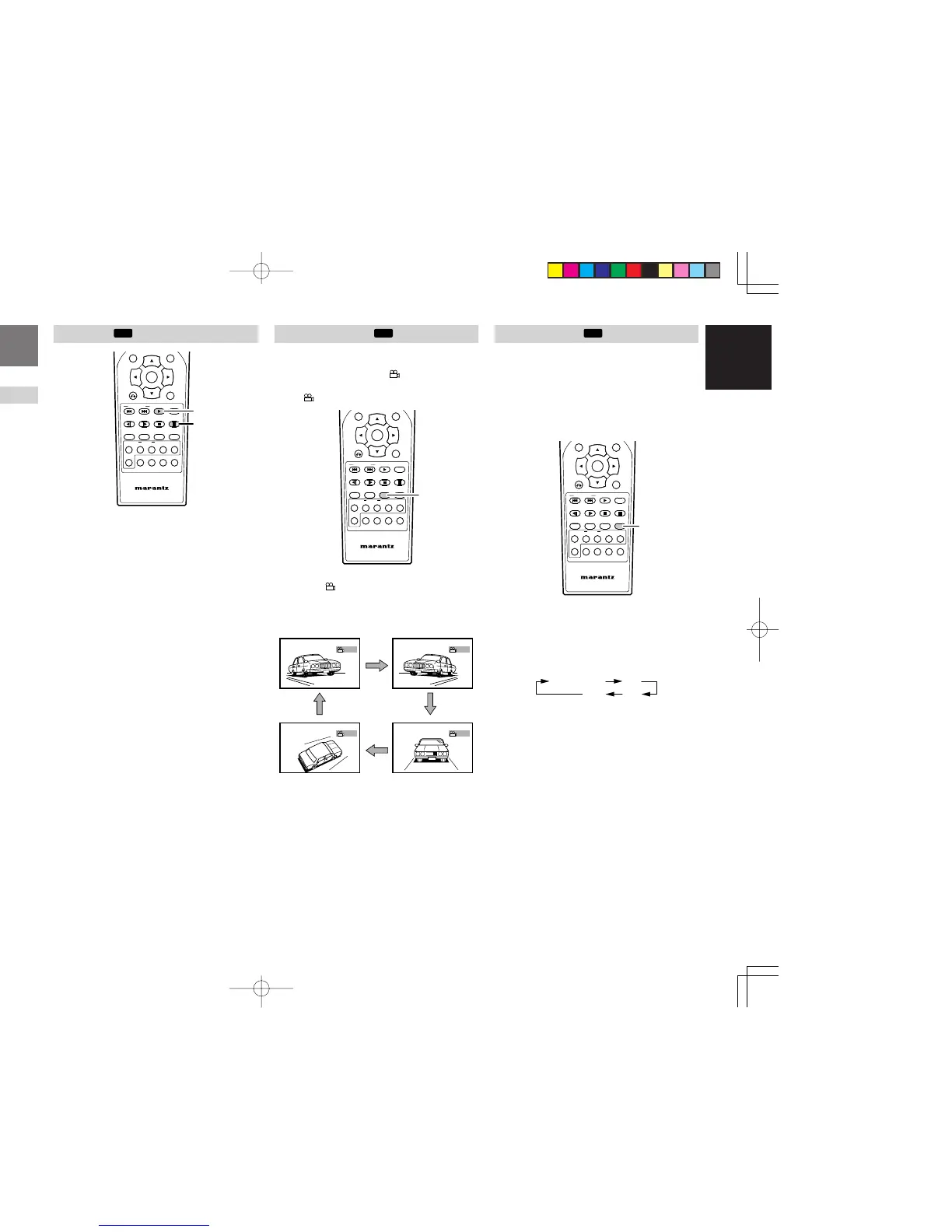
1. While playing, Press , button or . button on
the remote control unit for slow backward play
or slow forward play.
• Press . button for slow forward.
• Press , button for slow backward.
•
Every time , / . button is pressed, slow
speed changes in 3 steps.
Note:
• In slow play, there is no audio
2.
To return to normal play, press 2 (PLAY) button.
STEP PLAY
RETURN
DISPLAY
MUTE
VOLUME
DIMMERSURROUND
0
987
654
321
TV-CH
TV-VOL
TV-INPUTA/DDSSVCR
TV POWERTVTUNERDVD
SLEEPSTANDBY/ON
1. While playing, press ; (PAUSE) button to still
the picture.
2. Press ; (PAUSE) button to step the frame
forward.
Note:
• In frame-by-frame play, there is no audio
3.
To return to normal play, press 2 (PLAY) button.
CHANGING ANGLES
You can switch angles to play for DVD discs which
contain multiple angles.
For multi-angle DVD discs,
mark is printed on
the packages. Also, if multi-angle is available on a
scene,
appears on TV screen.
NIGHT
RETURN
DISPLAY
MUTE
VOLUME
DIMMERSURROUND
0
987
654
321
TV-CH
TV-VOL
TV-INPUTA/DDSSVCR
TV POWERTVTUNERDVD
SLEEPSTANDBY/ON
appears during playback, press
ANGLE button on the remote control unit.
• Each time ANGLE button is pressed, angle
changes.
1/4 2/4
4/4 3/4
Angle : 4/4
Angle : 2/4
Angle : 3/4
When playing a wide aspect picture in letter box
format on a normal aspect (4:3) TV, the center part
of the picture can be enlarged. With switching to
this zoomed display, picture display can be fit into
the TV screen. Nonetheless, both side ends of the
picture can not be displayed.
Note:
Some DVD discs cannot be zoomed.
NIGHT
RETURN
DISPLAY
MUTE
VOLUME
DIMMERSURROUND
0
987
654
321
TV-CH
TV-VOL
TV-INPUTA/DDSSVCR
TV POWERTVTUNERDVD
SLEEPSTANDBY/ON
1.
Press ZOOM button on the remote
control unit
while playing or pausing.
•
Each time ZOOM button is pressed, picture
is zoomed in the following magnification
ratio.
•
You can shift
the zoom point by pressing
the cursor buttons during zoom playback.
ER2500UDFU01eng3/4 04.8.26, 4:32 PMPage 27 AdobePageMaker6.5J/PPC



 To Next Page