25
ENGLISH
PLAYING VCD DISCS WITH PBC FUNCTION
When a VCD disc with PBC(Play Back Control)
function is loaded, PBC function of unit is ON. And
then, a menu is displayed automatically on the TV.
FOR VCD WITH PBC PLAYBACK
1. Press the 2 (PLAY) button to start the play in
stop mode.
• The menu is displayed automatically at first.
• While playing, press RETURN button to
display menu screen.
• To playback a specific track, select it with
the numeric buttons.
FOR VCD WITHOUT PBC PLAYBACK
1. Press the 2 (PLAY) button to start the play in
stop mode.
• Press a numeric buttons (0 to 9) and
ENTER button on the remote control unit to
select a track. The track will be played.
PLAYING MP3/WMA
If disc in MP3/WMA format is loaded, menu screen is
displayed on TV automatically. This menu shows
folder and file (track) names that are given with a PC,
etc.
• Folder and file names are shown up to 10
characters. ID3 tag information is not shown.
• Characters except “A-Z”, ”0-9”, ”_” are not
displayed correctly.
• Do not use special letters such as “/ : * ? “ < > ”
etc.
• The order shown in the menu may not be the
same to the order shown in a PC.
001
004.mp3
005.mp3
006.mp3
003
011.wma
012.wma
013.wma
002
007.mp3
008.mp3
009.mp3
010.mp3
XXX.mp3
XXX.wma
• This unit can play MP3/WMA discs recorded in
ISO9660 format.
• The unit plays the files with “.mp3/.WMA”
extension only.
• The maximum file number in a disc is 650.
(Including the number of folders.)
• The maximum folder layer number is 8.
•
When playing a MP3/WMA disc, it may take
more than 30 seconds depending on the number
of files and folder layer structure.
NIGHT
RETURN
DISPLAY
MUTE
VOLUME
DIMMERSURROUND
0
987
654
321
TV-CH
TV-VOL
TV-INPUTA/DDSSVCR
TV POWERTVTUNERDVD
SLEEPSTANDBY/ON
1.
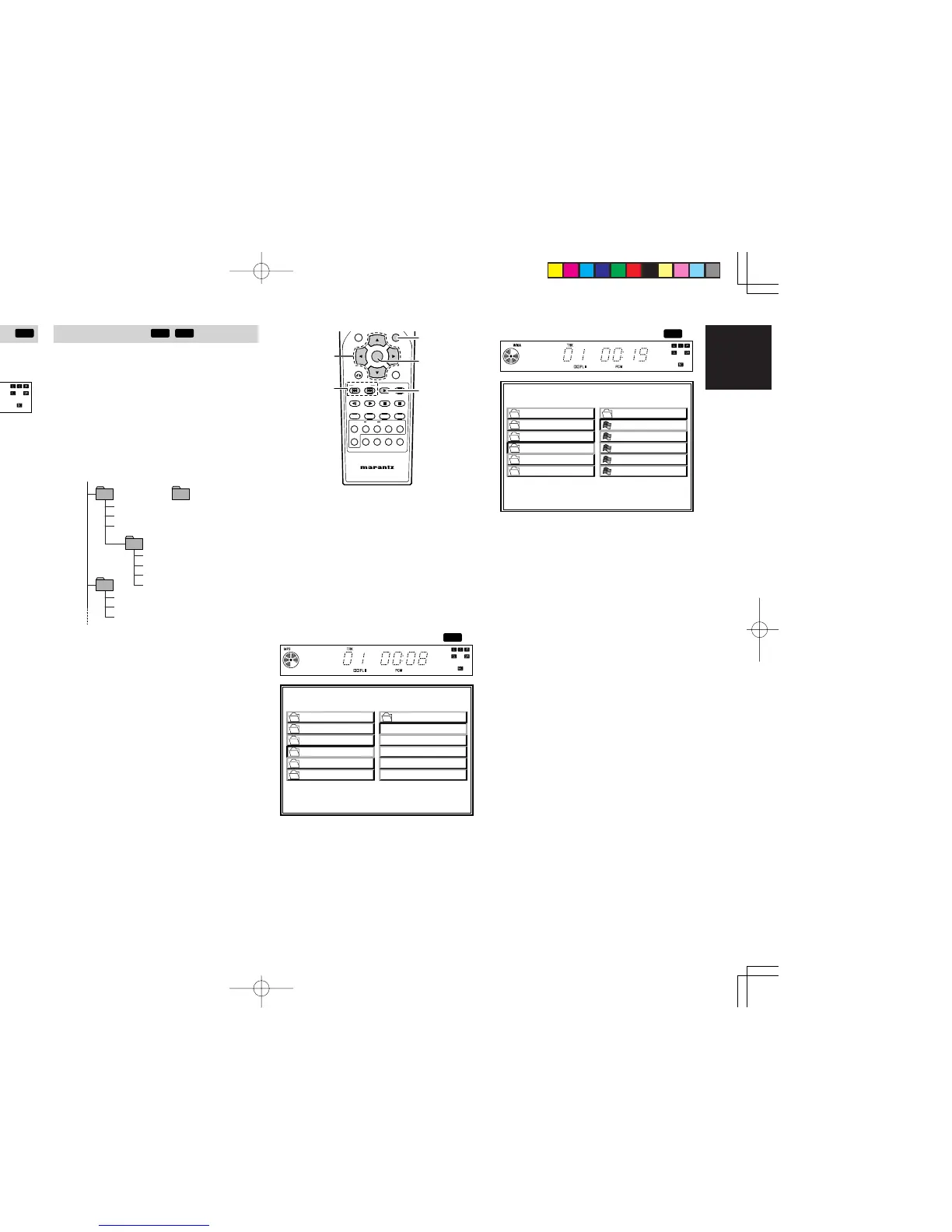
When a disc is loaded, menu screen is displayed
on TV. If menu is not displayed, press TOP
MENU button on the remote control unit.
2. Choose a track by pressing a Cursor button.
3. Press ENTER button to confirm the selected
track.
4. Press the 2 (PLAY) button to start the play.
•
To select a track while playing MP3/WMA,
press 4 or ¢ button on the remote control
unit.
FOLDER
PLAY MODE:
SINGLE ELAPSED 02:18
--
-A 1
0
MP3
-B 2
MP3
-C 3
MP3
-D 4
MP3
-E 5
MP3
ROOT
GONZAI
JPEG
MP3
WMA048
WMA064
FOLDER
PLAY MODE:
SINGLE ELAPSED 02:18
--
1
0
2
3
4
5
ROOT
GONZAI
JPEG
MP3
WMA048
WMA064
01 A
02 B
03 C
04 D
05 E
• When a WMA disc with a recorded artist or
title is played back, the artist’s name or title
is displayed at the bottom of the menu
screen. (Max. 32 characters) However, the
information is displayed only when English
is the selected on-screen display language.
The area remains blank when other
languages are selected.
ER2500UDFU01eng2/4 04.8.26, 4:31 PMPage 25 AdobePageMaker6.5J/PPC



 To Next Page