You can program up to 32 tracks to play tracks in
any order you want.
Note that the total time of the programmed tracks
cannot exceed 99 minutes 59 seconds.
Program play is not available for DVD discs.
NIGHT
1. When the PROGRAM button on the remote
control unit is pressed in the stop mode, the
“PROG.” indicator lights up, and the program
mode is established.
2.
Select the tracks to be programmed using the
numeric buttons on the remote control unit.
• To input a 2-digit track number to select a
track using the numeric buttons, first input
the 10’s digit and, within 2 seconds, input
the 1’s digit.
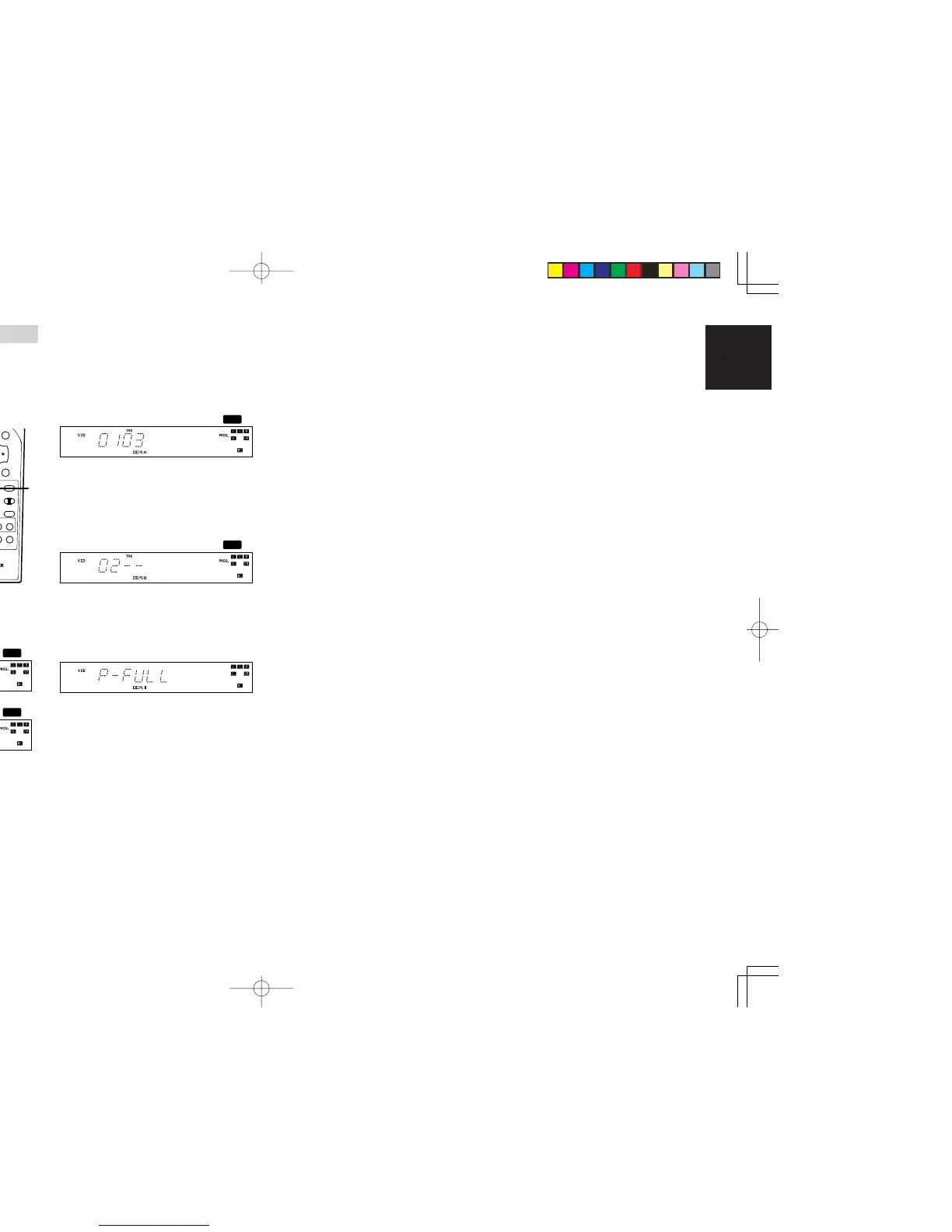
• When track 3 has been selected
3. Press ENTER button.
• The selected track is programmed, and
then unit enter to programming mode again
for select the next program track.
For VCD discs, FL Display will be like below.
4. Repeat step 2 and 3 for programming more
tracks. And then press 9 (STOP) button to
confirm completion of all the programming.
•
If the number of programmed tracks exceeds
32, the display below will be shown.
5.
Upon completion of all the programming, press
the 2 (PLAY)button.
The selected tracks are now played in the
programmed order.
6. Press 9 (STOP)button to stop program play.
To check the programmed track
1. While the unit is stopped and in program mode,
press the
Cursor(3 / 4) buttons
on the remote
control unit repeatedly.
• Track number, program number and the
total playback time is displayed in order.
To clear the entire program
1. While the unit is stopped and in program mode,
press the CLEAR button on the remote control
unit for more than 3 seconds.
•
All programmed tracks are cleared from
memory.
To delete a specified programmed track
1. While the unit is stopped and in program mode,
press the
Cursor(3 / 4) buttons
on the remote
control unit to select a track you want to delete.
2.
Press the CLEAR button on the remote control
unit.
• A specified track will be deleted.
ER2500UDFU01eng3/4 04.8.26, 4:32 PMPage 31 AdobePageMaker6.5J/PPC



 To Next Page