ENGLISH
26
CAUTIONS ON DISCS IN MP3/WMA
FORMAT.
•
This unit can handle with the multi-session.
If there are many sessions, it may take much time
to start playing. To record MP3/WMA discs, make
the number of sessions as few as possible.
•
A single session disc requires MP3/WMA files in
the first track. If there is no MP3/WMA file in the
1st track, it cannot playback MP3/WMA files. If
you wish to playback MP3/WMA files, format all
the data in the disc or use a new one.
•
Sampling frequency:
32, 44.1, 48 kHz (MP3)
44, 48 kHz (WMA)
•
Bit rate:
56-256 kbps (MP3)
64-192 kbps (WMA)
•
Total number of files on the disc should be less
than 650.
•
Customers should also note that permission is
required in order to download MP3/WMA files
and music from the Internet. Our company has no
right to grant such permission. Permission should
always be sought from the copyright owner.
•
If you record a disc using a personal computer,
even if it is recorded in a compatible format, there
are cases in which it may not play because of the
settings of the application software used to cre-
ate the disc. (Check with the software publisher
for more detailed information.)
•
Some CD-R/RW discs cannot be played back on
this unit.
VIEWING JPEG
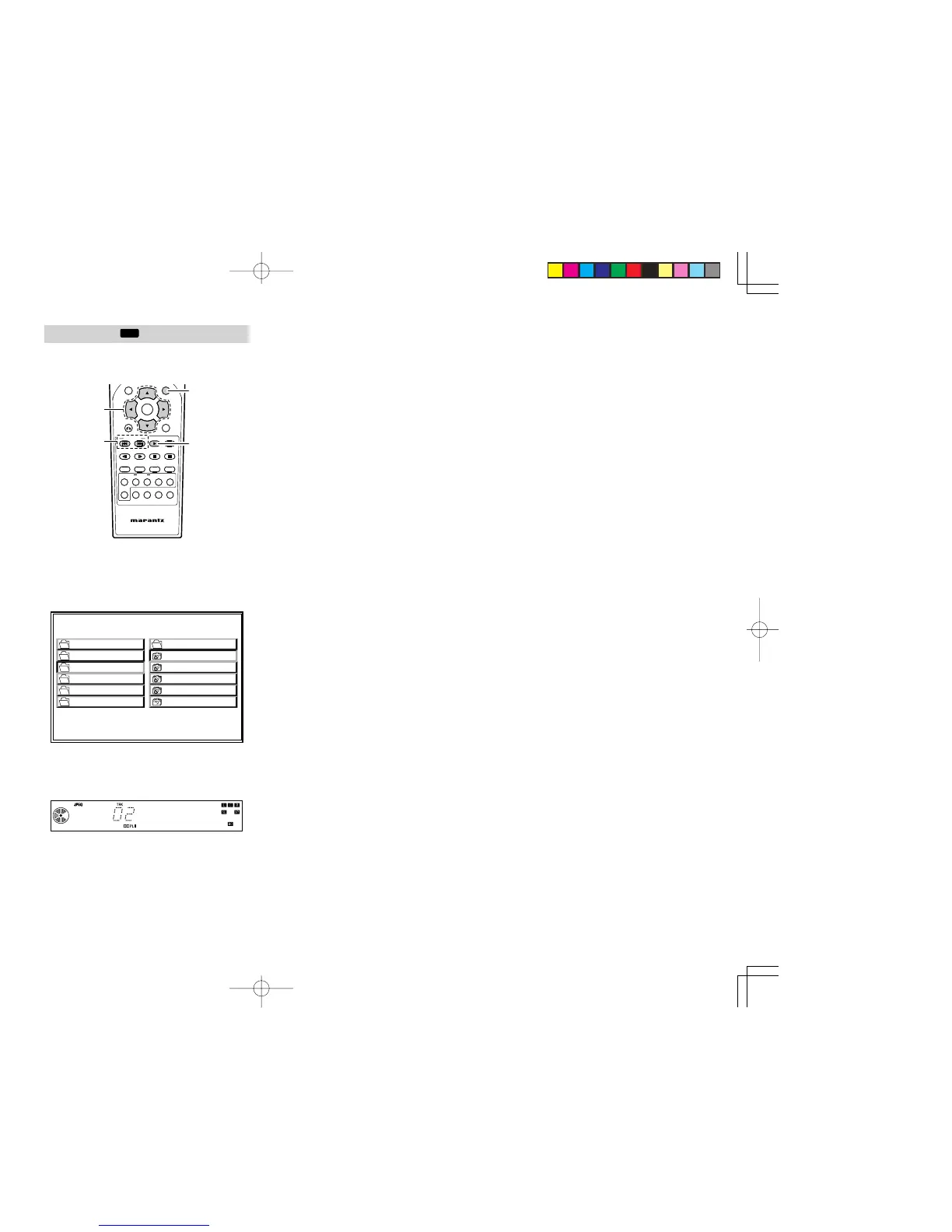
1.
When a disc is loaded, menu screen is displayed
on TV. If menu is not displayed, press TOP
MENU button on the remote control unit.
2. Choose a file by pressing a Cursor button.
3. Press the 2 (PLAY) button to view the file.
•
To select a file while playing JPEG, press
4 or ¢ button on the remote control unit.
TO FLIP THE PICTURE
1. Press Cursor(3 / 4) buttons on the remote
control unit during showing a picture to flip the
picture horizontally or a vertically.
TO ROTATE THE PICTURE
1. Press Cursor(1 / 2) buttons on the remote
control unit during showing a picture to rotate
the picture clockwise or counter clockwise.
CAUTIONS ON JPEG RECORDINGS.
•
Total number of files and folders on the disc
should be less than 650
.
•
If the files have “.jpe” or “.jpeg” extensions,
please rename them as “.jpg” files.
•
File names without “.jpg” extension will not be
able to be read by this player. Even though the
files are shown as JPEG image files in windows
explorer.
ER2500UDFU01eng2/4 04.8.26, 4:31 PMPage 26 AdobePageMaker6.5J/PPC



 To Next Page