All tracks will be played in random sequence.
Note:
• This function cannot be used for DVD discs.
RETURN
DISPLAY
MUTE
VOLUME
DIMMERSURROUND
0
987
654
321
TV-CH
TV-VOL
TV-INPUTA/DDSSVCR
TV POWERTVTUNERDVD
SLEEPSTANDBY/ON
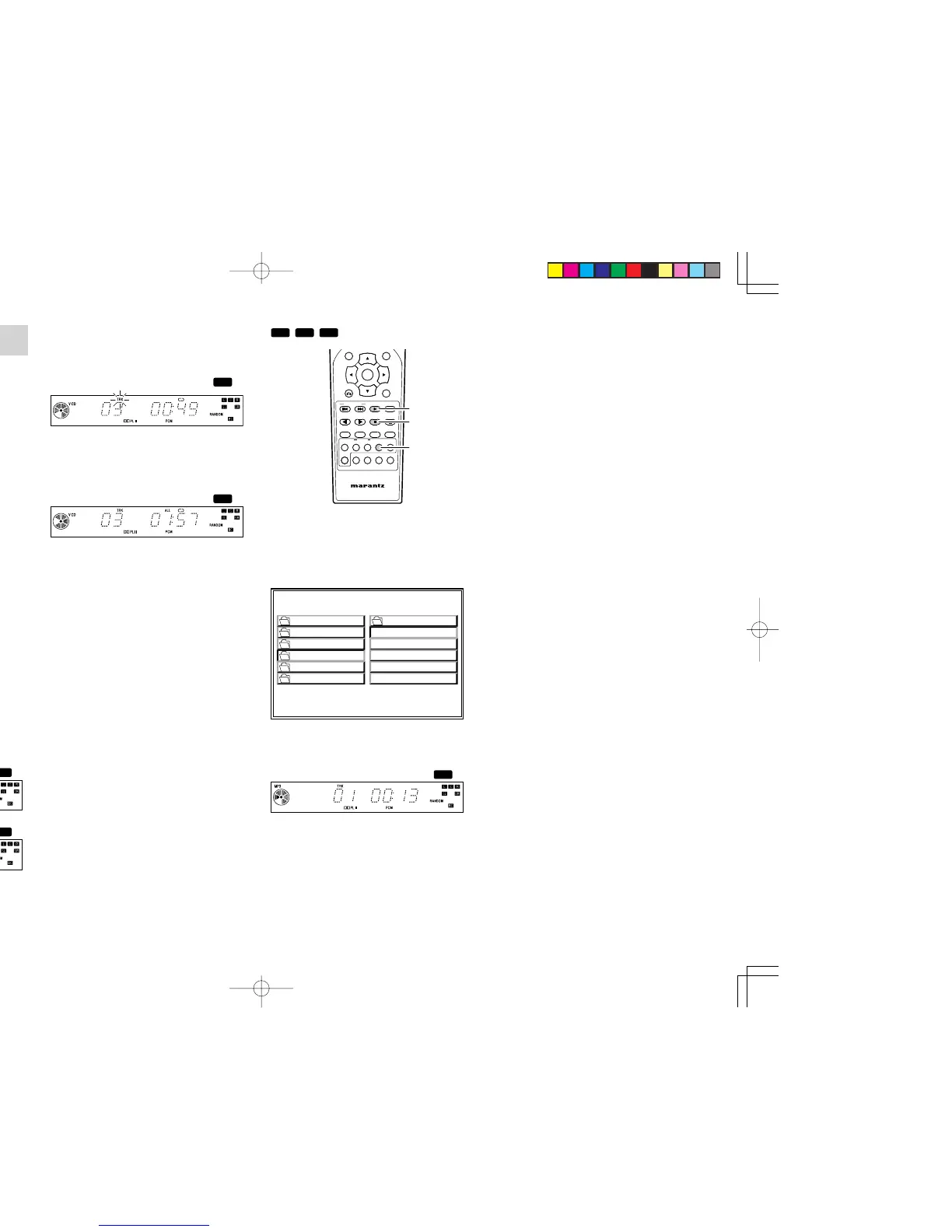
1. In stop mode, press the RANDOM button then
press the 2 (PLAY) button.
• All tracks in the disc is played in random
sequence.
• IF the RANDOM button is pressed while
playing, random playback start from the
other track.
• If you press the ¢ button during random
playback, the next track will be randomly
selected and played. A track cannot be
replayed during random playback.
• To stop random playback, press RANDOM
button again.
• If REPEAT button is pressed once in
random play, currently played track is
played repeatedly.
For VCD discs, FL Display will be like below.
•
If REPEAT button is pressed twice in random
play, all tracks in the disc is played repeatedly
in random sequence.
For VCD discs, FL Display will be like below.
RETURN
DISPLAY
MUTE
VOLUME
DIMMERSURROUND
0
987
654
321
TV-CH
TV-VOL
TV-INPUTA/DDSSVCR
TV POWERTVTUNERDVD
SLEEPSTANDBY/ON
1. In stop mode, select the track (file) you want to
play.
2. When the RANDOM button on the remote
control unit is pressed, the play mode on TV is
changed random mode.
RANDOM ON
PLAY MODE:
SINGLE ELAPSED 02:18
--
1
0
2
3
4
5
01-A
MP3
02-B
MP3
03-C
MP3
04-D
MP3
05-E
MP3
ROOT
GONZAI
JPEG
MP3
WMA048
WMA064
3.
Press 2 (PLAY) button to random play.
• All files in a folder is played in random
sequence.
4. Press 9 (STOP) button to stop random play.
ER2500UDFU01eng3/4 04.8.26, 4:32 PMPage 30 AdobePageMaker6.5J/PPC



 To Next Page