Each time REPEAT 1/ALL button on the remote
control unit is pressed, play mode on TV is changed
in the following order.
Folder
Folder repeat
Disc
Disc repeat
Track repeat
RETURN
DISPLAY
MUTE
VOLUME
DIMMERSURROUND
0
987
654
321
TV-CH
TV-VOL
TV-INPUTA/DDSSVCR
TV POWERTVTUNERDVD
SLEEPSTANDBY/ON
1. Select the track (file) you want to repeat.
2. Press REPEAT 1/ALL button on the remote
control unit to select the track repeat mode.
TRACK REPEAT
PLAY MODE:
SINGLE ELAPSED 02:18
--
1
0
2
3
4
5
01-A
MP3
02-B
MP3
03-C
MP3
04-D
MP3
05-E
MP3
ROOT
GONZAI
JPEG
MP3
WMA048
WMA064
3.
Press 2 (PLAY) button to repeat play.
• Currently played track is repeated.
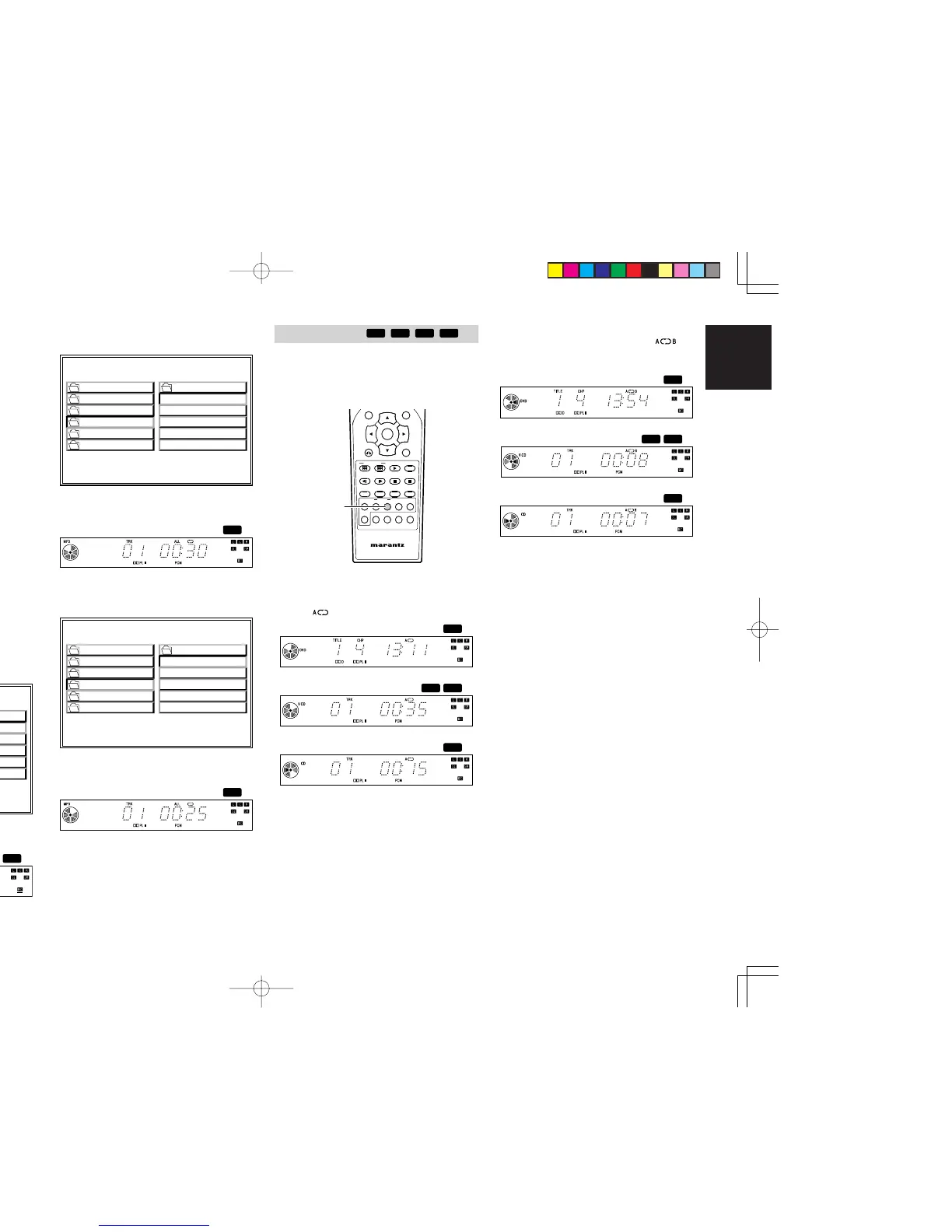
You can play a specific part (between A and B) in
a chapter(track) repeatedly.
Note:
• This function cannot be used for MP3/WMA/
JPEG discs.
NIGHT
RETURN
DISPLAY
MUTE
VOLUME
DIMMERSURROUND
0
987
654
321
TV-CH
TV-VOL
TV-INPUTA/DDSSVCR
TV POWERTVTUNERDVD
SLEEPSTANDBY/ON
1.
At the beginning of the desired passage, press
REPEAT A-B button on the remote control unit.
•“ ” indicator lights up.
2. At the end of the desired passage, press
REPEAT A-B button again, then “
”
indicator lights up and the desired passage is
played repeatedly.
3. Press REPEAT A-B button to cancel the A-B
repeat play.
4. Press REPEAT 1/ALL button on the remote
control unit to select the folder repeat mode.
FOLDER REPEAT
PLAY MODE:
SINGLE ELAPSED 02:18
--
1
0
2
3
4
5
01-A
MP3
02-B
MP3
03-C
MP3
04-D
MP3
05-E
MP3
ROOT
GONZAI
JPEG
MP3
WMA048
WMA064
5.
Press 2 (PLAY) button to repeat play.
• The folder is repeated.
6. Select the folder you want to repeat.
7. Press REPEAT 1/ALL button on the remote
control unit to select the disc repeat mode.
DISC REPEAT
PLAY MODE:
SINGLE ELAPSED 02:18
--
1
0
2
3
4
5
01-A
MP3
02-B
MP3
03-C
MP3
04-D
MP3
05-E
MP3
ROOT
GONZAI
JPEG
MP3
WMA048
WMA064
8.
Press 2 (PLAY) button to repeat play.
• The entire disc is repeated.
ER2500UDFU01eng3/4 04.8.26, 4:32 PMPage 29 AdobePageMaker6.5J/PPC



 To Next Page