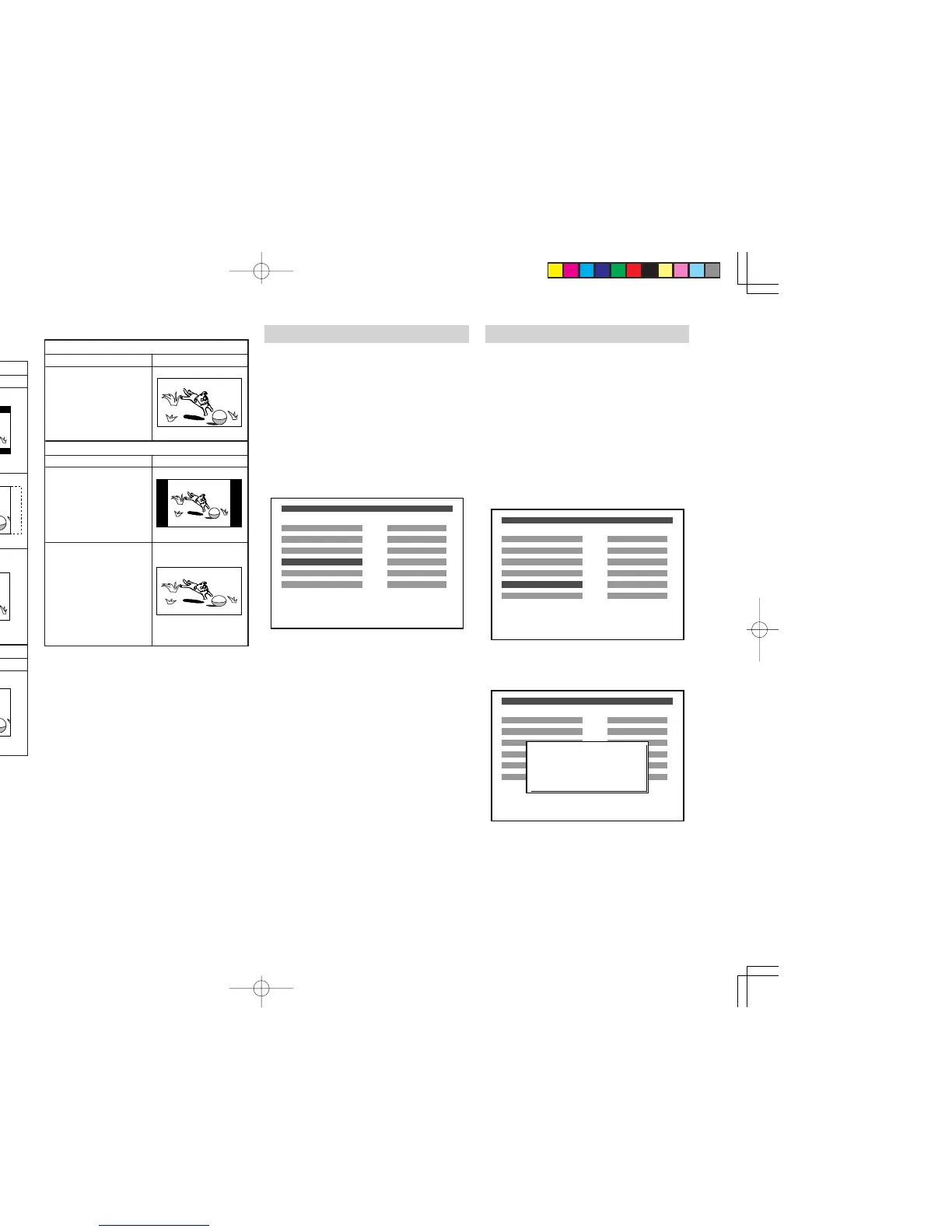
Picture in 16:9 aspect ratio
Player’s setting How it looks
16:9 Wide
Picture is displayed in
right aspect ratio.
Picture in 4:3 aspect ratio
Player’s setting How it looks
16:9 Wide
Black bars appear on
both side of picture but
picture is displayed in
right aspect ratio.
16:9 Wide
If picture is displayed
vertically squeezed like
shown at right, check
settings of your TV and
set it to normal. See the
instruction manual of
your TV for details.
• When your TV is 16:9 screen.
Note:
Some disc will not allow you to change the
aspect ratio.
TV TYPE
Set up picture format according to type supported
by your TV or monitor.
If your TV is MULTI or PAL, press the NTSC/PAL
button repeatedly until “MULTI” or “PAL” appears
on the TV screen.
The default setting of ER2500U is “NTSC”.
The default setting of ER2500S is “PAL”.
1.
To select DVD mode, press the DVD button on
the remote control unit.
2.
Press DVD-SETUP button to display the setup
menu in stop mode.
3.
With Cursor buttons, select “TV TYPE”.
OSD LANGUAGE
SUB-TITLE
TV DISPLAY
TV TYPE
PARENTAL RATING
PASSWORD
ENGLISH
OFF
4:3 LB
MULTI
UNLOCK
CHANGE
DVD SETUP MENU
4. Press ENTER button repeatedly, select the
picture format.
•
You can select from MULTI, NTSC and PAL.
MULTI: Select MULTI when a MULTI TV is
connected.
NTSC: Select NTSC When a NTSC TV is
connected.
PAL: Select PAL when a PAL TV (Euro-
pean standard) is connected.
5. Press
DVD-SETUP
button to confirm it and to
exit from the setup menu.
PARENTAL RATING
If a disc has parental lock level, the disc is played
with restriction based on parental lock level and disc
contents. You can set the player not to play what you
do not want to show to children. To play restricted
disc contents, you need to enter password. This
section explains how to set parental lock level.
The
default setting is “UNLOCK”.
1.
To select DVD mode, press the DVD button on
the remote control unit.
2.
Press DVD-SETUP button to display the setup
menu in stop mode.
3. With Cursor buttons, select “PARENTAL
RATING”.
OSD LANGUAGE
SUB-TITLE
TV DISPLAY
TV TYPE
PARENTAL RATING
PASSWORD
ENGLISH
OFF
4:3 LB
MULTI
UNLOCK
CHANGE
DVD SETUP MENU
4. Press ENTER button, the password input
screen is displayed on TV.
OSD LANGUAGE
SUB-TITLE
TV DISPLAY
TV TYPE
PARENTAL RATING
PASSWORD
ENGLISH
OFF
4:3 LB
MULTI
UNLOCK
CHANGE
DVD SETUP MENU
INPUT PASSWORD
- - - -
Picture in 16:9 aspect ratio
Player’s setting How it looks
4:3 Letter Box
Black bars appear on
top and bottom of the
screen.
Picture is displayed in
right aspect ratio.
4:3 Pan & Scan
Both sides of picture are
cropped but picture is
displayed in right aspect
ratio.
16:9 Wide
Picture is squeezed
horizontally and is not
displayed in right
aspect ratio. Change
the setting to 4:3 Letter
Box or 4:3 Pan & Scan.
Picture in 4:3 aspect ratio
Player’s setting How it looks
One of 4:3 Letter Box,
4:3 Pan & Scan or 16:9
Wide
Picture is displayed in
right aspect ratio in any
setting.
How it is displayed
• When your TV is 4:3 screen.
ER2500UDFU01eng4/4 04.8.26, 4:32 PMPage 36 AdobePageMaker6.5J/PPC



 To Next Page