ENGLISH
9
OPERATION OF REMOTE CONTROL UNIT
1. REMOTE CONTROL
The distance between the transmitter of the remote
control unit and the IR SENSOR of the ER2500
should be less than about 5 meters. If the transmitter
is pointed to a direction other than the IR SENSOR
or if there is an obstacle between them, remote
control may not be possible.
Remote-controllable range
2. LOADING BATTERIES
The life of the batteries used with the remote control
unit is about 4 months with normal use. Also be sure
to replace batteries earlier when you notice that
they are getting weak.
1. Remove the back cover.
2. Insert the new batteries (AAA type) with
correct (+) and (–) polarity.
Approx. 5 meters
PROGRAMMING THE REMOTE CONTROL
UNIT
The remote control unit RC2500ER must be
programmed to use the codes for your appliances
of different brands. This is done by keying in a 3-
digit code or by scanning the codes until the correct
one is found. We recommend to using the 3-digit
code. This mode is faster and more reliable. The
code scanning method should be used only if you
cannot find the code for one of your appliances.
The codes are listed at the end of this book.
Important:
•
Use the remote control buttons for programming,
not the buttons of the receiver or other appliances.
•
Some codes may be not match your equipment.
In this case, your equipment cannot be controlled
with this remote controller.
•
If the battery life of remote controller is
lost, a
program code will be reset from a memory.
PROGRAMMING WITH THE 3-DIGIT CODE
NIGHT
1.
Turn on the appliance which should be controlled.
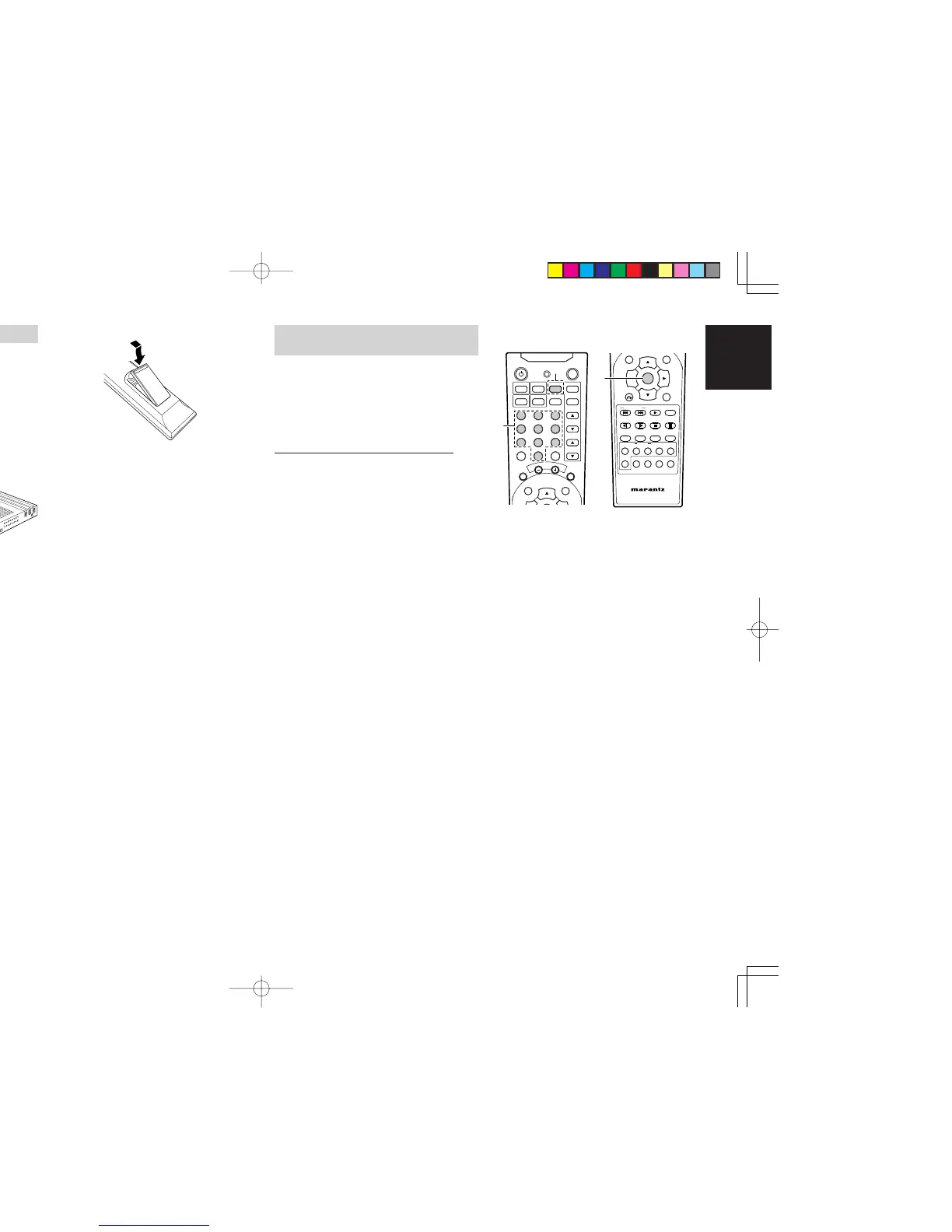
2. Press and hold down the ENTER button and
press TV button until the indicator lamp blinks
twice.
3.
Press the 3-digit code for appliance. (code
table at the end of this book)
• If the 3-digit code is not pressed with 10
seconds, this programming function is
canceled.
4.
When the procedure is successful, the indicator
lamp will blink twice.
Note:
•
If the indicator lamp blinks in 1 second, program
code is wrong.
• If the indicator lamp did not blink twice, then
repeat steps 1 through 2 and try entering the
same code again.
3. Close until it clicks.
Notes:
• Do not mix alkaline and manganese batteries.
• Do not mix old and new batteries.
CAUTIONS ON BATTERIES
• Use “AAA” type batteries in this remote control
unit.
• If the remote control unit does not operate from
close to the main unit, replace the batteries with
new ones, even if less then a year has passed.
•
The included battery is only for verifying operation.
Replace it with a new battery as soon as possible.
•
When inserting the batteries, be careful to do so
in the proper direction, following the + and - marks
in the remote control unit’s battery compartment.
• To prevent damage or battery fluid leakage:
- Do not use a new battery with an old one.
- Do not use two different types of batteries.
- Do not short-circuit, disassemble, heat or
dispose of batteries in flames.
• Remove the batteries when not planning to use
the remote control unit for a long period of time.
• If the batteries should leak, carefully wipe off the
fluid from the inside of the battery compartment,
then insert new batteries.
•
When disposing of used batteries, please comply
with governmental regulations or environmental
public instruction’s rules that apply in your country
or area.
ER2500UDFU01eng1/4 04.8.26, 4:29 PMPage 9 AdobePageMaker6.5J/PPC



 To Next Page