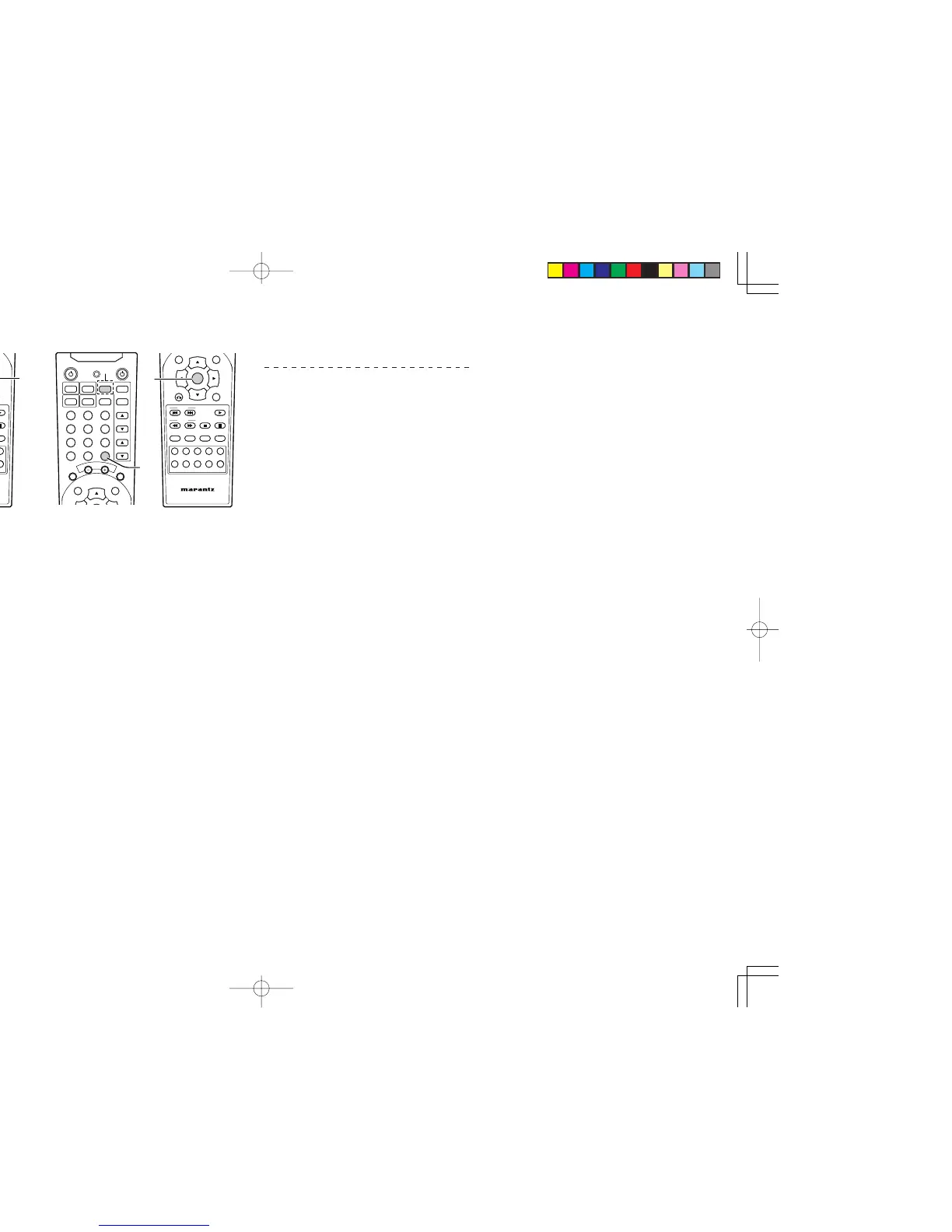
1.
Turn on the appliance which should be controlled.
2. Press and hold down the ENTER button and
press TV button until the indicator lamp blinks
twice.
3.
Aim the remote control sensor at the appliance
and slowly pressing the cursor (3,4) button
until appliance turns off.
• If
the cursor (3,4) button
is not pressed
with 10 seconds, this programming function
is canceled.
4. Stop when the appliance turns off.
5. Press ENTER button once to lock in the code.
At this time, the indicator lamp will blink twice.
CHECKING THE CODE
NIGHT
1. Press and hold down the ENTER button and
press TV button until the indicator lamp blinks
twice.
2. Press the DISPLAY button.
The indicator will blink twice.
3.
After 2 seconds, the indicator will blink according
to first, second and third digit for the current
setup code, count the indicator blinks (e.g. 3
blinks = 3) and write down the number.
Note:
• If a code digit is “0”, the indicator will blinks 10
times.
Once you have found and the codes for your various
appliances, you may want to write them down here.
TV
ER2500UDFU01eng1/4 04.8.26, 4:29 PMPage 10 AdobePageMaker6.5J/PPC



 To Next Page