3.4. DIAGNOSTIC MODE (Video/Audio (signal) path conrmation mode
3.4.1. Specication
This mode is used for conrming the Video and Audio (signal) paths. (Troubleshooting)
Conrming the operation of unit can be easily done after repair.
Backup data will not be lost.
3.4.2. Starting diagnostic mode
Press the "Power operation (
X
)" button to turn on power while pressing the "
STATUS
" and ”
PRESET CH-
" buttons.
Select "1. SERVICE CHECK" and press "
STATUS
" to start the set in the Diagnostic mode.
In this mode, TUNED, STEREO and RDS are lit in FL display.
3.4.3. Canceling diagnostic mode
Turn off the power by pressing the "Power operation (
X
)" button.
3.4.4 Selecting items
Press
q
button to switch between video items and audio items.
Press
w
or
e
button to select previous or next items.
This unit remote controller
q w e q w e
audio
⇔
video previous next audio
⇔
video previous next
DISPLAY PRESET CH- PRESET CH+ SLEEP CURSOR LEFT CURSOR RIGHT
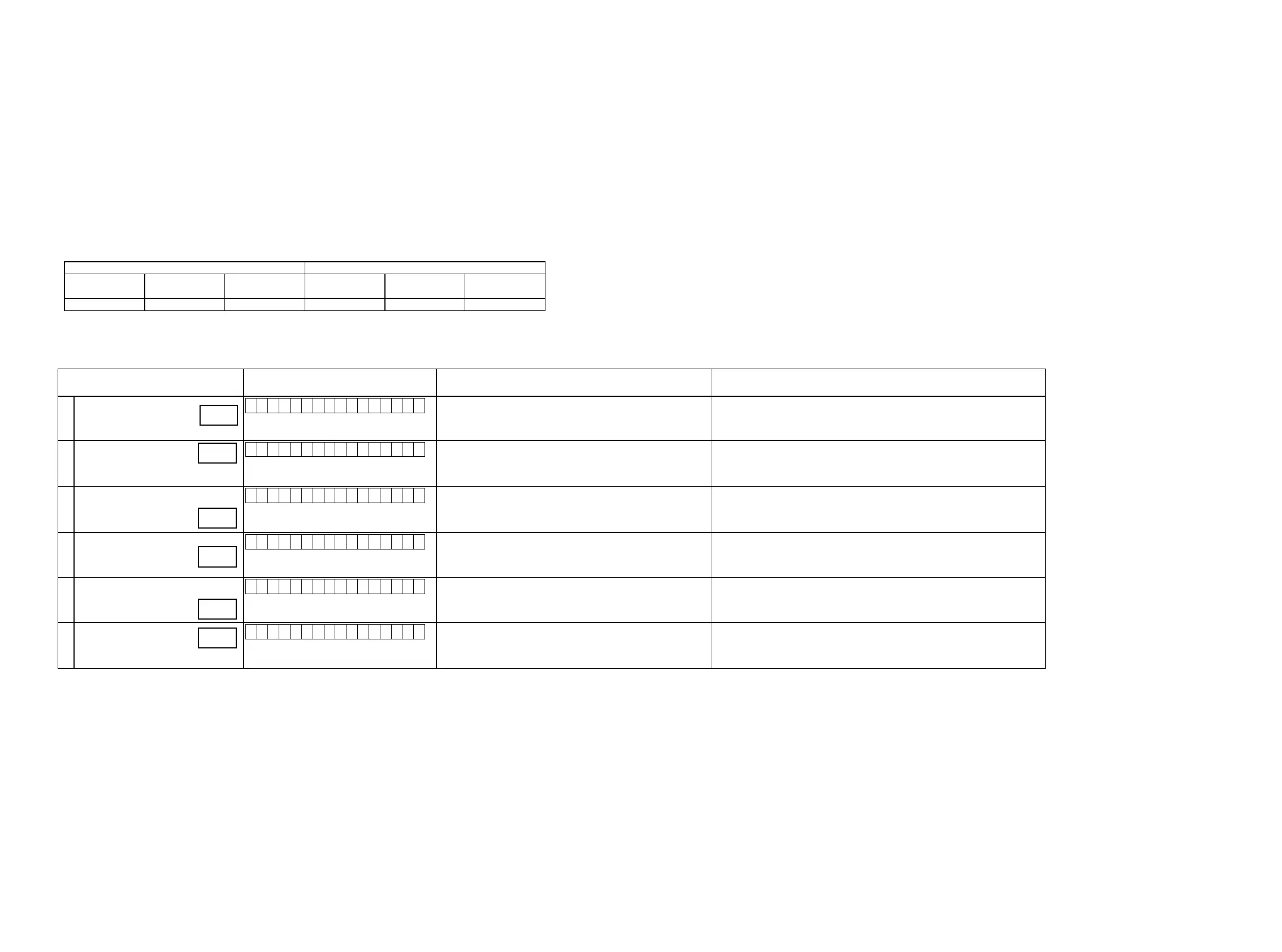
3.4.5 Video system conrmation items
g. XX: Refer to the block diagram of the g.XXth.
Conrmation item FL display
settings Contents of conrmationRemarks
1
Analog Video (signal) Pass
V 0 1 : V I D E O P A S S
Input Source : CBL/SAT ·CVBS input
⇒
CVBS output
(
b
Input source can be switched.)
2
HDMI pass
(Main)
V 0 3 : H D M I P A S S
Input Source : CBL/SAT ·HDMI input
⇒
HDMI output
·ETHERNET input
⇒
HDMI output
·Front HDMI input
⇒
HDMI output
(
b
Input source can be switched.)
3
HDMI CEC
V 0 4 : H D M I C E C
Input Source : CBL/SAT
HDMI Control : ON
·When the power supply of a TV is put in the standby mode, make sure that the
power supply of this unit is also put in the standby mode.
·To check ARC path, switch the input source to "TV AUDIO".
(
b
Input source can be switched.)
4
HDMI audio
(audio: AVR)
V 0 5 : H . A U D I O - A V R
Input Source : CBL/SAT
HDMI Control : OFF
HDMI Audio : AVR
·HDMI input(PCM , DolbyDigital , DTS)
⇒
Speaker output
·HDMI input(HD audio)
⇒
Speaker output
(
b
Input source can be switched.)
5
HDMI audio
(audio: TV)
V 0 6 : H . A U D I O - T V
HDMI Audio : TV ·HDMI input(PCM , DolbyDigital , DTS)
⇒
HDMI output (audio output from
connected TV)
(
b
Input source can be switched.)
6
GUI menu
V 0 7 : G U I M E N U O N
Input Source : CBL/SAT
Resolution : "AUTO", All sources
Setup Menu ON
·GUI display
⇒
HDMI output
(
b
Input source can be switched.)
g.1
g.2
g.3
g.4
g.5
g.6
31















 To Next Page