[All model commonness]
1.3. Turn on the AV receiver
Operate the following. Turn on the AV receiver.
(1) Connect the power cable to the AC outlet while simultaneously pushing the "
M-DAX
" and "
SOUND MODE
" button of
the front panel.
(2) Conrm the power indicator is green and "WRITTING" is displayed in the front panel.
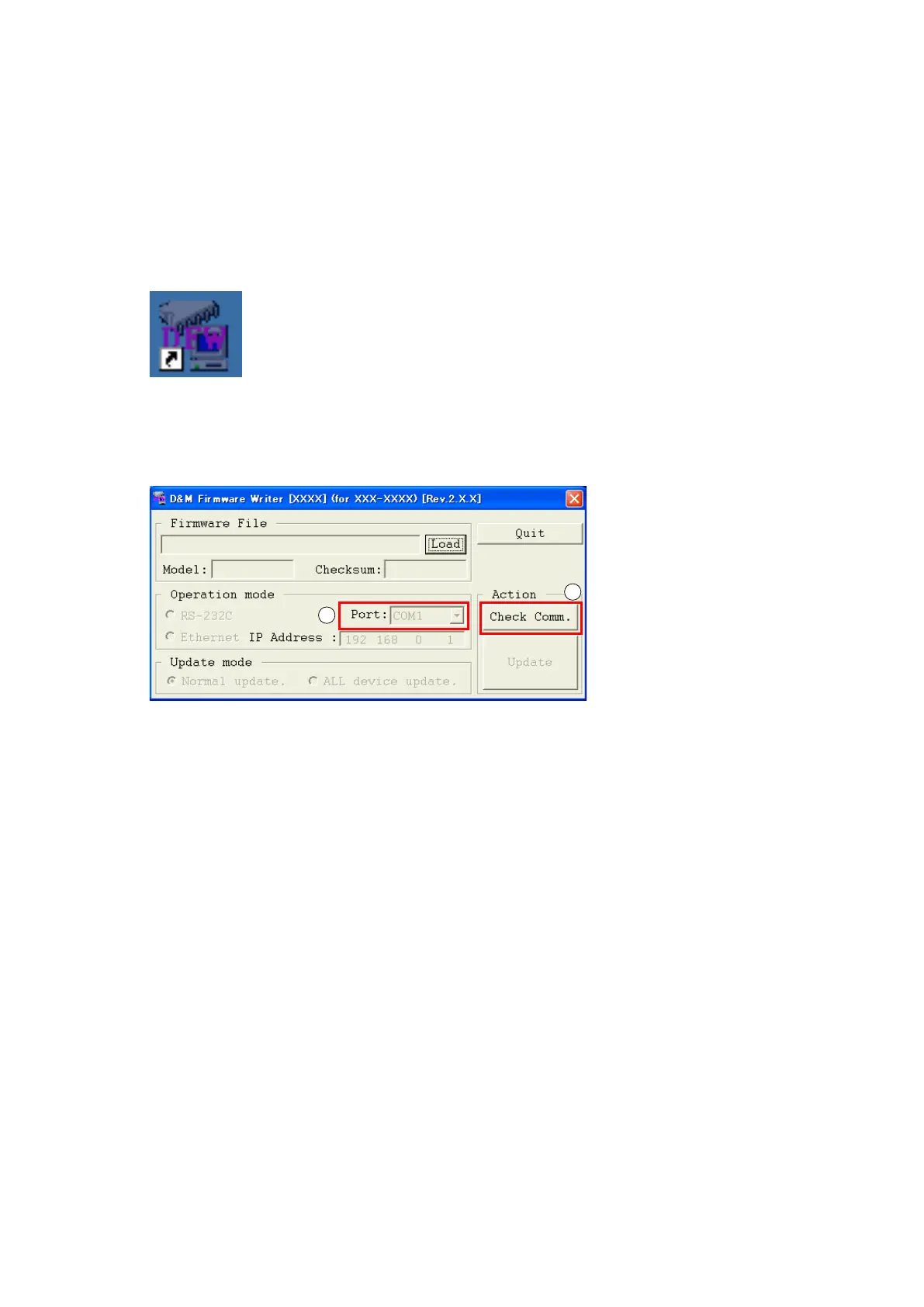
1.4. Run the DFW
Run the "DFW_0013_NR150
4
_(Rev.X.X.X).exe" on desktop of PC.
1.5. Communication check
(1) Select the serial port number of RS-232C in PC.
(2) Click the "Check Comm." button.
1
2
51















 To Next Page