23
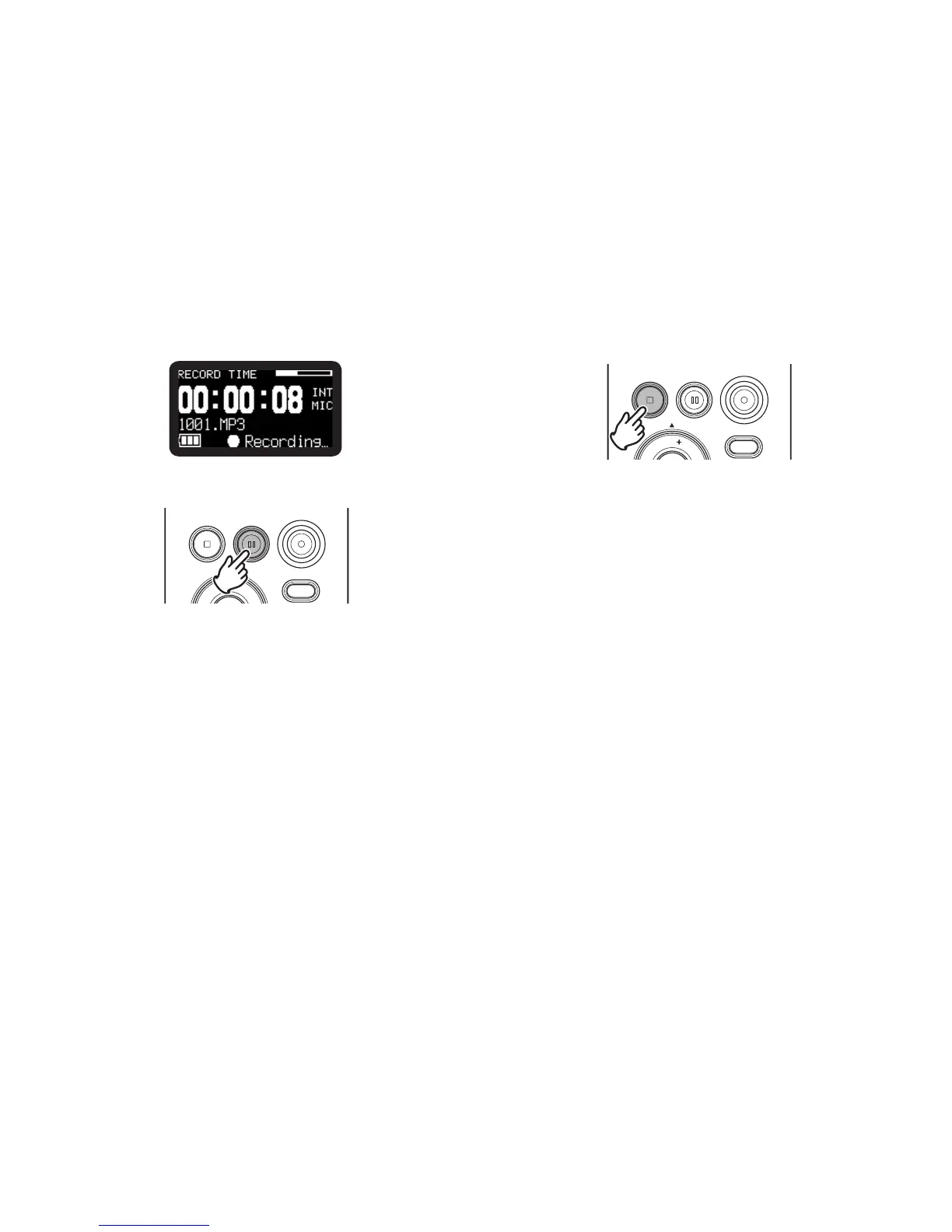
• The display will show the information display of recording.
(
v
P.35)
3.
Press the REC PAUSE button to pause recording.
REC
DISPLAY
VOL
REC PAUSESTOP/CANCEL
4.
Press the STOP/CANCEL button to stop recording and end
the file (close the audio file).
REC
DISPLAY
VOL
REC PAUSESTOP/CANCEL
The display switches to information about the just recorded
file. You can press the 1/3/ENTER button to play the just
recorded file, or push the STOP/CANCEL button again to
enter Stop mode. Then pressing the 1/3/ENTER button will
play the beginning of the first audio file.



 To Next Page