54
Card Format
1.
From Stop, press and hold the DISPLAY button for one
second.
2.
Press the VOL + or VOL – button to select “Utility”.
Then press the 1/3/ENTER button.
3.
Press the VOL+ or VOL– button to select “Card Format”. Then
press the 1/3/ENTER button.
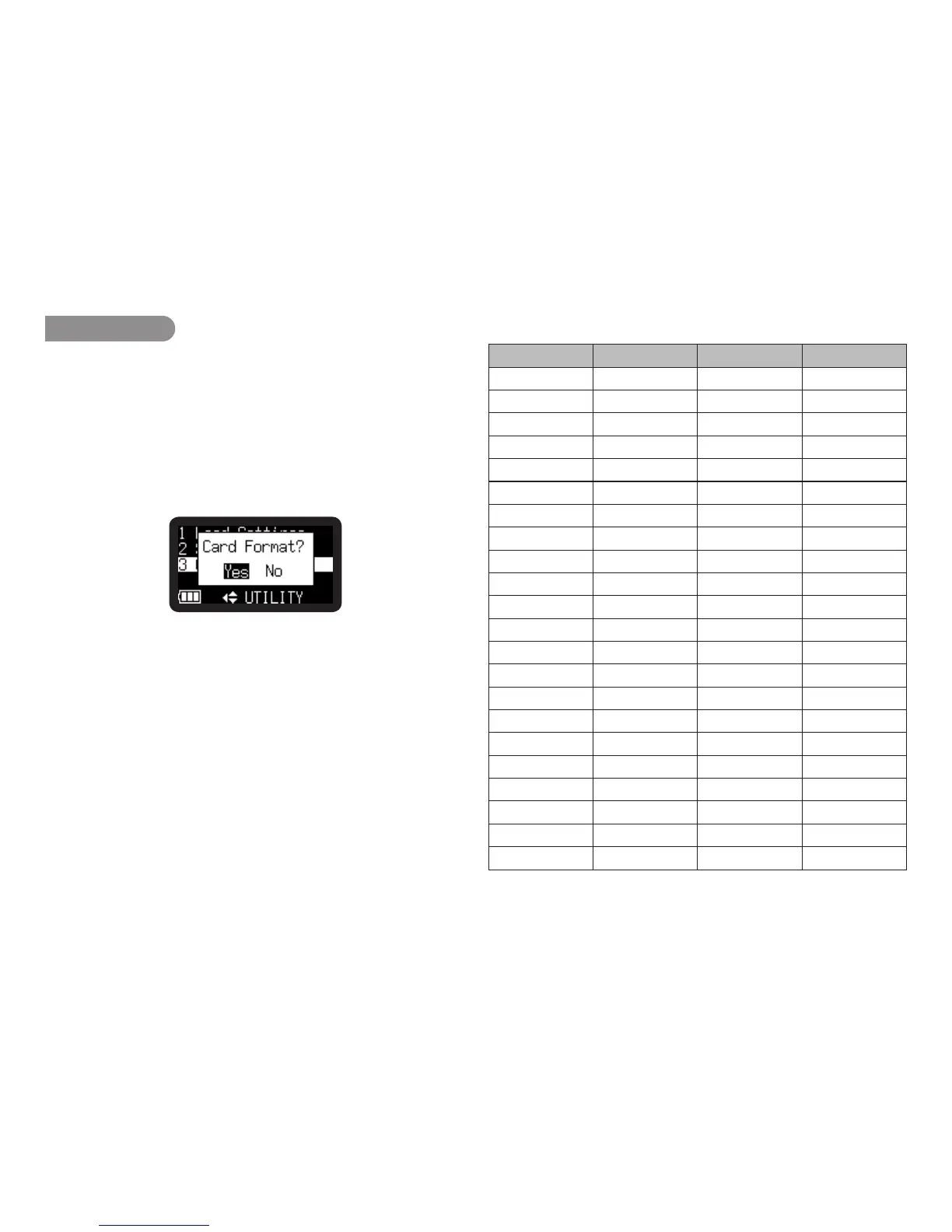
• “CardFormat?”messageisdisplayed.
• Pressthe STOP/CANCEL button to cancel a Card Format
item and return to STOP.
4.
While “Card Format?” message is displayed, select “Yes”
and press the 1/3/ENTER button to format the SD card.
During formatting, “Executing...” is displayed. After displaying
“Completed” for a second, PMD620MK
II
return to Stop mode.
File format of the 620preset2.txt
Item Separator Set value Break
[Preset-1] Fixed value 0D0Ah
Name = 0D0Ah
Input = 0D0Ah
...
...
...
...
Auto Power Off = 0D0A0D0A h
[Preset-2] Fixed value 0D0Ah
Name 0D0Ah
Input = 0D0Ah
...
...
...
...
Auto Power Off = 0D0A0D0A h
[Preset-3] Fixed value 0D0Ah
Name 0D0Ah
Input = 0D0Ah
...
...
...
...
Auto Power Off = 0D0A0D0A h
[Display] Fixed value 0D0Ah
Brightness 0D0Ah
...
...
...
...
File Sort 0D0A0D0A h
[Common] Fixed value 0D0Ah
Machine ID = 0D0Ah
Version = 0D0Ah
Note:
• ThePMD620MKIIcannotreadanoldfile,620preset.cfg.



 To Next Page