39
Copy Segment
Copy Segment physically turns your “highlighted” section into
a new and separate file, without destroying the original source
file(s).
1.
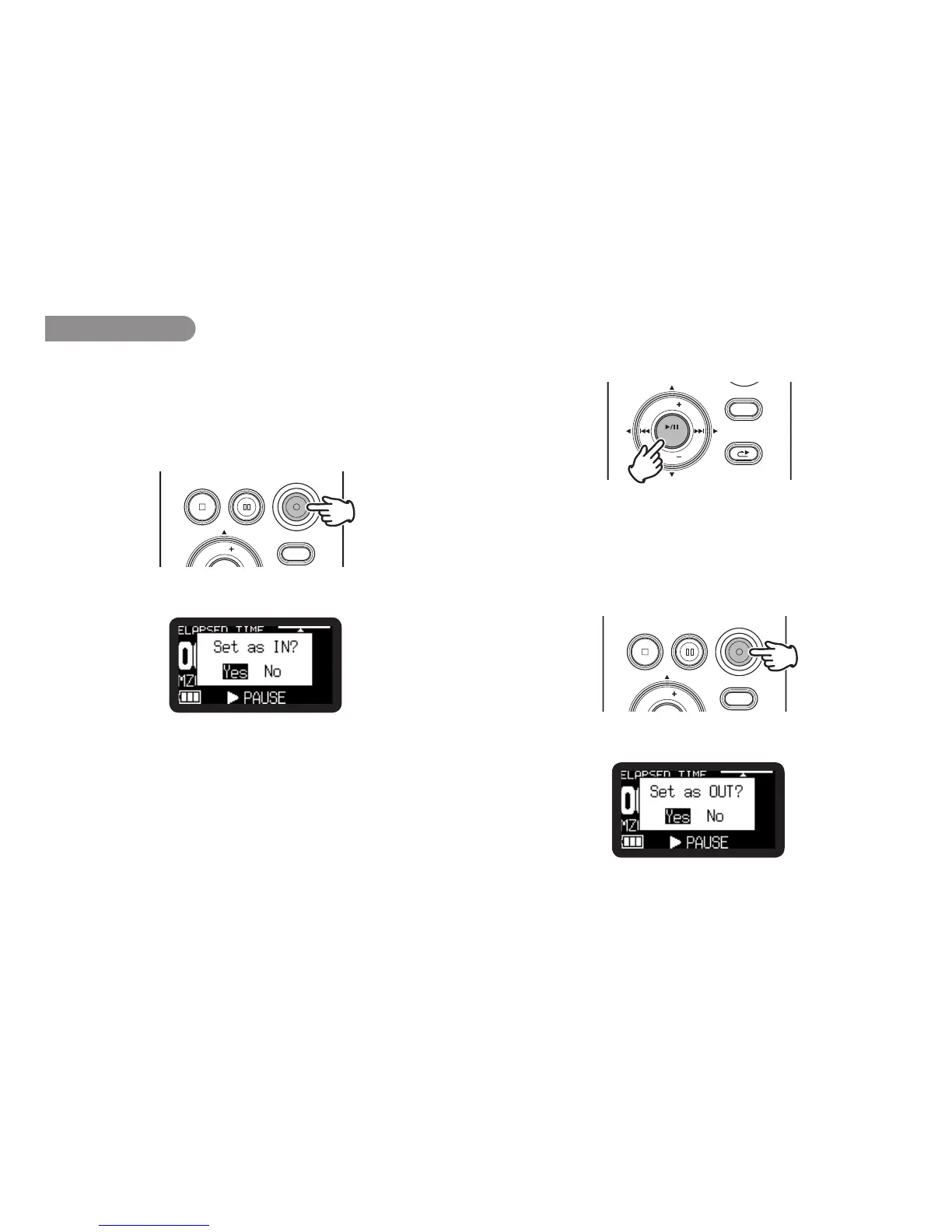
During playback, press the REC button when the audio
reaches your desired In Point.
REC
DISPLAY
VOL
REC PAUSESTOP/CANCEL
“Set as IN?” is displayed.
2.
Press the 1/3/ENTER button to store the In point. “IN-” will
flash in the display to indicate the In point has been stored and
playback of the file resumes.
DISPLAY
MENU/STORE
SKIP BACK
VOL
ENTER
VOL
RETAKE
3.
Continue to let the PMD620MK
II
play to your desired Out
point, or use the standard transport controls like the 8 or
9 button to span greater time lengths.
4.
When you have reached your desired Out point, press the
REC button.
REC
DISPLAY
VOL
REC PAUSESTOP/CANCEL
“Set as OUT?” is displayed.



 To Next Page