32
3.
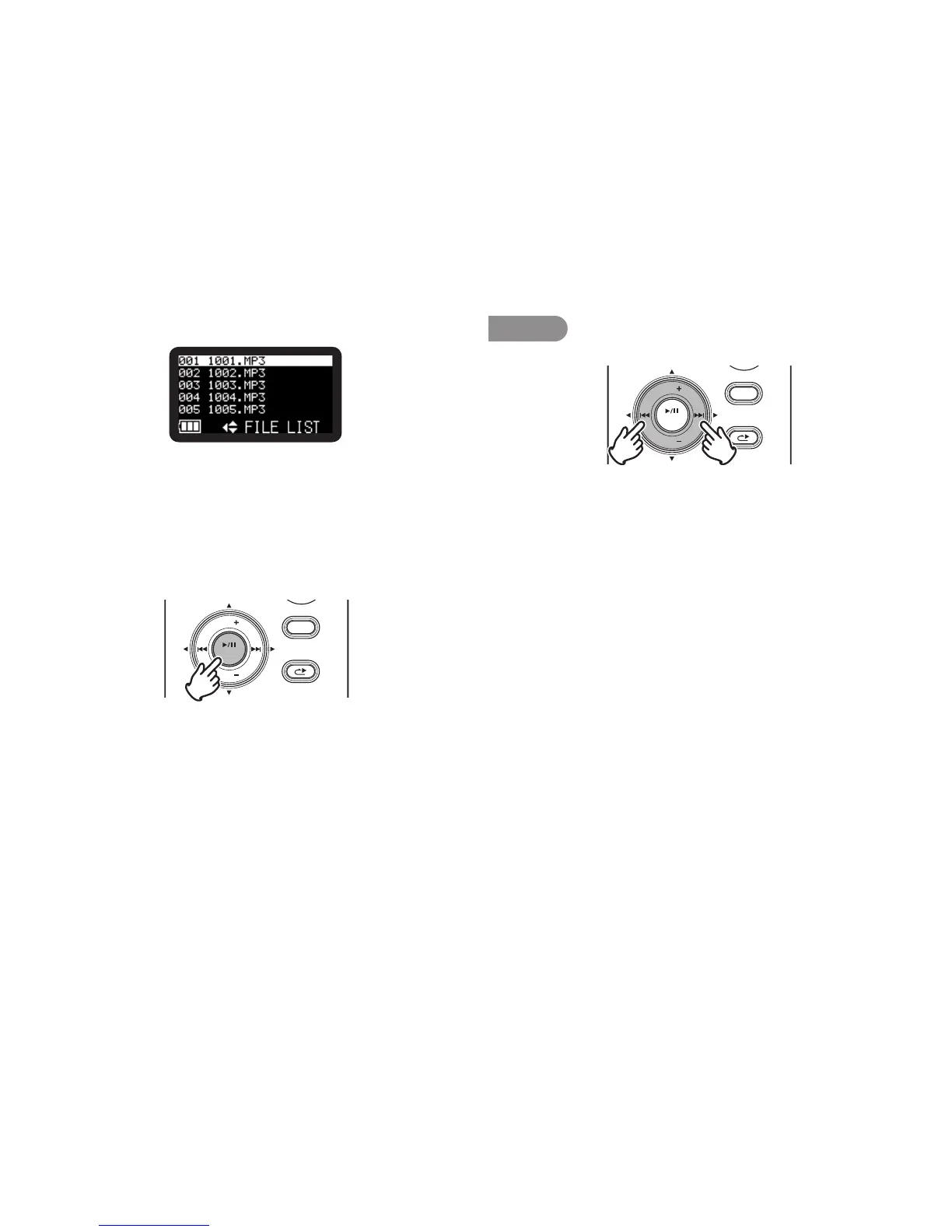
Press the VOL + or VOL – button to select the audio file.
• When the selected file has been recorded with encrypted
recording, the correct passcode must be input. (
v P.33)
• Filesrecordedwithencryptedrecordinghavetheextension
WAS for WAV files or MPS for MP3 files.
• Ifanincorrectpasscodeisinput,thefileisnotplayed.
4.
Press the VOL + or VOL – button to select “Play”. Then press
the 1/3/ENTER button to begin playback.
DISPLAY
MENU/STORE
SKIP BACK
VOL
ENTER
VOL
RETAKE
• Duringplayback,presstheSTOP/CANCEL button to return
to the File list.
Note:
Ifthetextissmallanddifficulttosee,youcanincreasethefontsizeusingthe
preset“FontSize”.(
v
P.72)
Search
DISPLAY
MENU/STORE
SKIP BACK
VOL
ENTER
VOL
RETAKE
In Play-Pause mode, press and hold the 8 or 9 button for
high speed searching without audio. 10X searching speed from
beginning to 3 seconds, and 140X speed over 3 seconds until
release the button. When you release the button, the recorder
returns to playback paused.
If the end of the file is passed with 9 button still held down,
search moves to the next file and continues searching in the
forward direction.
If the tip of the file is passed with 8 button still held down,
search moves to the previous file and continues searching in the
reserve direction.
During playback, press and hold the 8 button to “rewind” and
do a 2X speed audible search in the reverse direction.
During playback, press and hold the 9 button to “fast
forward” and do a 2X speed audible search in the forward
direction. Release to return to normal forward playback.



 To Next Page