40
5.
Press the 1/3/ENTER button to store the Out point.
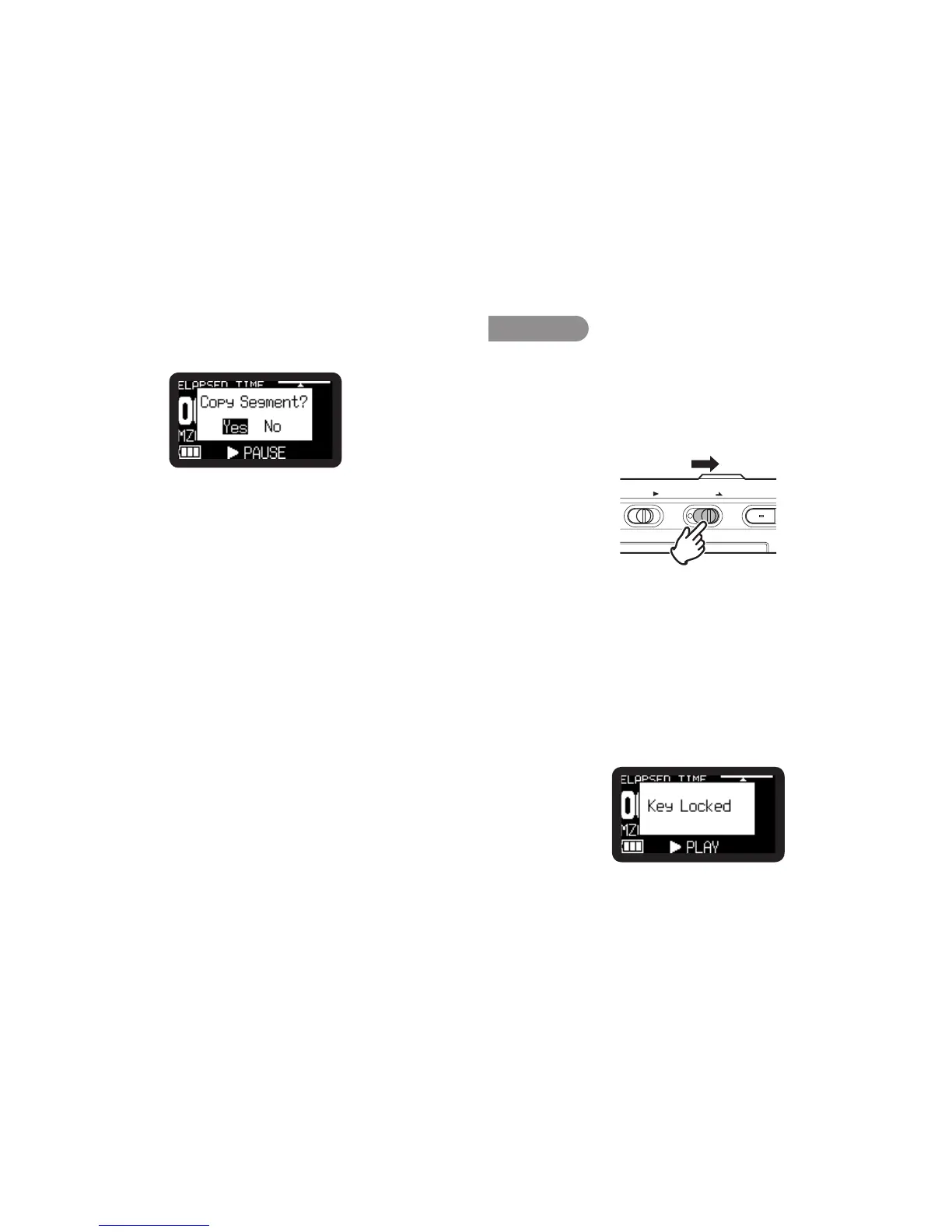
“Copy Segment?” is displayed.
6.
Press the 1/3/ENTER button to start the copy process.
“Executing...” will be shown on the display.
When the copy procedure is completed, the display will show
“Completed” for 1 second and then returns to stop mode with
your new file as the current file.
Notes:
• Whenacopy area spansacrosstwo or more files, a fileis connected and
copied.
• Whenthecopy area spansacrossfiles ofdifferent “RecFormat” or “Rec
Channel”setting,itcannotcopy.
• Thecopyareacannotexceed80minutes.
Key Lock
Slide the Key Lock switch to lock the keys.
The key lock secures the PMD620MK
II
in the state it is in during
recording, playback or stop.
During Record and Rec-Pause mode, the POWER switch is
always invalid.
POWER KEYLOCK REC
Notes:
• If“KeyLock”settingisAll,onlytheoptionalremotecontrollerRC600PMD
isaccepted.
• If“Key Lock”setting is Partial,theREC, REC PAUSE and STOP/
CANCELbuttonsonthepanel,andRC600PMDareaccepted.
Setupthe“KeyLock”ofthepresetmenu.(
v
P.65)
• “Key Locked” is displayed for 1 second when the key is
pressed during key lock.



 To Next Page