51
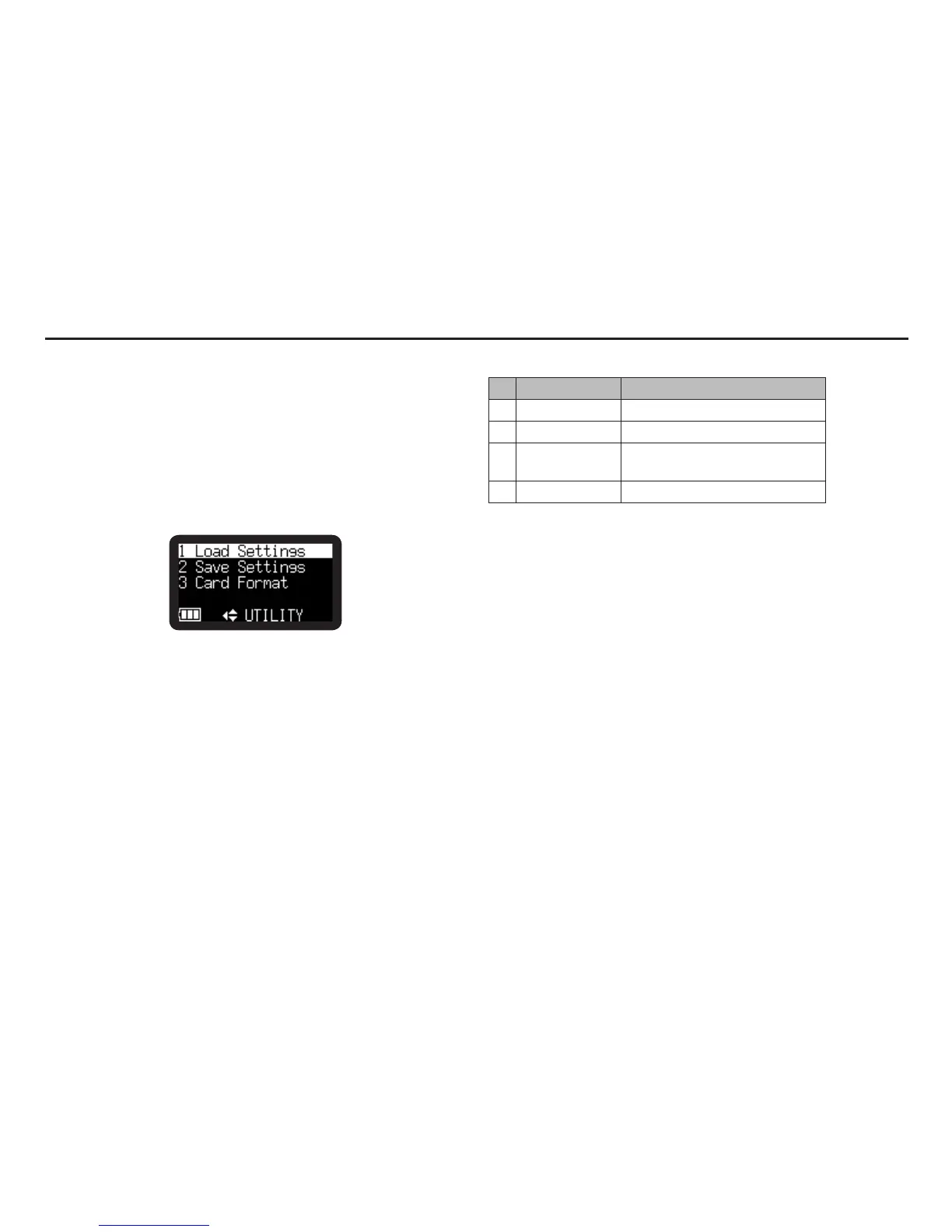
The setting data load and save functions and the SD card format
and card writing performance can be checked on the “Utility”
menu.
1.
From Stop, press and hold the DISPLAY button for one
second.
2.
Press the VOL + or VOL – button to select “Utility Menu”.
3.
Press the 1/3/ENTER button.
• During Utility menu mode, press the STOP/CANCEL
button to return to Stop mode.
Utility Functions
# Display Description
1 Load Settings Load setting data from SD card.
2 Save Settings Save setting data to SD card.
3 Card Check
Check the SD card writing
performance.
4 Card Format Delete all files
Utility Menu



 To Next Page